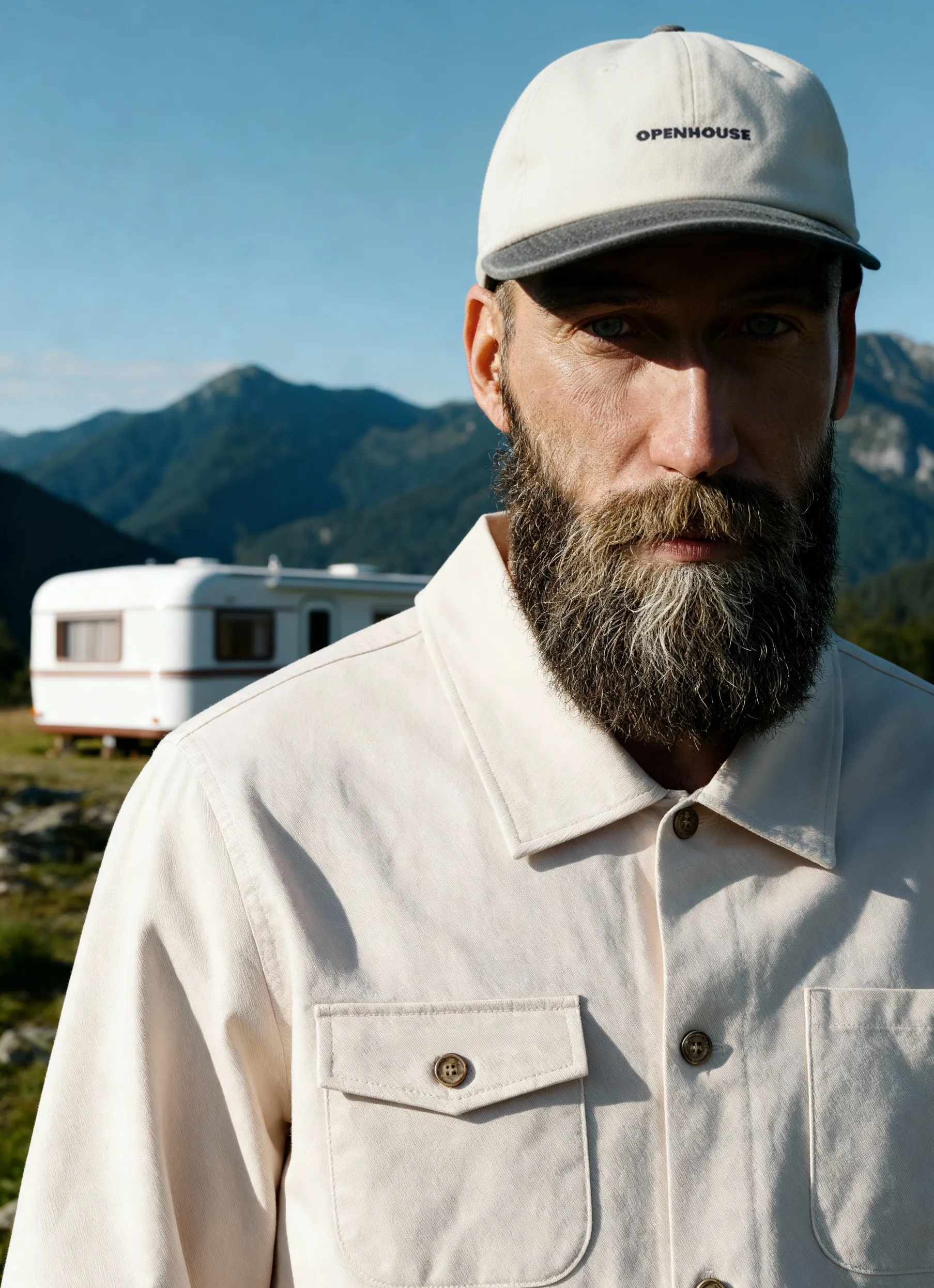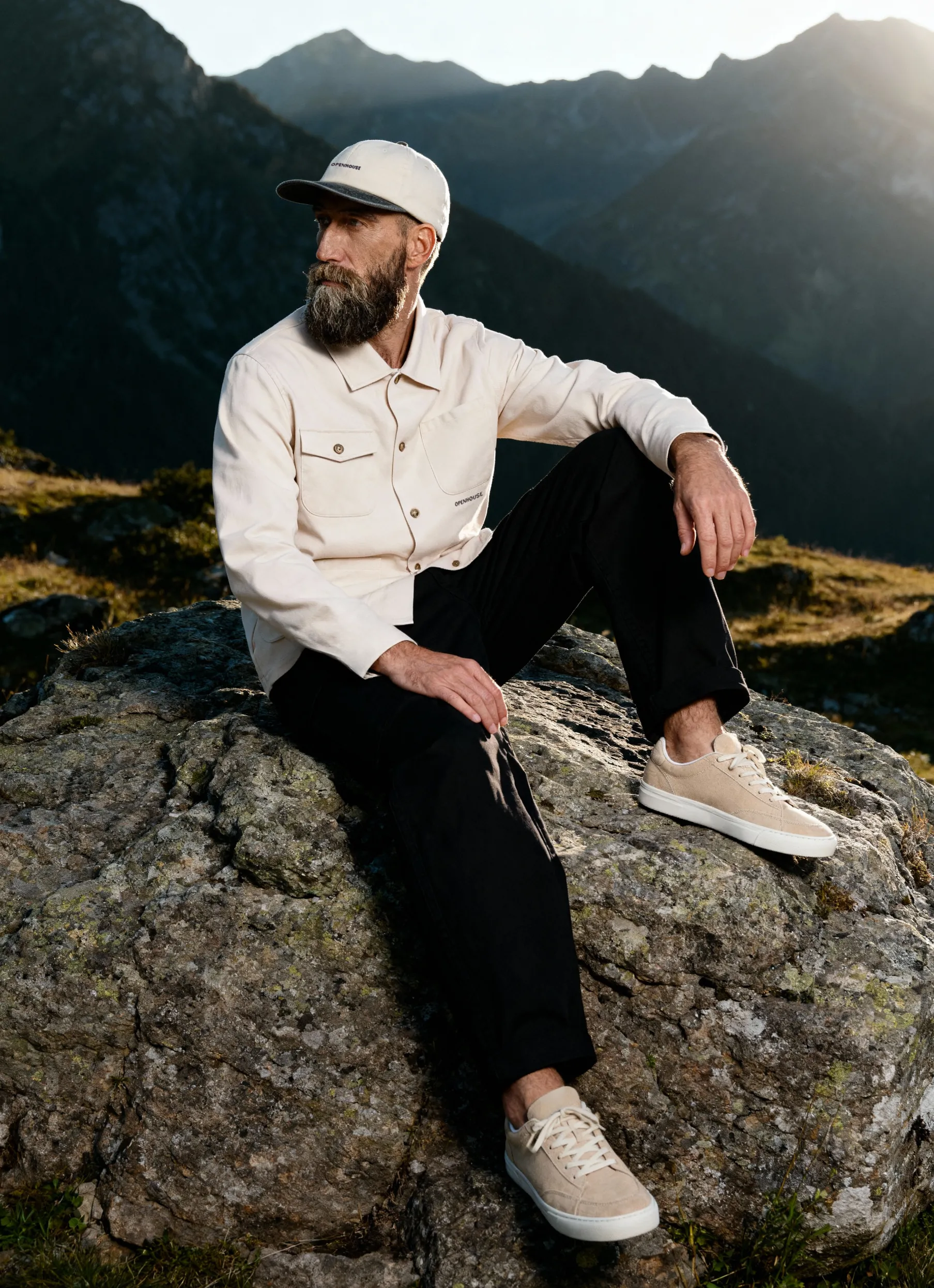


Product photography has always been a numbers game. Whether you're shooting 50 SKUs for a seasonal catalog or 500 variations for an online store launch, the editing process can quickly become the bottleneck in your workflow. Enter AI batch editing, a technology that's transforming how businesses handle large-scale image processing in 2026.
This approach doesn't just speed up your workflow; it fundamentally changes what's possible when you need consistent, professional edits across hundreds or thousands of images.
The Evolution of Batch Editing in Product Photography
Traditional batch editing meant applying the same preset to multiple images and hoping for the best. You'd adjust exposure on one photo, create an action in Photoshop, and run it across your entire shoot. Sometimes it worked beautifully. Other times, you'd spend hours fixing images that didn't quite match the original settings.
AI batch editing of product photos changes this equation entirely. Modern artificial intelligence understands context, adapts to different lighting conditions, and makes intelligent decisions about each individual image while maintaining consistency across the entire set.
The technology has matured significantly over the past two years. Research analyzing 83,000 real-world image editing requests demonstrates that AI can now handle everyday editing tasks with impressive accuracy, making it viable for professional product photography workflows.
How AI Understanding Differs from Traditional Presets
Traditional presets apply fixed values regardless of image content. AI systems analyze each image individually, identifying:
- Product types and materials (fabric, metal, glass, wood)
- Lighting conditions and shadows
- Background elements
- Color accuracy needs
- Required corrections for each specific image
This means when you're editing a jewelry collection with mixed metals, the AI recognizes the difference between silver and gold, adjusting each appropriately while maintaining overall consistency.
Key Capabilities That Transform Product Photography Workflows
When you're working with an AI batch editing of product photos, you're accessing capabilities that go far beyond simple color correction. Understanding product photography workflow becomes essential for integrating these AI tools effectively.
Background Removal and Replacement
Removing backgrounds used to be tedious work, especially when dealing with products that have complex edges like jewelry chains, hair products with pump bottles, or textured fabrics. AI-powered tools now handle this automatically across entire batches.
Services like Photoroom's batch editor and Pixelcut's bulk image editor specialize in this exact workflow, processing hundreds of images while preserving fine details that manual editing might miss.
The real advantage appears when you need consistency. If you're preparing images for e-commerce image standards, every product needs identical background treatment. AI ensures pixel-perfect consistency across your entire catalog.
Color Correction and White Balance
Product photography lives or dies on accurate color representation. When customers can't touch or see products in person, color accuracy becomes your primary selling tool. AI batch editing addresses this through:
- Automatic white balance correction across varying lighting conditions
- Material-specific color adjustments that understand how different surfaces reflect light
- Consistent skin tone correction for model shots
- Brand color matching to ensure logos and specific colors stay true
For businesses working on clothing brand photoshoots, this means your navy blazer looks the same navy whether photographed in morning or afternoon light.
Shadow and Reflection Handling
Here's where the AI batch editing of product photos truly shines compared to manual work. Creating realistic shadows or removing unwanted reflections manually requires significant skill and time. AI systems can:
- Generate natural-looking drop shadows that match the lighting direction
- Remove unwanted reflections from glossy surfaces
- Add consistent reflection effects for product consistency
- Adjust shadow intensity based on product positioning
Natural Language Editing Commands
The newest development in AI batch editing of product photos involves natural language processing. Instead of adjusting sliders or creating complex actions, you describe what you want in plain English.
Research on Fashion Matrix demonstrates how AI systems enable users to edit photos through natural language commands, particularly valuable for fashion and product photography. This technology is becoming mainstream in 2026.
Imagine telling your editing software: "Make all backgrounds pure white, add a subtle drop shadow at 45 degrees, and ensure product colors match our brand guidelines." The AI processes this instruction across your entire batch, understanding context and intent.
Tools like Google's AI-assisted editing features are bringing this capability to more photographers. Ask Photos demonstrates how complex edits through simple commands work in practice.
Building Custom Editing Workflows
Rather than working with one-size-fits-all presets, AI batch systems let you create intelligent workflows that adapt to different scenarios:
- Category-specific rules: Jewelry gets different treatment from apparel
- Platform-specific outputs: Instagram requires different specs than Amazon
- Seasonal adjustments: Holiday collections might need warmer tones
- Brand guideline enforcement: Automatic compliance with style requirements
When you're managing product photography for multiple categories, these customizable workflows become essential for maintaining quality at scale.
Performance Optimization for Large Batches
Processing thousands of images efficiently requires more than just good algorithms. Research on serving image editing requests introduces systems like InstGenIE that optimize AI batch editing through mask-aware caching and intelligent scheduling.
What does this mean for practical workflows? When you're editing 1,000 product photos, the system learns from early images and speeds up processing for later ones.
Understanding Batch Size Impact
Not all batches perform equally. Studies examining edit batch sizes reveal that model performance varies based on batch configuration. For product photography, this translates to practical considerations:
Optimal batch sizes typically range from 25 to 100 images for most AI editing platforms in 2026. Smaller batches allow for quick iteration and adjustment, while larger batches maximize processing efficiency once you've confirmed the settings work correctly.
Consider this workflow:
- Process a test batch of 10-15 representative images
- Review results and adjust parameters
- Run the full batch once settings are confirmed
- Spot-check results throughout the batch
- Make final manual adjustments only where needed
Integrating AI Editing with Professional Photography Services
While AI batch editing offers tremendous efficiency, it works best when combined with professional photography expertise. Professional product photography services provide the foundation that makes batch editing truly effective.
Poor source images create poor results, regardless of AI capabilities. Starting with properly lit, well-composed photographs means AI editing enhances rather than rescues your images.
When to Shoot with Batch Editing in Mind
Planning your shoots around batch editing capabilities changes your approach:
- Consistent lighting setups allow AI to apply edits uniformly
- Standardized product positioning improves automated shadow generation
- Controlled backgrounds make removal and replacement more accurate
- Proper exposure gives AI more data to work with during adjustments
For specialized product categories, this planning becomes even more critical. Jewelry photography requires specific angles that work well with automated editing processes.
Combining AI with Human Expertise
The most effective workflows in 2026 blend AI efficiency with human judgment. Here's a realistic division of labor:
.jpg)
Professional teams like those at Squareshot's AI services combine automated processing with expert oversight, ensuring both efficiency and quality.


Platform-Specific Requirements and Batch Processing
Different sales channels demand different image specifications. Amazon, Shopify, Instagram, and your own website each have unique requirements. AI batch editing excels at creating multiple versions from a single source image.
Multi-Platform Output Generation
Modern AI editing tools can simultaneously generate:
- Amazon listings: Meeting specific dimension requirements with pure white backgrounds
- Shopify stores: Optimized for platform image standards
- Social media: Square crops, vertical formats, with brand overlays
- Print catalogs: High-resolution versions with CMYK color profiles
This multi-output capability transforms a single photography session into assets for every channel you use. Instead of manually creating versions, you define requirements once and let AI generate appropriate outputs for each platform.
Aftershoot's AI-powered batch editing demonstrates how professional photographers implement this multi-platform approach while maintaining quality standards.
Real-World Performance and Cost Considerations
How does AI batch editing actually impact your bottom line? The math becomes compelling quickly when you're processing volume.
Manual editing costs typically range from $3-10 per image, depending on complexity and whether you're handling it in-house or outsourcing. For a 200-image product catalog, that's $600-2,000 just in editing costs.
AI batch editing brings this down dramatically:
- Professional AI editing services: $0.25-1.50 per image
- Self-service AI platforms: $0.10-0.50 per image with subscription
- Enterprise AI solutions: Custom pricing, often under $0.20 per image at volume
Time Savings That Scale
Beyond direct costs, consider time savings. A skilled editor might process 20-30 product images per hour manually. AI batch editing handles 100-500+ images per hour, depending on complexity.
For businesses managing regular product launches, this time difference determines whether you can meet market deadlines. When you're planning clothing brand photoshoots, factoring in realistic editing timelines becomes crucial for budgeting and scheduling.
Quality Consistency Across Large Catalogs
Perhaps the most undervalued benefit is consistency. Human editors naturally introduce variation, especially across hundreds of images or multiple editing sessions. AI maintains pixel-perfect consistency across thousands of images.
This consistency becomes critical when customers browse your catalog. If product 47 looks slightly different in tone than product 48, it creates subtle doubts about color accuracy. AI batch editing eliminates this variable entirely.
Emerging Trends and Capabilities for 2026
The field of AI batch editing product photos continues to evolve rapidly. Several emerging capabilities are becoming mainstream in 2026:
Contextual Enhancement
Rather than applying identical edits, newer AI systems understand product context and adjust accordingly. A leather handbag receives a different enhancement than a silk scarf, even within the same batch.
Google's Nano Banana demonstrates practical applications of this contextual understanding in everyday photo editing, including product imagery.
Automated Style Matching
You can now upload reference images showing your desired style, and AI applies those aesthetic choices across entire batches. This is particularly valuable for businesses with established photography style guides.
The AI analyzes your reference images for:
- Color grading preferences
- Contrast and brightness levels
- Shadow and highlight treatment
- Background style choices
- Overall mood and aesthetic
Intelligent Upselling Through Visual Consistency
When all your product images maintain consistent quality and style, customers focus on the products themselves rather than being distracted by editing inconsistencies. This subtle improvement in browsing experience translates to measurable increases in conversion rates.
Choosing the Right AI Batch Editing Solution
With numerous options available in 2026, selecting the right AI batch editing solution requires evaluating several factors:
Desktop vs. cloud-based processing each offers advantages. Desktop solutions like Evoto AI provide processing power for professional photographers who handle large volumes, while cloud-based options offer accessibility and scalability.
Evaluation Criteria
When testing AI batch editing solutions, assess these capabilities:
- Accuracy on your specific product types: Test with your actual inventory
- Processing speed at your typical volumes: Benchmark realistic batch sizes
- Integration with existing workflows: Consider compatibility with current tools
- Customization capabilities: Evaluate how well you can define brand-specific requirements
- Output quality and file format options: Ensure it meets technical specifications
- Cost structure at your volume: Calculate the total cost of ownership
For businesses working with minimalist product photography, AI editing tools should preserve the clean aesthetic while enhancing product details.
Questions About AI vs. Human Photography
The rise of AI editing naturally leads to questions about whether brands should use AI product images entirely. The current answer in 2026 is nuanced: AI excels at editing real photographs but doesn't yet replace professional photography for most product categories.
The winning combination pairs professional photography with AI-powered editing workflows, capturing the best of both worlds: authentic product representation with efficient, consistent processing.
Implementation Strategy for Your Business
Rolling out AI batch editing of product photography requires thoughtful implementation rather than wholesale replacement of existing processes. Start with a pilot program:
Phase 1: Test with non-critical products. Begin with a product category that's important but not your primary revenue driver. This allows you to learn the system without risking your core business.
Phase 2: Establish quality benchmarks. Compare AI-edited results against your current manual editing. Define acceptance criteria that balance efficiency gains with quality requirements.
Phase 3: Expand to full catalog. Once you've refined your workflow and confirmed quality, scale up to your complete product range.
Training and Team Adaptation
Your photography and editing team needs support during this transition. While AI batch editing reduces manual work, it requires new skills:
- Setting up and testing batch parameters
- Quality assurance for AI-processed images
- Identifying when manual intervention improves results
- Optimizing source photography for better AI outcomes
Professional studios understand this balance. Whether you're working with e-commerce product photography services or handling photography in-house, investing in team training maximizes your AI investment.
Maintaining Brand Identity Through Automated Editing
One concern about AI batch editing involves maintaining a unique brand identity when using standardized AI tools. The solution lies in customization and thoughtful parameter setting.
Your brand's visual identity consists of numerous subtle elements: color palette preferences, shadow intensity, background choices, and overall mood. Advanced AI editing platforms allow you to encode these preferences into reusable workflows that preserve your brand while automating technical execution.
Creating Brand-Specific Editing Profiles
Think of AI batch editing as a skilled assistant who learns your preferences. You're not accepting generic results; you're teaching the system your brand standards:
- Color profiles that match your specific brand colors
- Lighting preferences that align with your brand mood
- Shadow and depth styles consistent with your aesthetic
- Background treatments that reinforce brand positioning
This customization ensures that whether you're shooting watch photography or apparel, every image reinforces your brand identity while benefiting from automation efficiency.
The technology has matured to the point where it complements rather than competes with professional photography expertise, making it accessible for businesses of all sizes. Squareshot pairs professional photography with fast, advanced editing, delivering product images that meet the highest standards, even at high volume and tight deadlines.
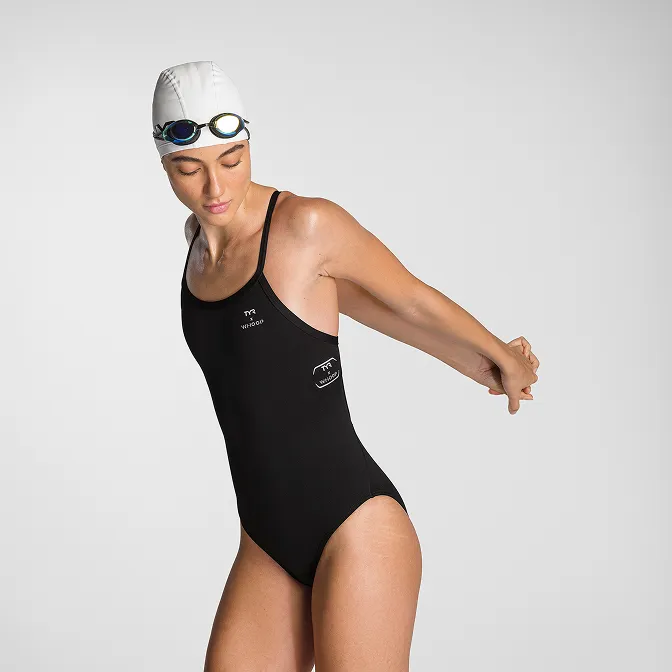
Product A
SQUARE SHOT