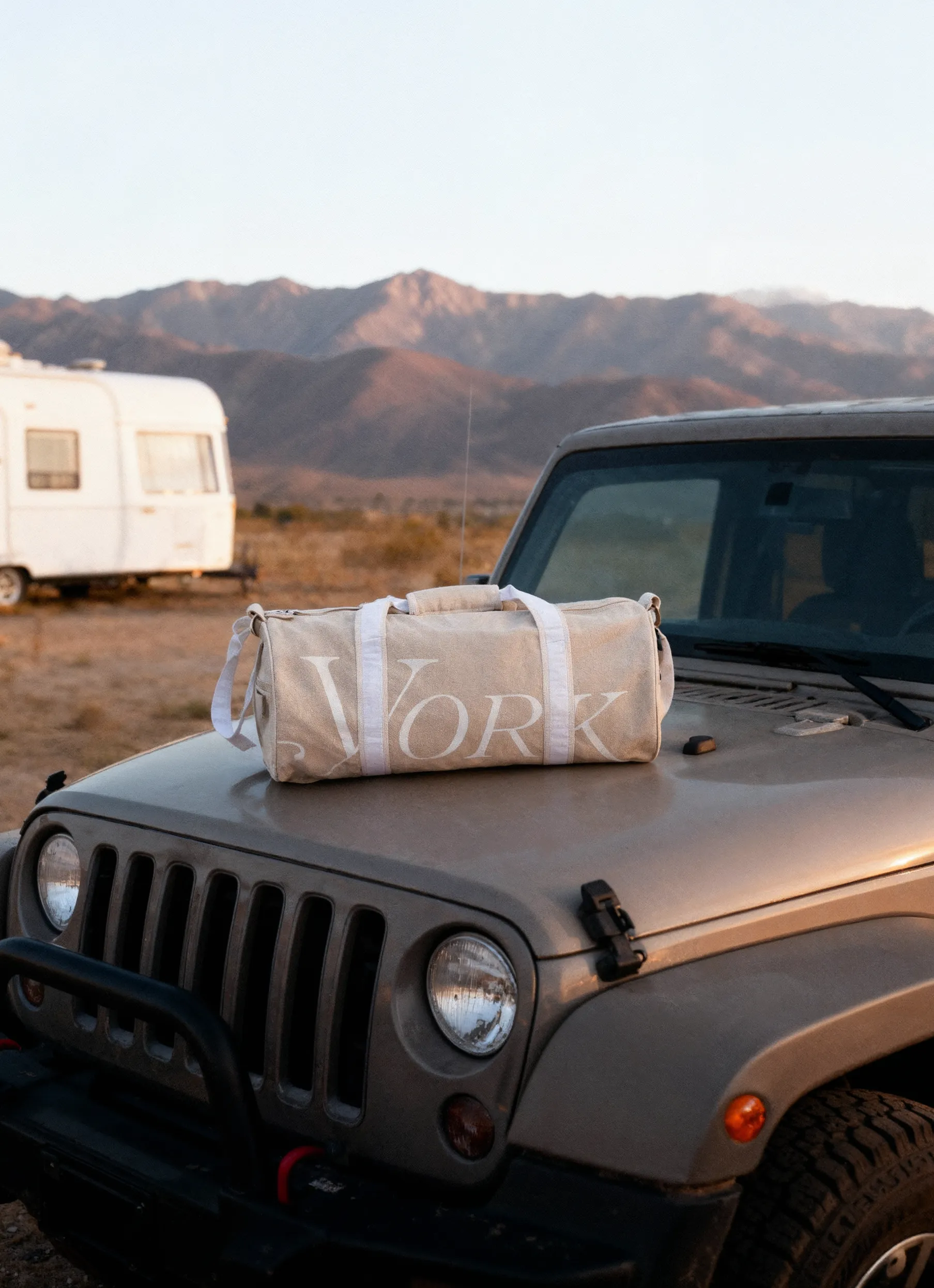


A beautiful product photo that loads slowly is a lost sale. Getting your Shopify image sizes correct means your store loads fast, looks professional, and converts.
Image specifications directly affect site performance, search rankings, and your bottom line, whether you're launching a new store or fixing an existing one. Mobile commerce dominates in 2026, and Shopify keeps updating its platform. Getting your image dimensions right matters more than ever.
Why Shopify Image Sizes Matter More Than Ever
Your image dimensions directly affect three critical areas of your online store: page loading speed, visual consistency, and conversion rates. When you upload images that are too large, Shopify has to work harder to resize and serve them, slowing down your site and frustrating potential customers.
Page speed is a confirmed ranking factor for Google, and studies consistently show that even a one-second delay can reduce conversions.
Conversely, images that are too small appear pixelated or blurry, especially on high-resolution displays that are now standard on most devices. This immediately undermines trust and makes your products look unprofessional. Getting Shopify image sizes right from the start saves you from costly re-shoots and ensures your products always look their best.
Here's what happens when you nail your image specifications:
- Faster loading times across all devices
- Consistent visual presentation throughout your store
- Better SEO performance and search rankings
- Higher conversion rates and reduced bounce rates
- Improved mobile shopping experience
- Professional brand appearance
The complete guide to Shopify image sizes covers these dimensions in detail, but let's break down exactly what you need for each image type in your store.
Product Image Dimensions and Specifications
Product images are the backbone of your Shopify store, and getting them right is non-negotiable. The recommended size for Shopify product images is 2048 x 2048 pixels, which provides excellent quality while remaining manageable for page speed. This square aspect ratio (1:1) works beautifully across all Shopify themes and ensures your products display consistently.
Primary Product Photos
Your main product photo should always be the highest quality image available. Shopify supports images up to 4472 x 4472 pixels and 20 megapixels, but there's a practical balance to strike. Here's what works best:

When working with professional product photography services, communicating these exact specifications upfront saves time and ensures deliverables match platform requirements. Understanding different types of e-commerce images helps you plan which shots you need at which dimensions.


Alternative Aspect Ratios
While 1:1 is the safest bet, some products benefit from different aspect ratios. Fashion items often look better at 2:3 (portrait), while furniture might work well at 4:3 (landscape). If you deviate from the square, consider these dimensions:
- 2:3 Portrait: 1365 x 2048 pixels (ideal for clothing on models)
- 4:3 Landscape: 2048 x 1536 pixels (great for wide products)
- 16:9 Wide: 2048 x 1152 pixels (works for lifestyle scenes)
The key is consistency. Pick one aspect ratio for each product category and stick with it throughout your store. Mixed aspect ratios create a jarring, unprofessional appearance.
Collection and Category Page Images
Collection images serve as visual anchors for product groups, helping customers navigate your store efficiently. These hero images appear at different sizes depending on your theme, but most Shopify themes work best with collection images at 1600 x 1000 pixels or higher.
Your collection page layout determines optimal dimensions. Grid-style collections benefit from square images (1200 x 1200 pixels), while banner-style collections need wider formats (1800 x 1000 pixels). Test your chosen theme with sample images before committing to a full shoot.
Best practices for collection images include:
- Maintain consistent styling across all collection banners
- Use lifestyle photography that shows products in context
- Ensure text overlays remain readable at mobile sizes
- Keep focal points centered for safe cropping
- Leave breathing room around key visual elements

The Shopify image optimization guide provides deeper insights into formatting these images for maximum impact while maintaining fast loading speeds.
Homepage and Banner Image Specifications
Your homepage makes the first impression, and banner images need to work perfectly across all device sizes. Homepage hero banners should be at least 2400 x 1600 pixels to look crisp on large desktop monitors while still being optimized for mobile.
Slideshow and Hero Banners
Modern Shopify themes use responsive images that automatically crop and resize based on screen size. This means you need to think in terms of "safe zones", the area guaranteed to be visible across all devices.

Place your most important visual elements and any text within the safe zone. Logos, calls-to-action, and product features should never extend into areas that might be cropped on mobile devices. When planning your clothing brand photo shoot, brief your photographer on these safe zones to ensure usable compositions.
Announcement and Promotional Banners
These slim banners typically sit at the top of your site and require different dimensions. Keep these at 1200 x 400 pixels for optimal display. Since they're primarily text-based, ensure your background image is subtle enough not to compete with the message.
Logo and Favicon Requirements
Your brand identity elements need careful attention to Shopify image sizes. Logos appear in multiple locations: header, footer, checkout pages. Each placement may render at a different size.
Logo specifications:
- Recommended upload size: 450 x 200 pixels
- File format: PNG with transparent background
- Maximum file size: 50 KB
- Aspect ratio: Flexible, but keep proportions consistent
Most themes automatically resize your logo, but starting with a properly sized file ensures the best quality. If your logo is primarily horizontal, 450 x 200 works perfectly. Vertical or square logos should be 200 x 200 pixels to prevent awkward scaling.
Favicon specifications:
- Size: 32 x 32 pixels (minimum) or 512 x 512 pixels (recommended)
- File format: PNG or ICO
- Square aspect ratio required
- Simple design works best at small sizes
Modern browsers support high-resolution favicons, so uploading at 512 x 512 pixels gives you flexibility for various uses, including mobile home screen icons.
Blog Post and Featured Images
If you're running a Shopify blog to drive traffic and build authority, featured images require specific attention. Blog featured images should be 1200 x 628 pixels. This dimension works perfectly for both blog grids and social media sharing.
When visitors share your blog posts on Facebook, Twitter, or LinkedIn, these platforms pull your featured image. The 1200 x 628 dimension is the sweet spot that displays well across all major social networks without cropping important elements.
Consider these blog image best practices:
- Feature images: 1200 x 628 pixels
- In-content images: 1000 x 667 pixels (or wider depending on context)
- Image galleries: Match your product image dimensions
- Infographics: 800-1000 pixels wide, variable height
The comprehensive Shopify image sizes reference includes detailed specifications for blog and content images across different theme layouts.
File Formats and Compression
Understanding Shopify image sizes extends beyond just dimensions. File format and compression dramatically impact performance too. In 2026, WebP has become the standard format for Shopify stores, offering 25-35% smaller file sizes compared to JPEG with equivalent quality.
Format Selection Guide
Different image types benefit from different formats:
- Product photos: WebP first choice, JPG as fallback
- Graphics with transparency: PNG-24 or WebP
- Simple graphics: PNG-8 for the smallest file size
- Animated content: WebP (animated) or GIF
Shopify automatically converts and serves images in modern formats when browsers support them, but uploading optimized files from the start reduces server processing and improves initial load times. For minimalist product photography, WebP's superior compression maintains clean backgrounds while keeping files small.
Compression Levels
File size matters as much as dimensions. Even perfectly sized images will slow your store if they're not compressed. Target these file size ranges:
- Product images: 150-500 KB (aim for under 300 KB)
- Collection banners: 200-600 KB (aim for under 400 KB)
- Homepage heroes: 300-800 KB (aim for under 500 KB)
- Logos and icons: Under 50 KB
Tools like TinyPNG, ImageOptim, or Shopify's built-in compression handle this automatically, but starting with properly sized images means less aggressive compression is needed, preserving more detail.
Mobile-Specific Considerations
With mobile commerce representing over 70% of traffic in 2026, mobile optimization isn't optional. Shopify's responsive themes automatically scale images, but understanding how this works helps you prepare better source files.
Mobile viewport considerations:
- Average mobile screen: 375-430 pixels wide
- Retina displays: Require 2x pixel density
- Effective product image size on mobile: 750-860 pixels
This means your 2048 x 2048 product images get scaled down significantly on mobile devices. However, that high resolution ensures crispness on retina displays and allows users to zoom in for details. The product image size specifications guide explains how Shopify's automatic resizing works across devices.
Touch-Optimized Image Galleries
Mobile users expect to swipe through product photos easily. Your image gallery should include:
- At least 5-8 different product views
- Consistent dimensions across all images
- High enough resolution for pinch-to-zoom
- Fast loading to prevent interaction delays
When shooting products for mobile-first customers, consider how details appear at smaller sizes. Close-up product photography becomes even more valuable when customers can't physically touch products.
Theme-Specific Image Requirements
While the standard Shopify image sizes we've discussed work across most themes, some themes have unique requirements. Premium themes often include specific image slots with fixed aspect ratios.
Before committing to your image specifications:
- Check your theme's documentation for recommended sizes
- Test sample images in different positions
- Verify mobile display across multiple devices
- Confirm all interactive features (zoom, galleries) work properly
- Review how images appear in the cart and checkout
The complete reference table for Shopify image sizes includes theme-specific variations and advanced optimization techniques for popular Shopify themes.
Bulk Upload and Image Management
Managing hundreds or thousands of product images requires a systematic approach. Shopify's bulk upload feature accepts CSV files with image URLs, but the images themselves must already be properly sized and hosted.
Best practices for bulk image management:
- Establish naming conventions before shooting (SKU-based works best)
- Process all images to standard dimensions in batches
- Use consistent compression settings across all products
- Maintain a master library of full-resolution originals
- Version control for updated product shots
Professional product photography services typically deliver images already sized for major platforms, saving you significant processing time. When selecting a photography partner, confirm they understand platform-specific requirements.
Testing and Quality Assurance
After uploading your perfectly sized images, testing ensures they perform as expected. Use these verification steps:
- PageSpeed Insights: Check overall image impact on load times
- Mobile Preview: Test on actual devices, not just browser tools
- Different Browsers: Verify WebP fallbacks work in older browsers
- Zoom Functionality: Confirm product images zoom smoothly
- Collection Grids: Check alignment and spacing across categories
The Shopify image size guidelines include testing checklists and common issues to watch for during quality assurance.
Advanced Optimization Techniques
Beyond basic shopify image sizes, advanced optimization can give you a competitive edge. Lazy loading, for instance, defers loading images until they're about to enter the viewport, dramatically improving initial page load times.
Lazy Loading Implementation
Most modern Shopify themes include lazy loading by default, but you can optimize further:
- Prioritize above-the-fold images for immediate loading
- Lazy load product gallery images beyond the first view
- Use appropriate loading="lazy" attributes
- Implement skeleton screens while images load
Responsive Image Srcsets
Shopify automatically generates multiple image sizes and serves appropriate versions based on device. You can enhance this by understanding how srcset works and ensuring your source images are large enough for all variants.
The platform typically creates these variants from your uploaded images:
- Thumbnail: 100 x 100 pixels
- Small: 200 x 200 pixels
- Compact: 160 x 160 pixels
- Medium: 480 x 480 pixels
- Large: 600 x 600 pixels
- Grande: 1024 x 1024 pixels
- Original: Your uploaded size (up to 4472 x 4472 pixels)
Starting with 2048 x 2048 ensures all these variants maintain excellent quality.
Common Mistakes to Avoid
Even experienced store owners make these Shopify image size mistakes. Here's what to watch out for:
- Uploading straight from camera: Raw files from professional cameras are massive (often 6000+ pixels) and uncompressed. Always process images first.
- Inconsistent aspect ratios: Mixing square, portrait, and landscape product images creates a chaotic appearance in collection grids.
- Over-compression: Pushing file sizes too low introduces artifacts and makes products look cheap.
- Ignoring alt text: While not strictly about size, poor alt text wastes your perfectly sized images' SEO potential.
- Wrong color space: Always use sRGB color space for web images. ProPhoto RGB or Adobe RGB can cause color shifts.
For specialized products like watch photography, understanding these technical details ensures intricate details remain sharp at all display sizes.
Seasonal and Promotional Image Updates
Your Shopify image sizes should remain consistent even when updating for sales, seasons, or new collections. This consistency speeds up the update process and maintains visual coherence.
Create templates for seasonal banners that match your standard dimensions:
- Holiday homepage heroes: 2400 x 1600 pixels
- Sale collection banners: 1600 x 1000 pixels
- Promotional overlays: Match product image dimensions
When running ecommerce photography sessions, plan ahead for seasonal variations by shooting products with neutral backgrounds that allow easy overlay graphics.
Image Organization Best Practices
Proper organization makes managing Shopify image sizes across hundreds of products manageable. Implement these systems from day one:

Link your image library to your product photography workflow for seamless handoff from shoot to store.
Accessibility and Image Optimization
Shopify image sizes affect not just performance, but accessibility. Properly sized images load faster for users with limited bandwidth, and optimized files reduce data consumption on mobile networks.
Beyond dimensions, make images accessible through:
- Descriptive alt text for every product image
- Proper color contrast for text overlays
- Sufficient detail for screen reader descriptions
- Logical image ordering in galleries
Understanding e-commerce image standards helps you create a store that's both beautiful and accessible to all customers.
Getting Shopify image sizes right changes your store's performance, look, and conversion rate. But it starts with photography that's built for the platform from the first shot, not resized after the fact.
Squareshot delivers platform-ready product photography that meets Shopify's exact specifications, no guesswork and no technical cleanup on your end. With expertise across catalog, creative, and model shoots, we make sure your products look exceptional and load fast, so you can spend less time on image specs and more time growing your business.
Product A
SQUARE SHOT