

Every time a photographer, freelancer, or agency shoots for your brand without a written visual brief, you're gambling on consistency. A photography style guide removes that gamble. This article walks through what goes into one, how to build it, and what strong examples look like in practice.
What is a Photography Style Guide?
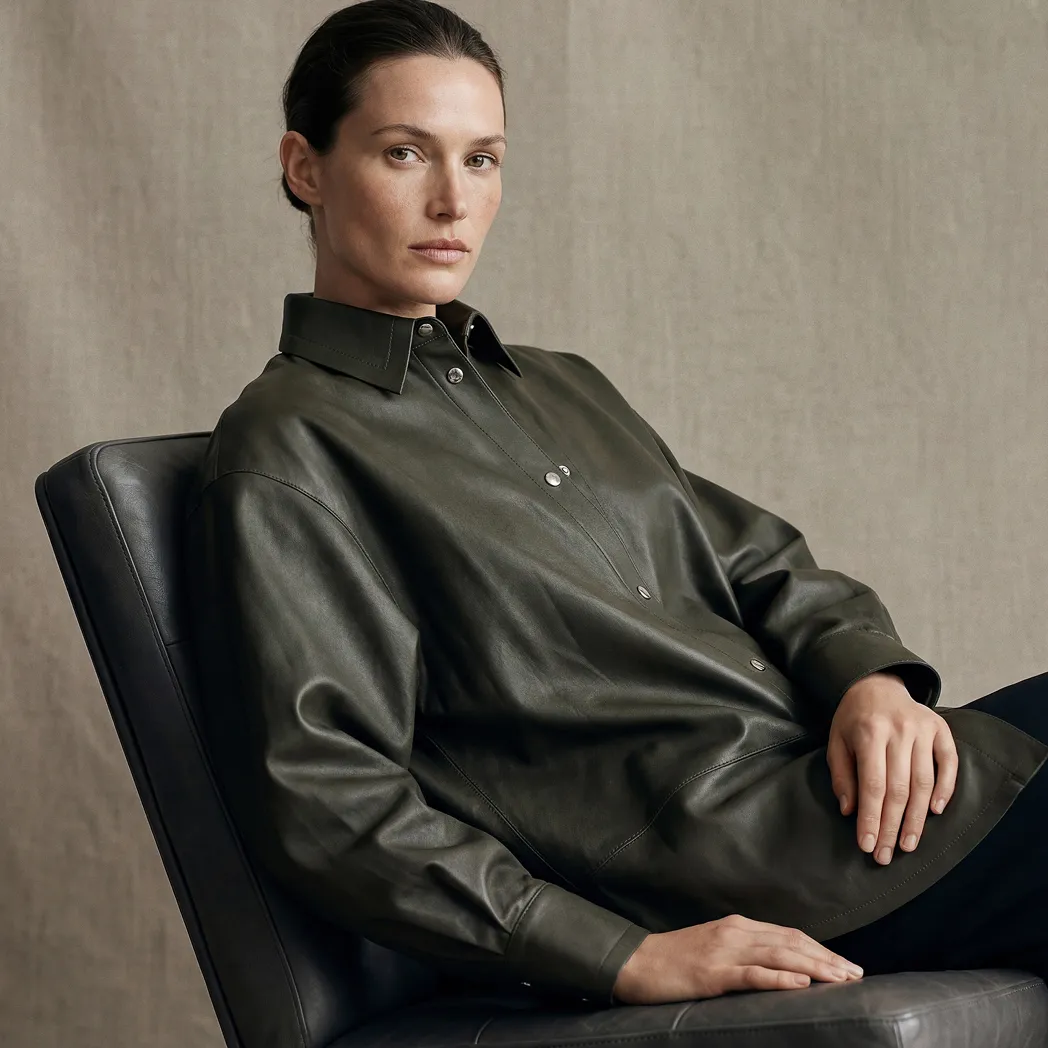
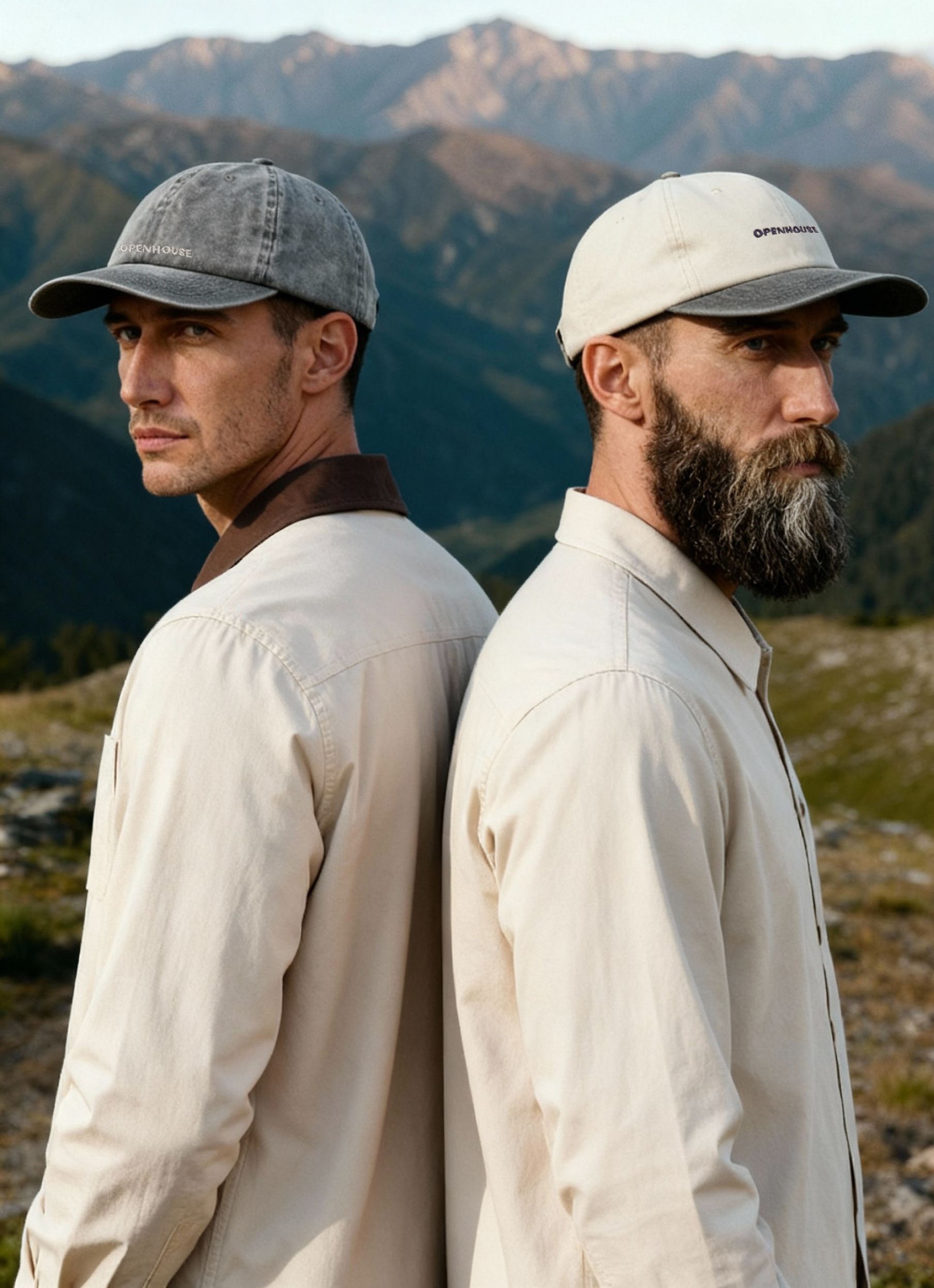
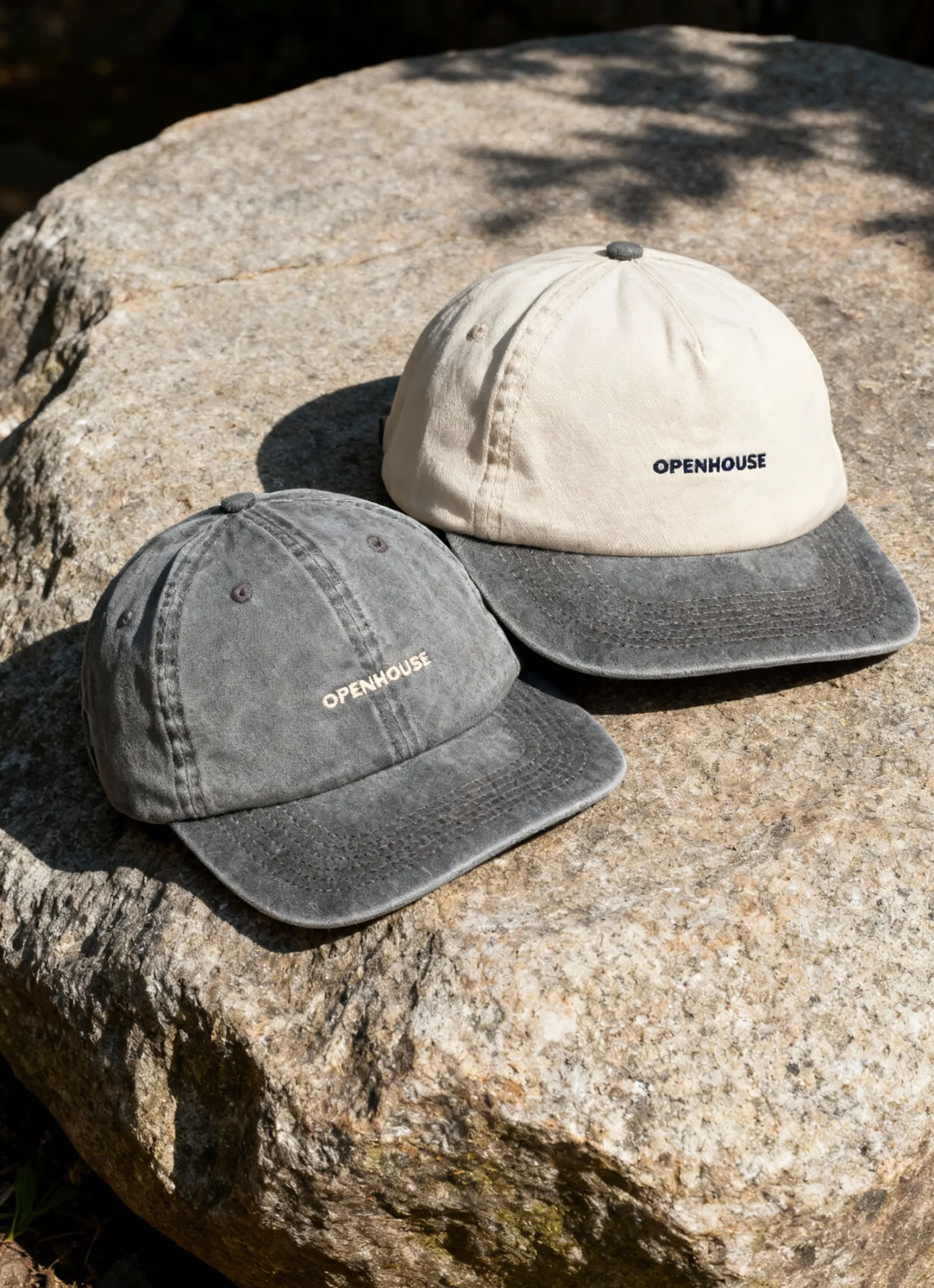
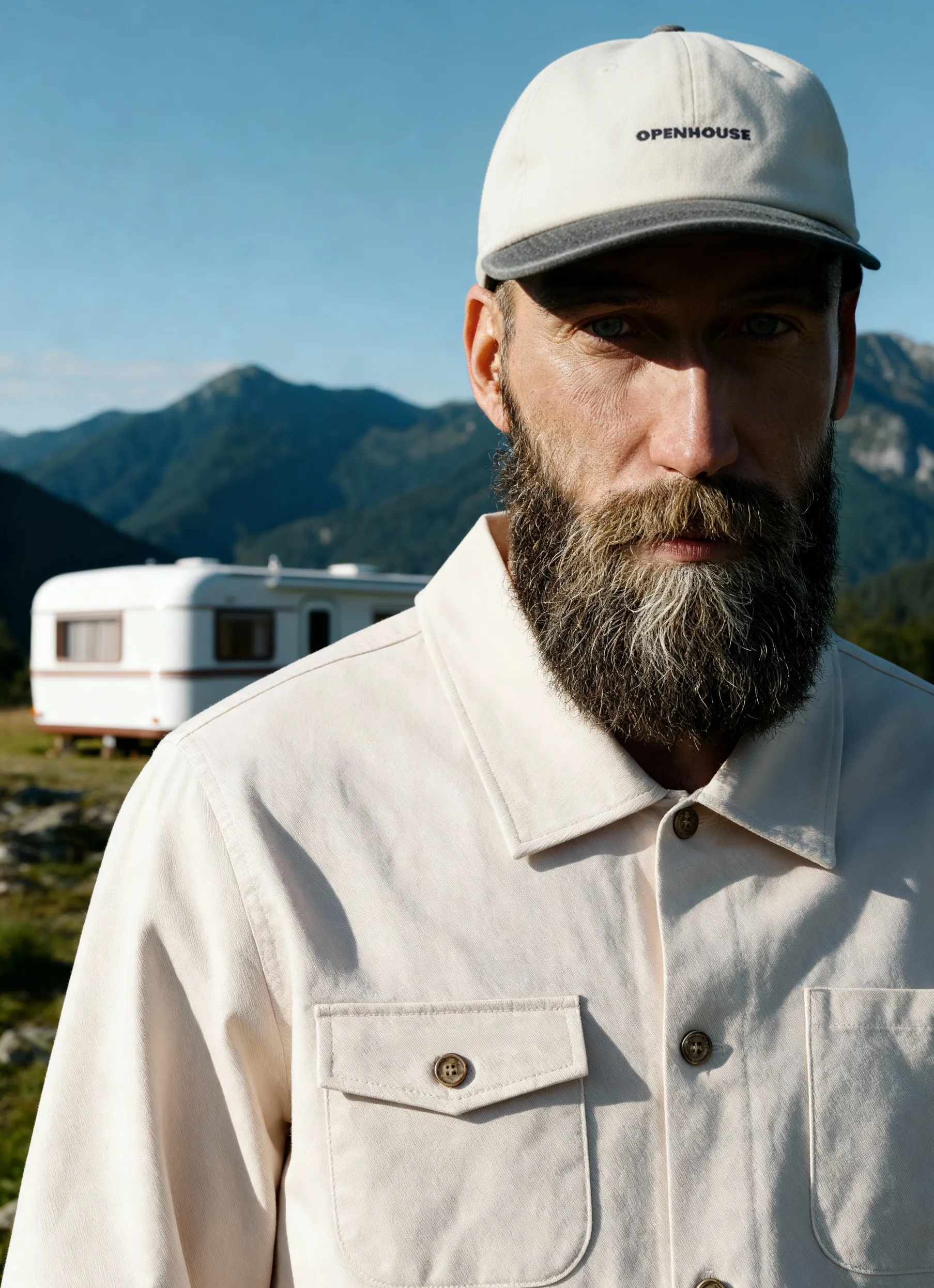
A photography style guide is a blueprint for every photo your brand shares. It outlines visual rules — including lighting, color palette, composition, editing, posing, and wardrobe — so that all imagery feels unmistakably “you”.
Brands with clear guidelines enjoy stronger recognition, faster workflows, and more trust. Think Coca-Cola’s red or Apple’s minimalist shots — instantly identifiable because they never drift off-brand.
Common applications:
- E-commerce — polished, uniform catalogs
- Social media — cohesive feeds and campaigns
- Advertising — aligned visuals across channels
- Teams & partners — clear instructions for freelancers or agencies
Essential Elements
When creating your style guide, define these essentials:
- Color palette & saturation — choose core colors and vibrancy levels to shape emotion and recognition.
- Lighting & shadows — set whether your brand leans bright and airy or moody and dramatic.
- Composition & framing — rules for symmetry, negative space, subject placement, and focal lengths.
Aesop, for example, employs clean symmetry and utilizes a lot of negative space.


- Backgrounds — standardize clean backdrops or contextual settings without distractions.
- Models & diversity — specify demographics, styling, and posing that reflect your values.
- File specs & naming — formats, resolutions, and naming rules for seamless asset management.
- Mobile & AI guidelines — aspect ratios for mobile platforms and standards for AI-generated content.
Step-by-Step Process: How to Create a Photography Style Guide
1. Define your brand's visual identity
Pull your last 20 published product images. Flag any that feel off — wrong tone, inconsistent background, lighting that doesn't match the rest. Those gaps tell you exactly what the guide needs to address first. If you don't have existing imagery, start with your brand values and translate them into visual decisions: what should every photo feel like, and what should it never look like.
2. Set clear objectives
Decide what this guide needs to cover. A brand launching on Amazon has different priorities than one building an Instagram presence. Define whether your focus is product consistency, lifestyle storytelling, or both — and name the specific outcome you want, whether that's a uniform catalog, faster shoot approvals, or fewer rounds of revisions.
3. Document your standards
Write down the specific parameters, not general directions. Instead of "use bright lighting," specify the setup: softbox at 45 degrees, no harsh shadows, color temperature between 5000K and 5500K. Include sample images for every rule. A written description and a reference image together are harder to misinterpret than either one alone.
4. Establish composition and styling rules
Build a shot list that covers every angle your team will need: front, back, detail, lifestyle, packaging. Add prop guidelines — what's allowed, what's off-limits, and what surfaces or materials fit the brand. Include model direction if applicable: posture, expression, whether to make eye contact with the camera.
5. Outline editing and post-production standards
Name the preset or LUT (look-up table) your team uses. Specify retouching boundaries: skin cleanup yes or no, background removal yes or no, shadow retention or removal. Define the approval workflow — who reviews final images, how many revision rounds are allowed, and what triggers a reshoot.
6. Specify file management
List the exact delivery requirements: file format, resolution, color profile, maximum file size, and naming convention. A clear naming structure like SKU_angle_colorway_version prevents confusion when you're managing hundreds of assets across multiple platforms and photographers.
7. Compile, test, and distribute
Assemble everything into a single document and run it on one real shoot before rolling it out. A guide that hasn't been tested will have gaps you can't anticipate at a desk. After the shoot, collect feedback from the photographer and anyone who reviewed the images, then refine before distributing to your full team, freelancers, and any external studios.
Keeping Your Guide Relevant
A style guide isn’t “set and forget.” To maintain consistency:
- Train and onboard teams with workshops and easy documentation.
- Use DAM systems, shared presets, and AI tools to streamline adherence.
- Audit content regularly to check compliance and measure performance.
- Adapt to trends like AR/VR or platform changes to stay fresh.
Real-World Examples and Templates
Learning how to create a photography style guide is much easier when you see real-world applications in action. Let’s break down how industry leaders approach their guides, explore a practical template, and highlight common pitfalls to help you avoid missteps.
Case Studies from Leading Brands
Top brands use their photography style guides as visual blueprints. Patagonia, for example, emphasizes natural light, outdoor settings, and real people in motion. This ensures every image reflects their environmental mission and deep connection to nature.
Glossier takes a different approach, relying on soft lighting, pastel palettes, and close-ups of real skin. This consistency creates an approachable, authentic look that resonates strongly with their community.
Aesop, on the other hand, leans on architectural symmetry, muted tones, and ingredient-inspired props. Their photography feels refined and grounded, reinforcing the brand’s sophistication and focus on natural formulations.
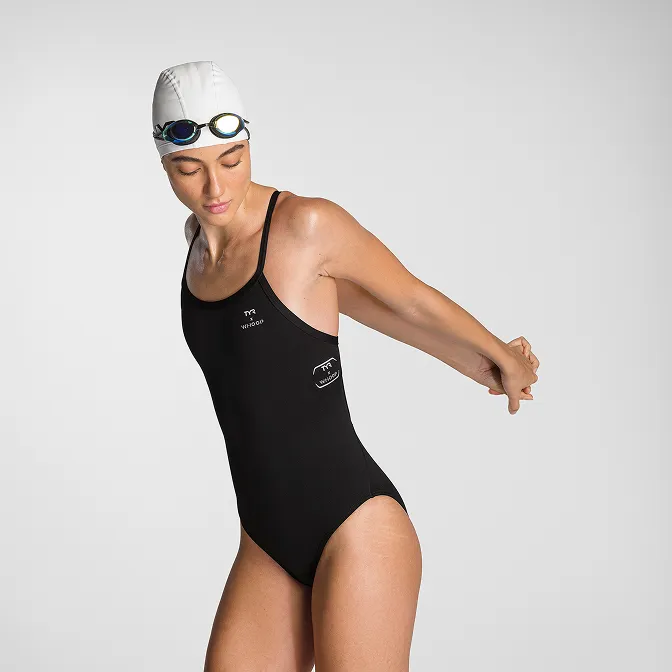
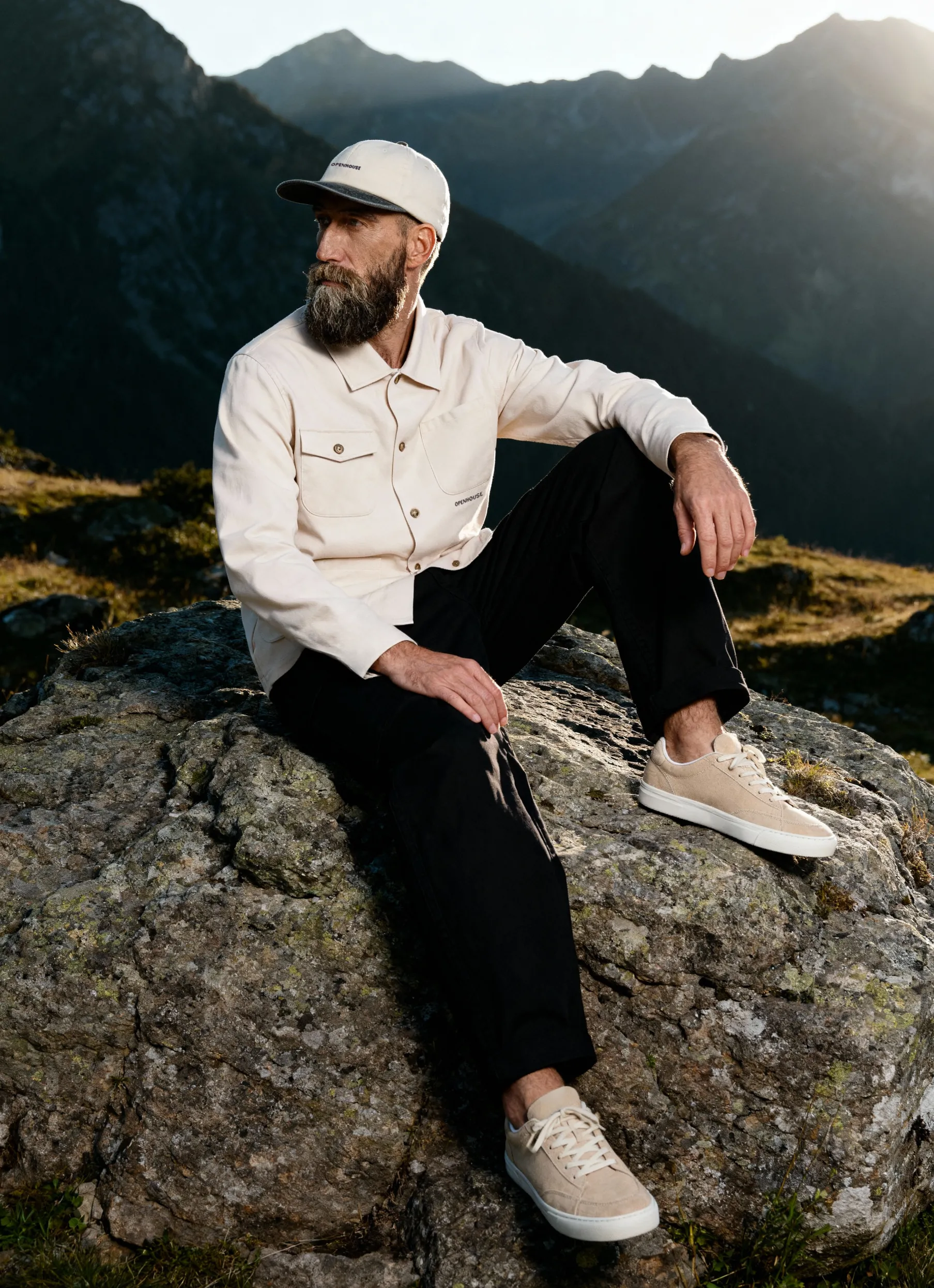
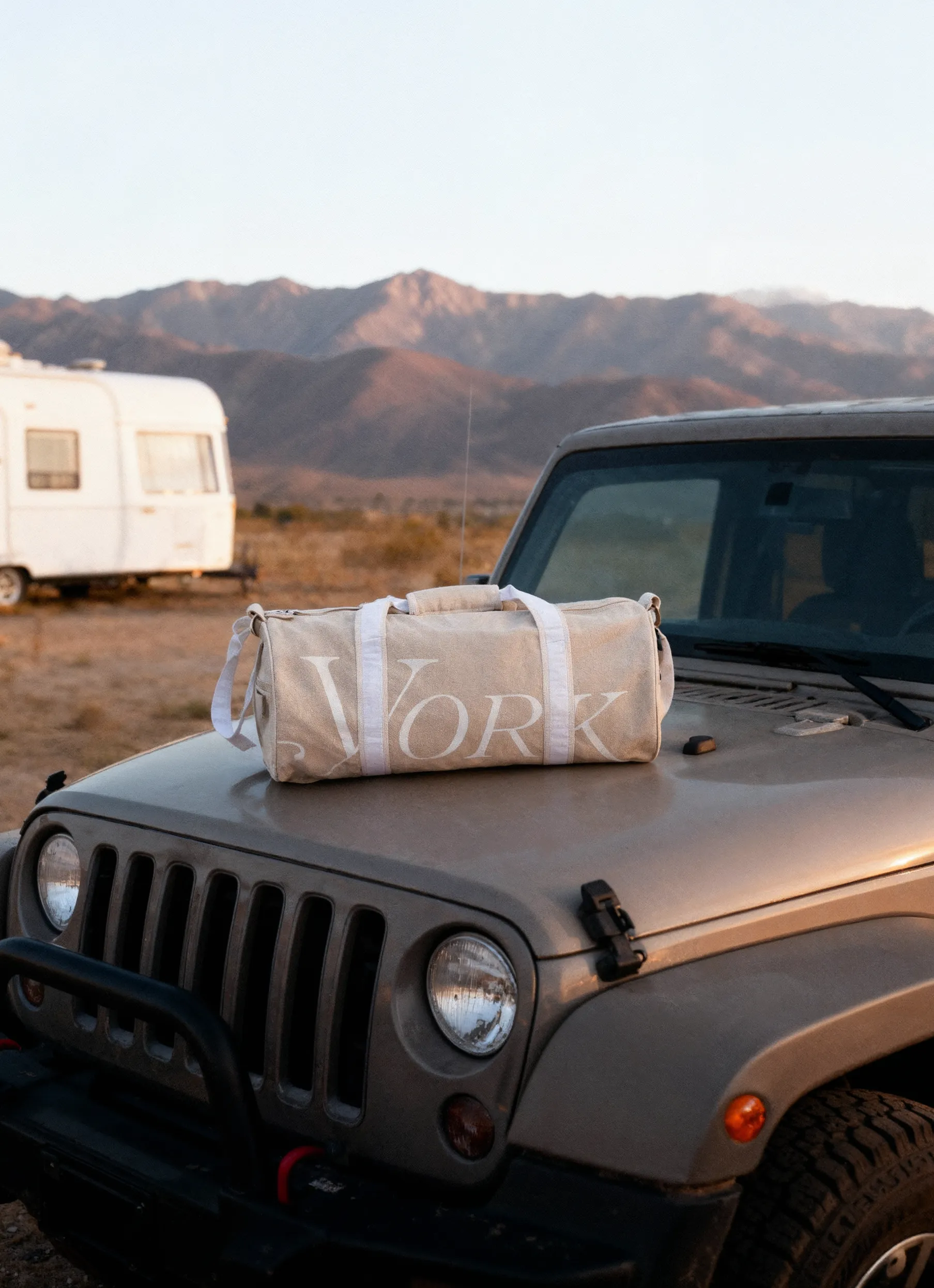
These examples show that a photography style guide is never one-size-fits-all. Each brand tailors its rules to reinforce its unique identity, audience, and values.
Photography Style Guide Template
Fill in the fields below and share it with your photographer, studio, or creative team before every shoot.
Brand & Visual Direction
- Brand tone: [bright & airy / dark & moody / warm & natural / clean & minimal]
- Visual references: [link to mood board or Pinterest board]
- What to avoid: [busy backgrounds / heavy shadows / overly styled props]
Backgrounds
- Primary background: [pure white / off-white / gradient / contextual scene]
- Secondary background: [lifestyle setting / flat lay surface / brand color]
- Prohibited backgrounds: [patterns / unbranded environments / cluttered surfaces]
Lighting
- Lighting style: [soft diffused / hard directional / natural window light / studio strobe]
- Shadow treatment: [no shadows / subtle drop shadow / natural shadow retained]
- Time of day (for natural light): [morning / golden hour / overcast]
Composition & Framing
- Primary shot angle: [straight-on / 45° / top-down flat lay]
- Subject placement: [centered / rule of thirds / full bleed]
- Negative space: [minimal / moderate / generous]
- Focal length range: [50mm / 85mm / 100mm macro]
Color
- Primary palette HEX codes: [#______ / #______ / ______]
- Saturation level: [natural / slightly boosted / desaturated]
- Color temperature: [warm / neutral / cool]
Products & Styling
- Product condition on set: [steamed / pressed / spot-cleaned]
- Props: [none / minimal / brand-aligned only]
- Approved prop list: [list items or link to asset folder]
Models & People
- Model type: [no models / hands only / full body / lifestyle]
- Diversity requirements: [specify age range, body type, ethnicity guidelines]
- Wardrobe: [brand-provided / neutral tones only / no logos]
- Posing direction: [natural / editorial / action-based]
Post-Production
- Retouching level: [none / light cleanup / full retouch]
- Skin retouching: [yes / no]
- Background cleanup: [yes / no]
- Preset or LUT name: [link or file name]
- Approved editing tools: [Lightroom / Capture One / Photoshop]
File Delivery
- Format: [JPEG / PNG / TIFF / RAW]
- Resolution: [72 dpi web / 300 dpi print]
- Color profile: [sRGB / Adobe RGB]
- Max file size: [____MB]
- Naming convention: [SKU_angle_colorway_version — e.g. SS001_front_black_v1]
- Delivery folder structure: [by SKU / by shoot date / by platform]
Platform Requirements
- Amazon main image: [pure white background, product fills 85% of frame]
- Shopify PDP: [square 1:1, minimum 2048×2048px]
- Instagram feed: [1:1 or 4:5, lifestyle preferred]
- Meta ads: [1:1 and 9:16 versions required]
Prefer to skip the manual setup?
If you shoot with Squareshot, this brief is built into the process. The Squareshot Brief is a guided intake form that captures shot angles, lighting references, styling notes, model preferences, retouching level, and file delivery specs — all in one place, before production starts. What you'd fill out manually above gets structured automatically, so your team and the studio are aligned from day one.
Common Pitfalls and How to Avoid Them
Even after you learn how to create a photography style guide, it’s easy to stumble. One mistake is overcomplicating the guide with too many rules, making it hard for teams to follow. Instead, keep instructions actionable and concise.
Another pitfall is inflexibility. While consistency matters, allow room for creativity so your imagery doesn’t feel stale. Finally, enforcement is crucial. Assign accountability and regularly review images for compliance.
When you're ready to put the guide into production, Squareshot handles the shoot — consistently, at volume, and to spec.
Product A
SQUARE SHOT