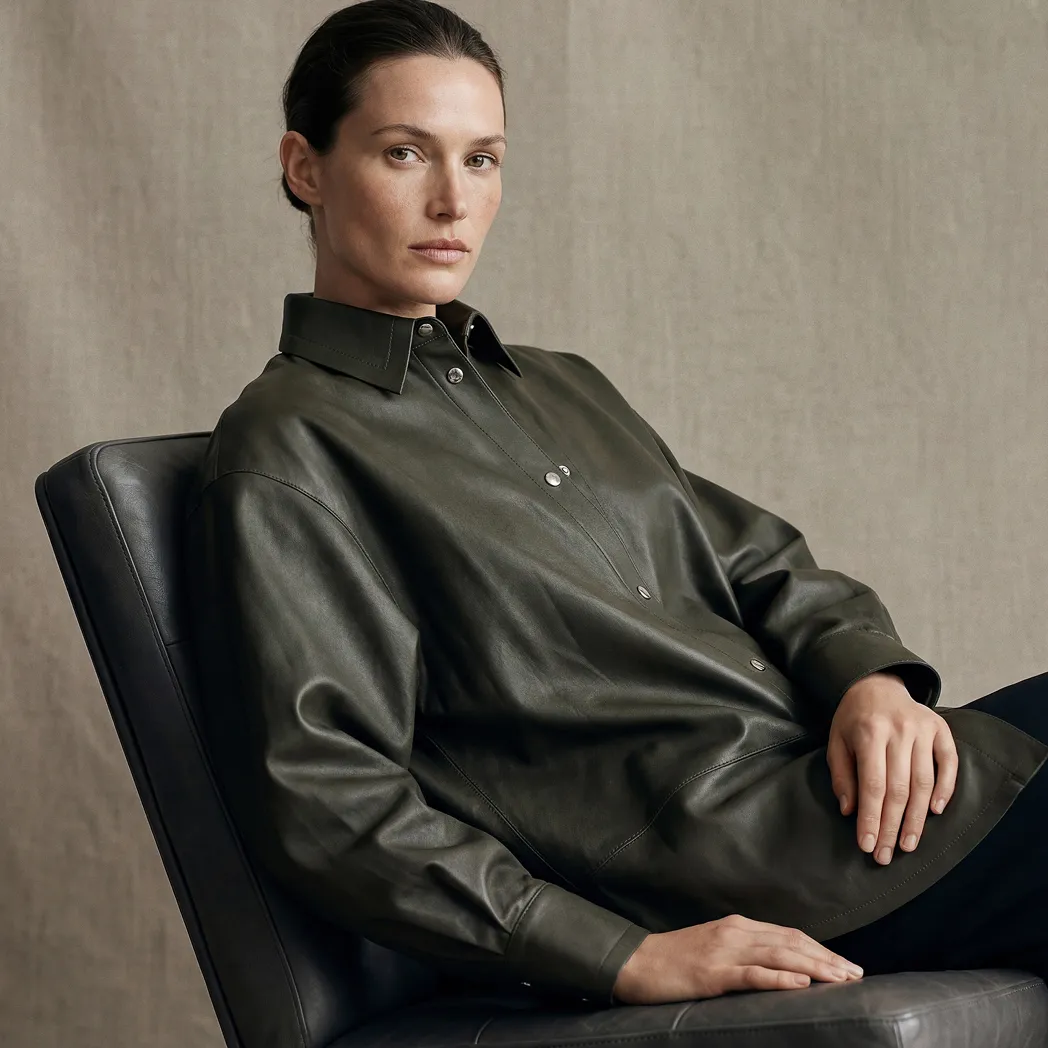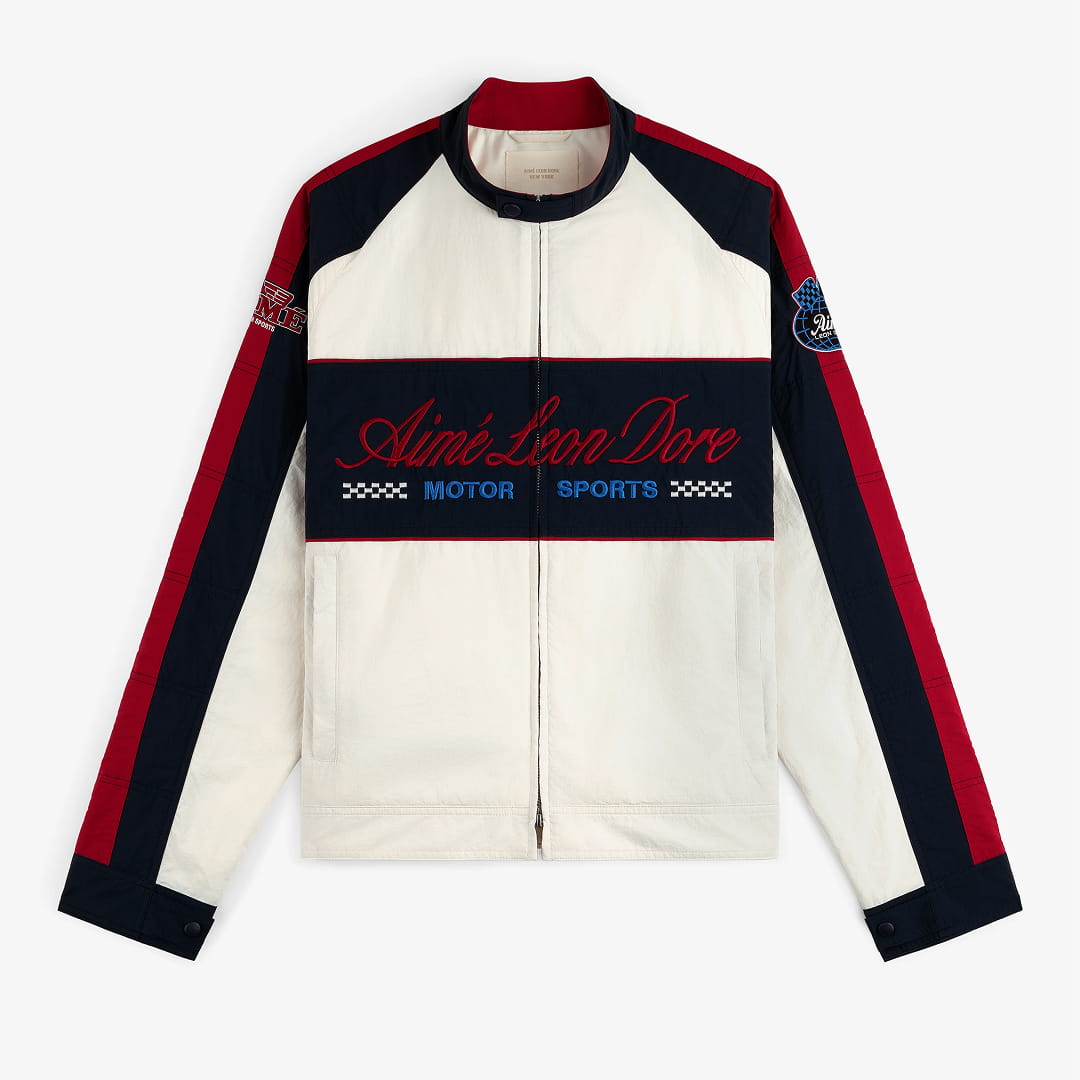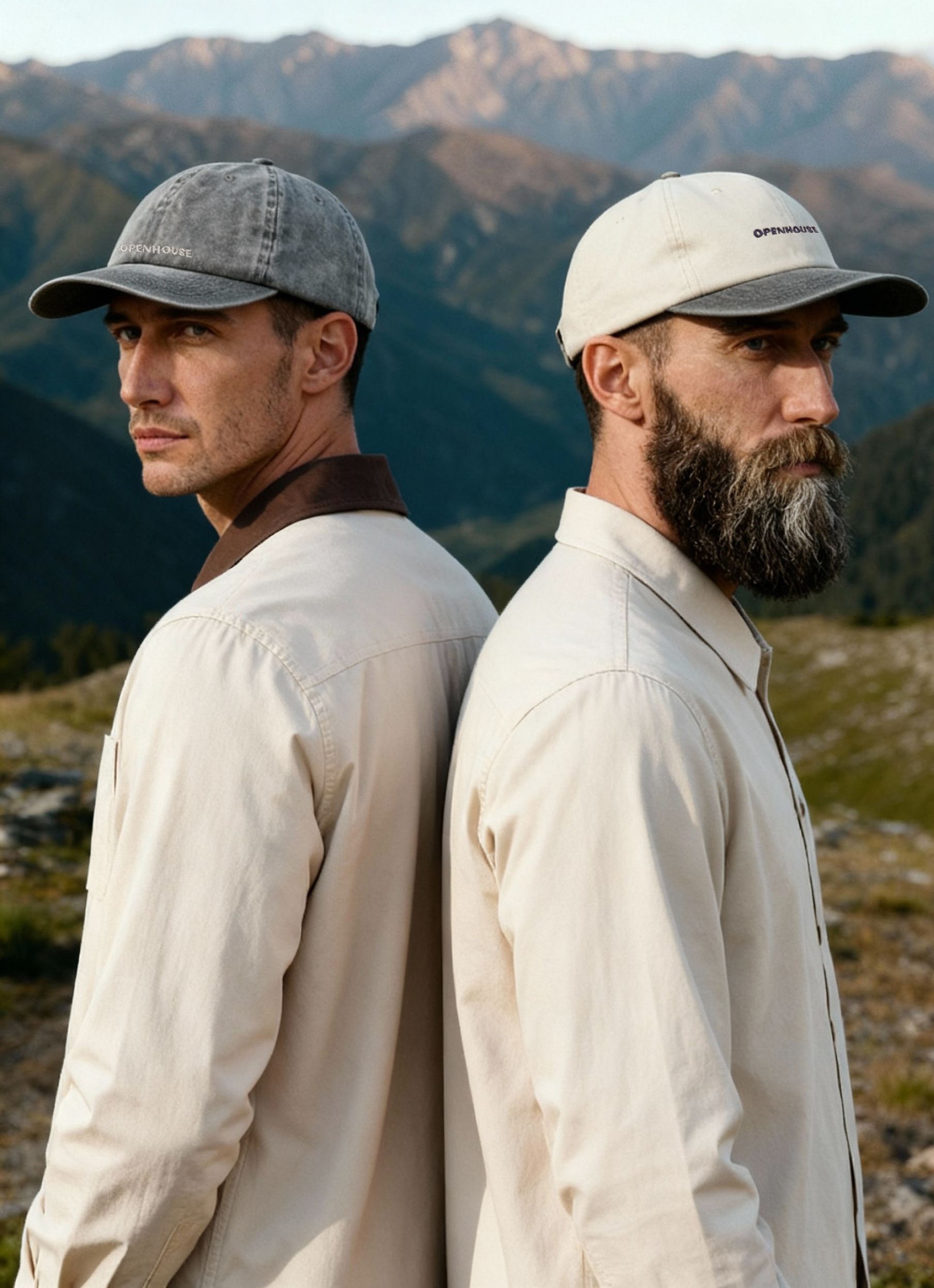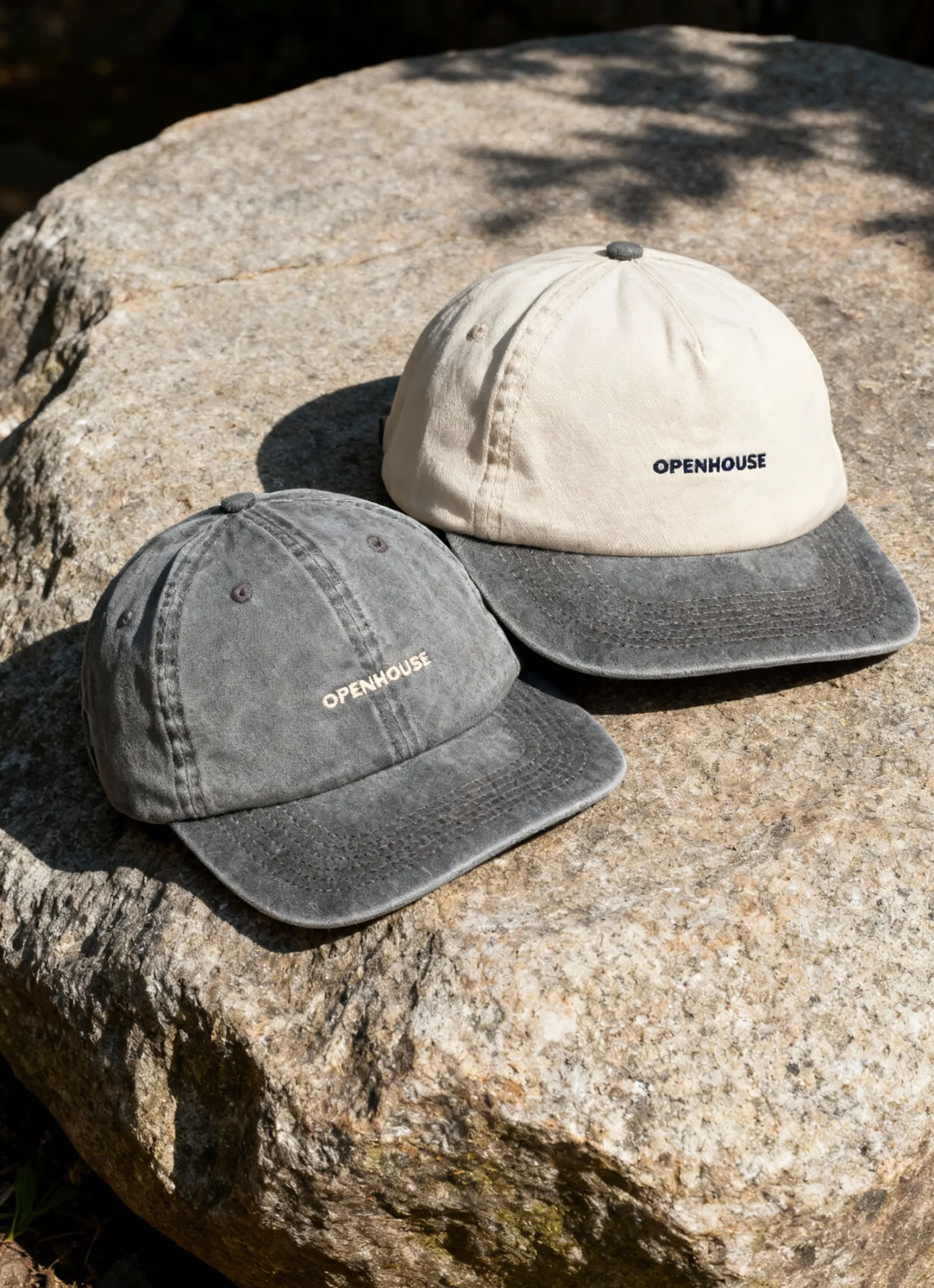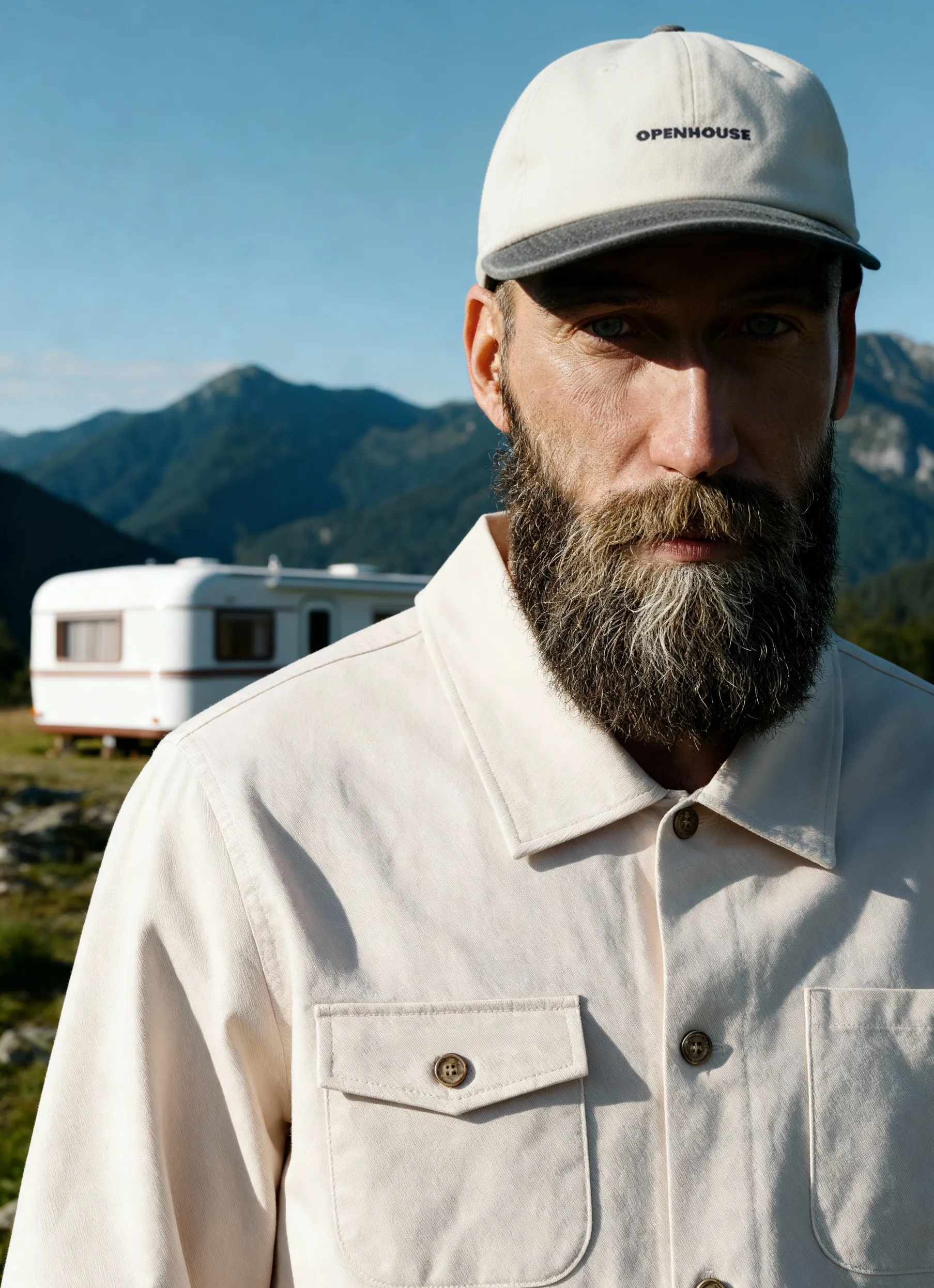


Product images on Shopify directly impact how your store performs. With over 4.4 million stores competing for attention in 2026, meeting platform requirements is not optional. It’s the baseline for how your products are perceived.
Whether you’re launching a new store or refining an existing one, understanding Shopify’s image requirements helps you maintain consistency, ensure fast load times, and present products clearly. This guide covers the key specifications, image formats, and practical considerations to help your visuals support conversion rather than slow it down.
Understanding Shopify's Technical Image Specifications
Shopify supports a variety of image formats, but knowing which ones work best for your specific products makes all the difference. The platform accepts JPG, PNG, GIF, and WebP formats, each serving different purposes in your product presentation strategy.
The maximum image size Shopify allows is 20 MB per image, though you'll rarely want to approach this limit. For optimal performance, keeping individual product images under 200-300 KB delivers the best balance between quality and load times.
Recommended Dimensions and Aspect Ratios
According to Shopify's image size guidelines, the platform can handle images up to 5460 x 8640 pixels. However, working with such massive files creates unnecessary performance issues.
Here's what works best in practice:
- Square images (1:1 ratio): 2048 x 2048 pixels for main product photos
- Vertical images (2:3 ratio): 2048 x 3072 pixels for fashion and apparel
- Horizontal images (3:2 ratio): 3072 x 2048 pixels for lifestyle shots
- Minimum recommended: 1024 x 1024 pixels for adequate zoom functionality
The square format offers the most versatility across different Shopify themes. Most modern themes are designed with square product grids in mind, which means your images will display consistently across collection pages, search results, and product detail pages.
File Format Selection Strategy
Choosing the right image format depends on your product type and brand aesthetic. JPG images work brilliantly for most product photography because they compress well without noticeable loss of quality. They're ideal for photographs with gradients, shadows, and complex color variations.
PNG image format shines when you need transparency or crisp edges. If you're selling products that benefit from transparent backgrounds, like jewelry, accessories, or items you want to composite onto different scenes, PNG is your format. The tradeoff? Larger file sizes compared to JPG.
WebP format represents the future of web images. It offers superior image compression compared to both JPG and PNG while maintaining quality. Browser support reached 95% in 2026, making it a smart choice for forward-thinking stores. Shopify automatically converts images to WebP for browsers that support it when you upload JPG or PNG files.
Optimizing Images for Different Product Categories
Different product types demand different photographic approaches, which directly impacts how you should prepare your images for Shopify product image requirements.
Apparel and Fashion Photography
Clothing requires special consideration because customers can't physically touch or try on items. Your images need to communicate fit, fabric texture, and color accuracy with precision.
For fashion items, consider this image structure:
- Front view on model (primary image): 2048 x 3072 pixels
- Back view of the model: Same dimensions for consistency
- Detail shots: Close-ups of fabric texture, stitching, hardware
- Flat lay or hanger shot: Shows the item's true shape
- Lifestyle context: Model wearing the item in a real-world setting
When photographing clothing for your online store, maintaining color accuracy becomes critical. Shopify's image processing can sometimes shift colors slightly, so test your uploads and adjust as needed.
Jewelry and Small Accessories
Jewelry photography presents unique challenges with Shopify product image requirements because these items need extreme detail while remaining visually appealing at thumbnail size.
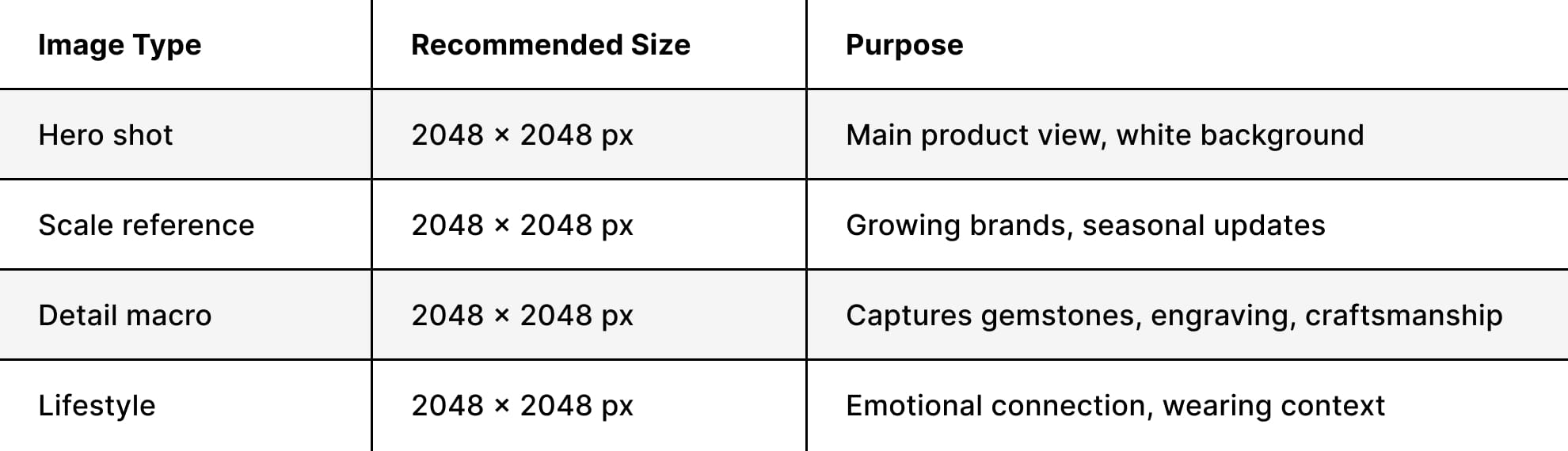
The right photography angles for jewelry ensure customers can see every detail that justifies your pricing.
Beauty and Skincare Products
Beauty products benefit from a mix of technical product shots and aspirational lifestyle imagery. Understanding effective skincare photography techniques helps communicate both the product's physical attributes and its promise.
Your beauty product image sequence should include:
- Package front view with clear label visibility
- Ingredient or texture shot showing product dispensed
- Image size comparison helps customers understand volume
- In-use lifestyle shot demonstrating application
- Before/after or results imagery (if applicable and truthful)


Technical Optimization Beyond Basic Requirements
Meeting the basic Shopify product image requirements is just the starting point. Real optimization involves preparing images that load instantly while looking exceptional across all devices.
File Size Reduction Without Quality Loss
Even though Shopify allows 20 MB files, loading a collection page with twelve 5 MB images creates a 60 MB page weight that will frustrate mobile users on slower connections.
Target these file sizes for different image types:
- Hero images: 100-150 KB
- Lifestyle shots: 150-200 KB
- Detail close-ups: 80-120 KB
- Thumbnail generation: Shopify handles automatically, but smaller source files help
Tools like ImageOptim, TinyPNG, or Squoosh can reduce file sizes by 60-80% without visible quality degradation. The key is compressing images after resizing them to the final dimensions-never upload a 6000-pixel image and let Shopify scale it down.
For a comprehensive approach to optimizing product images for e-commerce, consider your entire workflow from capture to upload.
Color Space and Profile Management
Shopify displays images in the sRGB color space, which means images shot in Adobe RGB or ProPhoto RGB will have their colors shifted upon upload. This creates the frustrating situation where images look perfect on your calibrated monitor but appear differently to customers.
Always convert images to sRGB before uploading to Shopify. Most professional editing software includes this option in the export settings. This single step prevents unexpected color shifts that can make product colors appear inaccurate.
Creating Consistent Product Photography Standards
Consistency across your entire product catalog builds customer trust and creates a professional impression. When every product follows the same photographic standards, customers focus on choosing products rather than being distracted by inconsistent presentation.
Establishing Your Visual Guidelines
Document these elements for every product shoot:
Lighting setup: Consistent lighting ratios, shadows, and highlights
Background treatment: Pure white (RGB 255, 255, 255) or branded colored backgrounds
Product positioning: Center-aligned with consistent padding
Aspect ratio: Square, vertical, or horizontal maintained across categories
Image sequence: Same shot order for every product (front, back, detail, lifestyle)
Many successful Shopify stores use minimalist product photography to create clean, distraction-free product presentations that let the items speak for themselves.
Background Requirements for Different Use Cases
The debate between white backgrounds and lifestyle shots isn't either/or – it's both, used strategically. According to best practices for Shopify product photography, your primary product image should typically feature a clean background for maximum versatility.
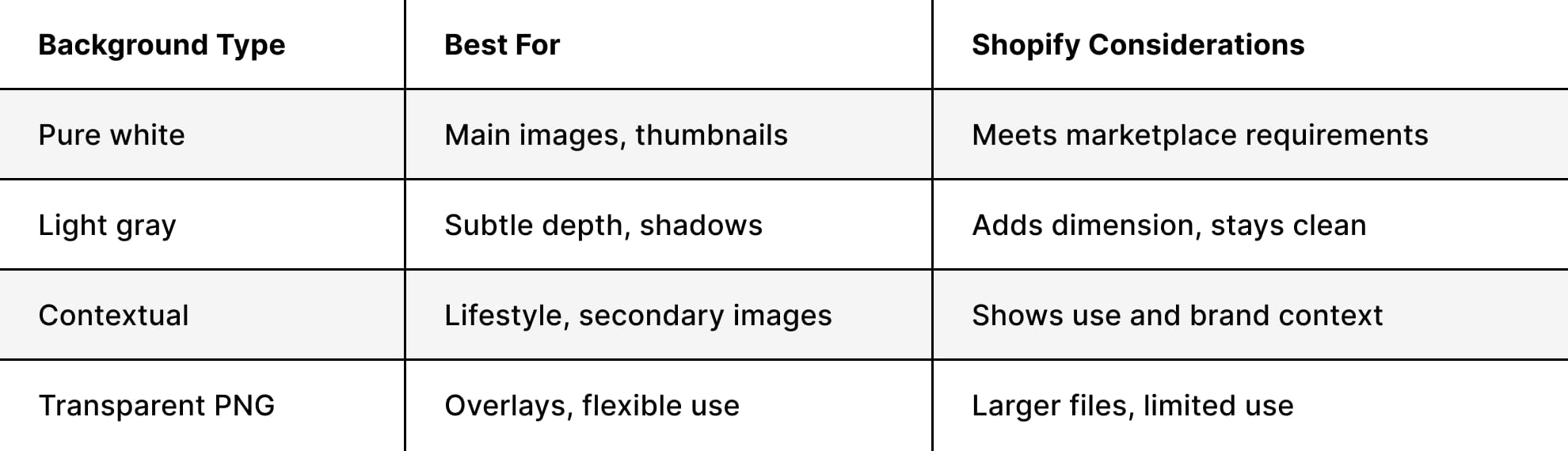
Understanding different types of product photography helps you strategically mix background treatments across your image gallery for each product.
Mobile Optimization Considerations
Over 70% of Shopify traffic comes from mobile devices in 2026, making mobile optimization a critical component of Shopify product image requirements. What looks perfect on a 27-inch desktop monitor might be illegible on a smartphone screen.
Responsive Image Strategy
Shopify automatically generates multiple image sizes from your uploaded files, serving appropriately sized versions based on the customer's device. However, this only works well if your source images are properly prepared.
Test your product images at these common mobile breakpoints:
- 320px wide: iPhone SE and small smartphones
- 375px wide: Standard iPhone viewport
- 414px wide: iPhone Pro Max and large phones
- 768px wide: iPad portrait mode
Your product should remain clearly visible and identifiable at the smallest size. Details like text on packaging, small product features, or intricate patterns need to be legible even when the image displays at thumbnail size.
Touch-Friendly Zoom Functionality
Shopify themes typically include zoom functionality on product images, but this only works effectively if your images have sufficient resolution. The recommended 2048 x 2048 pixel size enables smooth 2-3x zoom without pixelation.
For products where customers need to see fine details, like jewelry settings, fabric weaves, or product labels, consider enabling the image zoom feature in your theme settings. This requires uploading higher-resolution images while still maintaining reasonable file sizes through proper compression.
Advanced Image Techniques for Competitive Advantage
Beyond meeting Shopify's basic product image requirements, implementing advanced techniques sets professional stores apart from amateur operations.
360-Degree Product Views
Interactive 360-degree spins give customers a comprehensive view of products without requiring video bandwidth. These work particularly well for:
- Complex products with details on all sides
- Furniture and home goods where shape matters
- Electronics showing ports and controls
- Handbags and accessories with multiple features
Shopify supports 360-degree product images through apps, but the underlying requirement remains the same: consistent image dimensions and file sizes across all frames in the rotation sequence.
Lifestyle and Contextual Photography
While technical product shots meet the core Shopify product image requirements, lifestyle images create emotional connections that drive purchasing decisions. Staging product photos effectively requires balancing brand storytelling with technical image specifications.
Effective lifestyle shots should:
- Maintain the same dimensions as your product shots (2048 x 2048 px)
- Show the product clearly while creating context
- Use consistent editing styles across all lifestyle imagery
- Tell a story about product use or benefits
- Avoid cluttered compositions that distract from the product
Consider alternating between product shots and lifestyle images in your gallery sequence. For instance: hero product shot, lifestyle image, detail close-up, second lifestyle shot, packaging, or size reference.
Special Considerations for Different Shopify Plans
Your Shopify plan affects certain aspects of image handling, though the core Shopify product image requirements remain consistent across all tiers.
Upload Limits and File Management
Shopify Basic, Shopify, and Advanced plans all support the same maximum file size (20 MB) and maximum dimensions (5460 x 8640 pixels). The difference appears in file storage limits and the number of product images you can manage efficiently.
Shopify Plus merchants handling thousands of SKUs benefit from implementing proven e-commerce image management strategies that maintain consistency at scale.
Theme-Specific Image Requirements
Different Shopify themes handle product images differently. Some themes crop images to specific aspect ratios, while others preserve your original aspect ratio within designated spaces.
Before shooting hundreds of products, install your chosen theme and test how it displays various image dimensions:
- Upload a test product with 1:1, 2:3, and 3:2 aspect ratio images
- View the product page on desktop and mobile
- Check that the collection grid displays
- Review homepage featured product sections
- Test search result thumbnails
This test reveals which aspect ratio works best for your specific theme, preventing costly reshoots later.
Alternative Image Solutions and Workarounds
Sometimes standard product photography isn't enough to communicate complex product features or variations.
Using GIFs for Product Variations
Animated GIFs can showcase color options, transforming products, or simple product movements within Shopify product image requirements. Since Shopify supports GIF format, you can create looping animations that:
- Cycle through color variations
- Show products in use with a simple motion
- Demonstrate size comparisons
- Highlight key features with animated callouts
GIF optimization is critical: These files can balloon to multiple megabytes quickly. Keep GIFs under 500 KB by limiting frames, reducing dimensions slightly (1600 x 1600 px works well), and using tools like Ezgif or Giphy's GIF maker to compress them.
Incorporating Video Alongside Images
While video has different technical requirements than images, many successful Shopify stores combine both media types on product pages. Video doesn't replace meeting Shopify product image requirements; it supplements them.
The first image slot should always be a high-quality still image because:
- It appears in collection grids and search results
- It loads faster than video
- It displays properly in all contexts where videos won't play
- It maintains consistency across your store
Additional image slots can include video files (under 1 GB), with subsequent images serving as fallback views for customers who don't watch videos.
Image Naming and SEO Optimization
The technical specifications for Shopify product image requirements extend beyond pixels and file sizes. File naming and alt text also significantly impact search visibility.
Strategic File Naming Conventions
Before uploading images to Shopify, rename them with descriptive, keyword-rich filenames. Instead of "IMG_7234.jpg", use "blue-cotton-mens-dress-shirt-front.jpg".
Effective naming structure:
- Product name or SKU
- Color or variation
- View angle or shot type
- Sequential number for multiple similar shots
For example: "leather-crossbody-bag-brown-detail-shot-02.jpg"
This practice helps with:
- Image search visibility on Google and other search engines
- Internal organization when managing large catalogs
- Future-proofing your image library for platform migrations
- Maintaining consistency across team members when uploading images
Alt Text Best Practices
Every product image uploaded to Shopify should include descriptive alt text. This serves two purposes: accessibility for visually impaired customers using screen readers, and SEO value for search engines indexing your content.
Write alt text that:
- Describes what's in the image specifically (not just "product photo")
- Includes relevant keywords naturally (not stuffed)
- Stays under 125 characters for optimal screen reader experience
- Differentiates between multiple images of the same product
Good example: "Women's black leather ankle boots with side zipper, front view". Poor example: "Product image 1".
For comprehensive guidance on e-commerce image standards, consider how image metadata affects both user experience and search rankings.
Quality Control and Consistency Checks
Even with perfect technical specifications, quality control ensures every image meets your standards before going live. Professional photography services understand that meeting Shopify product image requirements is just the baseline; excellence requires rigorous quality checks.
Pre-Upload Checklist
Before uploading any product images to Shopify, verify:
- Dimensions: All images are 2048 x 2048 px (or your chosen standard)
- File size: Individual images under 200 KB
- Format: JPG for photos, PNG only when transparency is needed
- Color space: Converted to sRGB
- Focus: Critical product details are sharp
- Exposure: Proper brightness without blown highlights or blocked shadows
- Color accuracy: Products match real-world colors
- Background: Consistent treatment (pure white or branded background)
- File naming: Descriptive, keyword-rich filenames
- Alt text: Prepared in advance for efficient upload
Batch Processing for Efficiency
When dealing with dozens or hundreds of products, manual image processing becomes impractical. Implementing batch processing workflows saves time while maintaining consistency.
Tools like Adobe Lightroom, Capture One, or Photoshop Actions allow you to:
- Apply consistent color corrections across all images
- Resize entire folders to exact dimensions
- Convert color spaces in bulk
- Add watermarks or branding elements
- Export with optimized compression settings
For businesses regularly updating their Shopify catalog, understanding your complete product photography workflow from shoot to upload prevents bottlenecks and maintains image quality.
Common Mistakes to Avoid
Even experienced e-commerce businesses sometimes make preventable mistakes with Shopify product photography that hurt performance.
Over-Compression Pitfalls
In the quest to minimize file sizes for fast loading, some stores compress images so aggressively that quality suffers noticeably. Blocky artifacts, color banding, and blurred details create an unprofessional impression, undermining customer confidence.
Find the sweet spot by comparing images at different compression levels:
- Export the same image at 90%, 80%, 70%, and 60% quality
- View each version at actual display size (not zoomed in)
- Choose the lowest quality where degradation isn't visible
- Typically, 75-85% quality for JPG provides the best balance
Inconsistent Image Sets
Nothing looks less professional than product pages where images vary wildly in style, size, or quality. Common inconsistencies include:
- Mixing square and rectangular aspect ratios randomly
- Different background colors or treatments between products
- Varying levels of retouching or editing
- Inconsistent lighting creates different white balance across products
- Switching between lifestyle and white background as primary images
Establish product photography templates that standardize your approach across all products and categories.
Ignoring Mobile Preview
Images that look spectacular on desktop monitors sometimes fail to render properly on mobile devices. Text becomes illegible, small products blend into backgrounds, or important details become too small to see.
Always preview images on actual mobile devices before finalizing uploads. Emulators help, but nothing beats testing on real smartphones at arm's length-exactly how customers will view them.
Preparing Images for Multi-Channel Selling
Many Shopify merchants sell across multiple platforms like Amazon, eBay, social media, and marketplaces, each of which has its own image requirements. Smart preparation meets Shopify product image requirements while remaining adaptable to other channels.
Creating a Master Image Library
Shoot and process images at the highest quality you'll need anywhere, then create optimized versions for each platform. Your master archive should contain:
- Original RAW files from the camera
- Edited high-resolution PSDs or TIFFs with layers intact
- Exported 3000+ pixel versions for maximum flexibility
- Platform-specific exports for Shopify, Amazon, Instagram, etc.
For example, Amazon's product image requirements differ from Shopify's, particularly regarding main images and background requirements. Having high-quality masters lets you create compliant versions for each platform quickly.
Standard Size Conversions
When building your master image library, it helps to understand how different platforms handle images. Shopify works best with square images around 2048 × 2048 pixels and allows flexible backgrounds. Amazon also uses a 1:1 format but typically requires larger images (around 2500 × 2500 pixels) and a pure white background for main photos.
Social platforms follow similar patterns. Instagram favors 1080 × 1080 pixels, while Facebook uses slightly larger 1200 × 1200 images — both with flexible backgrounds. Pinterest is the exception, prioritizing vertical images with a 2:3 ratio, usually around 1000 × 1500 pixels, which performs better for discovery.
Starting with high-resolution images that meet or exceed these standards makes it easier to adapt visuals across channels without losing quality.
Mastering Shopify product image requirements positions your store for success in an increasingly visual e-commerce business. From technical specifications such as dimensions and file formats to strategic considerations like mobile optimization and multi-channel preparation, every detail contributes to creating product presentations that convert browsers into buyers.
When you’re ready to upgrade your product photography, the goal is simple: images that meet technical requirements and reflect your brand clearly. Squareshot provides high-quality product photography across catalog, creative, and model shoots, tailored to your needs.
Our team handles the full process, from production to retouching, ensuring every image meets platform specifications and is ready to perform across your store.
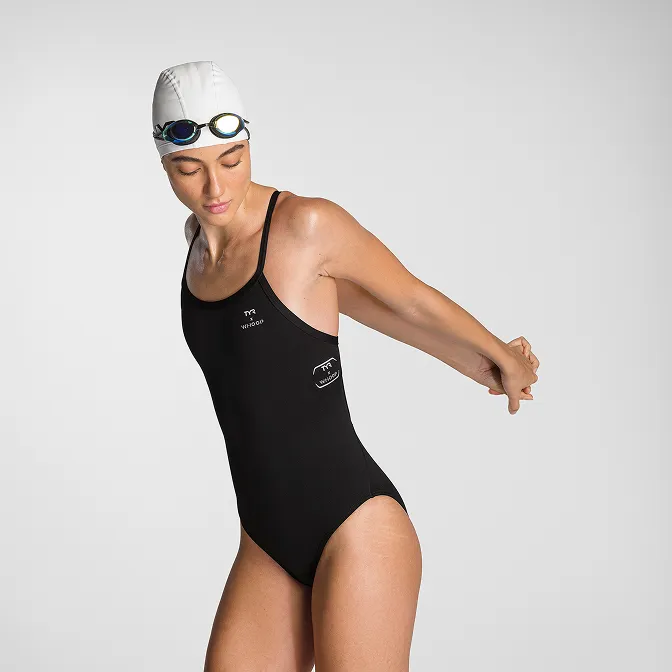
Product A
SQUARE SHOT