

Did you know that over 80% of Amazon shoppers say product images are their top decision factor? In 2026, getting your Amazon product image requirements right is more important than ever. A single image misstep can lead to suppressed listings, lost sales, or even account risk.
This guide will help you master Amazon product image requirements for 2026. You’ll learn how to stay compliant, boost your conversions, and avoid costly mistakes that could jeopardize your business.
Here’s what you’ll discover inside:
- The latest core requirements for 2026
- Main image rules and how to get them right
- Winning strategies for supplemental images
- Category-specific standards and exceptions
- Best practices for optimizing your visuals
- Step-by-step actions to ensure compliance
Ready to create images that not only meet Amazon product image requirements but also drive more clicks and sales? Let’s dive in.
Amazon Product Image Requirements: 2026 Updates & Overview
Staying ahead of Amazon product image requirements is more critical than ever for sellers in 2026. A single image can impact your visibility, conversion rates, and even your account health. With Amazon’s stricter enforcement, understanding the rules is essential for success.
The Importance of Image Compliance
Amazon’s algorithm rewards listings that strictly follow Amazon product image requirements. Compliant, high-quality images are prioritized for search visibility and Buy Box eligibility. If your images break the rules, Amazon’s automated systems can suppress your listing photos instantly, leading to lost sales and a negative impact on your seller account.
After Amazon’s 2025 crackdown, listings with noncompliant images increased, and some sellers saw conversion rates drop due to poor visuals. This shows how even small mistakes can have costly consequences.
Core Technical Specifications
To meet Amazon product image requirements, your images must follow specific technical guidelines. Here’s a quick breakdown:
- Accepted formats: JPEG (.jpg, .jpeg), TIFF (.tif), PNG (.png), GIF (.gif), but no animated GIFs.
- Size: Minimum 1600px on the longest side for zoom, 1000px minimum for basic zoom, 10,000px maximum.
- Color mode: RGB only, not CMYK.
- File naming: Use the product identifier (ASIN, SKU, or ISBN) plus the correct extension. Example:B000123456.jpg
Sticking to these specs ensures your images upload smoothly and display correctly across Amazon.
General Content Rules
Amazon product image requirements are strict about what appears in your photos. Images must:
- Accurately show the product and match the title.
- Fill at least 85% of the image frame with the product.
- Exclude nudity, sexually suggestive content, or banned props.
- Avoid Amazon logos, badges, “Amazon’s Choice,” or “Best Seller” text.
- Have no watermarks, text overlays, or borders on main product images.
These rules keep the marketplace fair and help shoppers understand exactly what they’re buying.
Enforcement & Penalties
Amazon uses automated systems to scan images for violations of Amazon product image requirements. If your images break the rules, your product listings can be suppressed without warning. Repeat violations may even lead to account suspension.
In 2025, Amazon rolled out AI-based scanning, which improved enforcement efficiency. This means non-compliant images are more likely to be caught quickly. Sellers must stay vigilant to avoid costly penalties.
Key Takeaways for 2026
The big message for 2026 is that Amazon is enforcing its product image requirements more strictly, especially for new brands and product categories. Transparency and accurate product representation are top priorities. Regularly review and update your images to stay compliant as requirements evolve.
By keeping up with these standards, you can protect your listings, boost conversions, and maintain a healthy Amazon account.
Main Image Requirements: How to Get It Right in 2026
Your main image is the first impression shoppers get of your product. It is the thumbnail that appears in search results and on your product page, so it can make or break your click-through rate.
A compliant, high-quality main image is essential for meeting Amazon product image requirements and standing out in a crowded marketplace.
What is the Main Product Image and Why It Matters
The main listing photo is the single most critical photo for your Amazon listing. This is the image customers see first, both in search results and on your product detail page.
A strong main image builds trust instantly. It sets expectations, clarifies what is included, and can dramatically affect whether a shopper even considers your product.
Main Image Technical Standards
To comply with Amazon product image requirements, your main image must follow strict technical rules:
- Use a pure white background (RGB 255,255,255) that blends seamlessly with Amazon’s site.
- Only show the product for sale. No extra props, accessories, or packaging unless they are integral to the product.
- Absolutely no text, logos, watermarks, or borders.
- The product should be centered, not cropped at the edges, and fill at least 85% of the frame.
- Must be a professional photograph, not an illustration or a mockup.
For tips on achieving that flawless white background, check out these Product photography white background tips.
Common Pitfalls & Real-World Examples
Many sellers unintentionally violate Amazon product image requirements, risking listing suppression. Here are some common mistakes:
- Including props, like a camera next to a microphone, which confuses what is included.
- Showing packaging in the main image when it is not a key feature.
- Using mannequins for accessories, which is not allowed in most cases.
- Cropping the product too tightly or not filling the frame enough.
For example, a listing with a prop in the main image can be suppressed, and conversion rates drop until the image is corrected.
Main Image Best Practices
To excel with Amazon product image requirements, follow these proven tips:
- Use professional lighting and high-resolution cameras to avoid pixelation.
- Center the product and make sure it fills at least 85% of the frame.
- Avoid creative backgrounds or props in the main image; save those for secondary images.
- Double-check compliance with the 2026 standards before publishing.
- Preview your images on both desktop and mobile to ensure clarity.
A compliant main image not only keeps your listing active but also drives more clicks and sales.
Additional Image Guidelines: Enhancing Your Listing
Creating a standout Amazon listing goes beyond the main image. Amazon product image requirements for 2026 give sellers a powerful toolkit with supplemental images to boost engagement and conversions. Knowing how to use these secondary images can mean the difference between a scroll-past and a sale.
Number and Types of Additional Images Allowed
Amazon product image requirements permit sellers to upload up to 9 images per listing. On most listings, the first 7 images (or 6 if you include a video) appear in the image gallery. Each image slot is an opportunity to tell your product’s story from a new angle.
Supplemental images can include:
- Lifestyle photos showing real-world use
- Infographics that highlight features or benefits
- Comparison charts against competitors
- Close-ups of unique details
- Packaging shots (if it’s a selling point)
Using the full range of image slots in line with Amazon product image requirements gives your listing a competitive edge.
Content Flexibility for Secondary Images
With secondary images, Amazon grants more creative freedom. You can use backgrounds, props, and graphics to showcase your product in action, highlight dimensions, or explain key benefits. Informative text overlays, branding, and even customer reviews can be featured, as long as images remain honest and clear.
Want inspiration? Check out the Creative e-commerce image types guide for ideas on infographics, lifestyle shots, and more that align with Amazon product image requirements.
Infographics and Comparison Charts
Infographics and comparison charts help buyers quickly understand what makes your product special. Overlay clear data, size charts, ingredient lists, or compatibility information directly onto your images. For example, an apparel seller might display a sizing chart, while a tech brand could highlight “20% longer battery life.”
Make sure text is concise, accurate, and easy to read.
Do’s and Don’ts for Additional Images
Following these do’s and don’ts ensures every additional image works harder for your listing — strengthening clarity, building trust, and making the most of each available image slot.
Do’s:
- Use lifestyle or context shots that show the product in real-life settings.
- Show clear before-and-after results when relevant.
- Feature clear text overlays that highlight key information.
- Highlight the product’s main benefits so customers immediately understand its value.
Don’ts:
- Do not misrepresent what is included with the product.
- Avoid using misleading props that could confuse customers.
- Do not include prohibited content such as nudity or violence.
- Avoid adding Amazon badges, logos, or branding to your images.
Optimizing for Mobile and Zoom
With more shoppers browsing on mobile, it’s crucial that your additional images meet Amazon product image requirements for mobile optimization. Keep text overlays large and bold so they’re legible on small screens. Maintain high resolution (1600px or more on the longest side) to enable zoom, allowing customers to inspect details up close.
Test your images on both desktop and mobile to ensure a seamless experience. Well-optimized images can lead to higher engagement and fewer suppressed listings.
Category-Specific Image Requirements & Exceptions
Meeting Amazon product image requirements means knowing the specific rules for your product category. Amazon’s standards change depending on what you sell, so let’s break down the must-know details for each major group. These guidelines help you avoid costly mistakes and keep your listings visible.
Apparel, Shoes, and Accessories
For apparel, Amazon product image requirements are strict. Main images must feature the product on a white background (RGB 255,255,255) and occupy at least 85% of the frame. Accessories should never feature visible mannequins, unless it’s for stockings or socks.
%204.jpg)
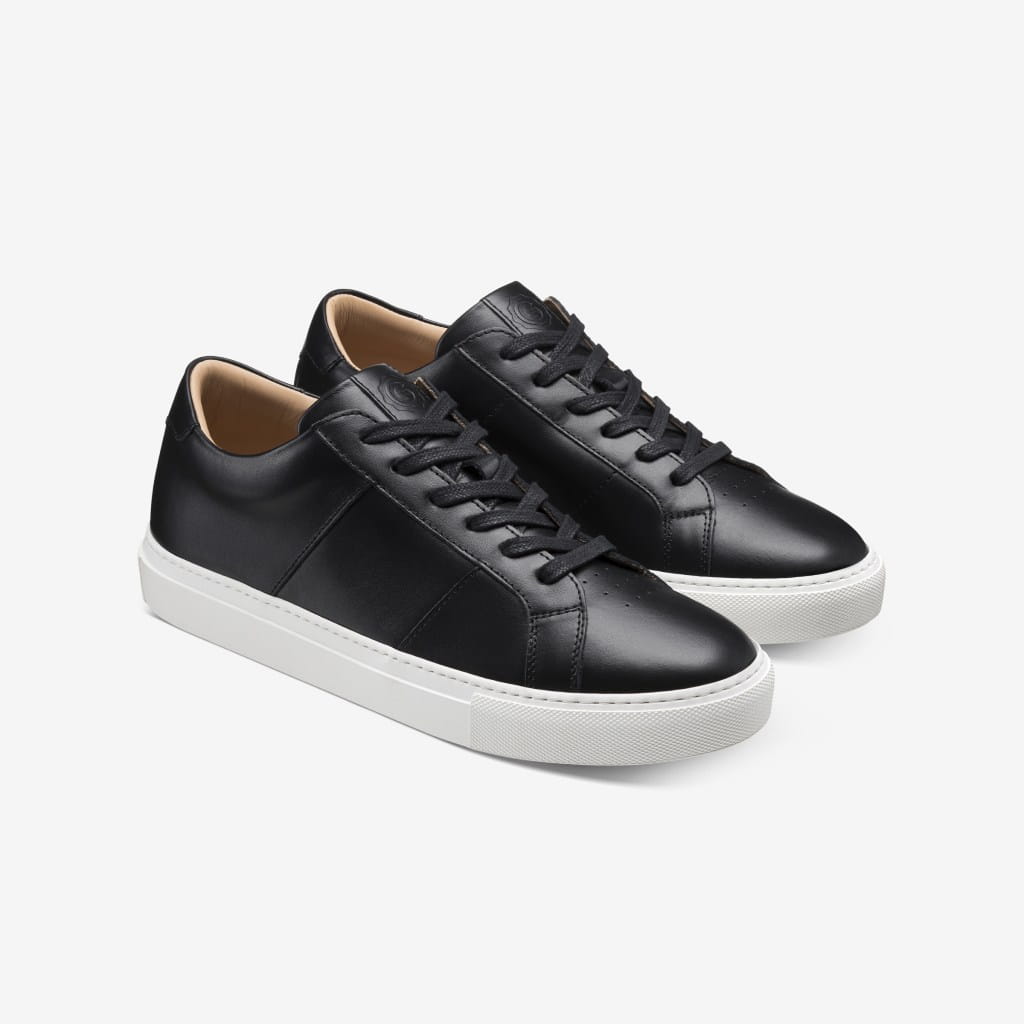
Shoes have their own rules. Only one shoe should appear, facing left at a 45-degree angle. If you want to master flat lay photography for kids’ clothes or accessories, check out these Perfect flat lay photography tips.
Jewelry, Watches, and Bags
Jewelry images must meet Amazon product image requirements precisely. Necklaces can be cropped at the edge of the image, but other pieces, like rings or earrings, must be shown in full. Watches should appear alone, without packaging, unless the box is a unique selling point.
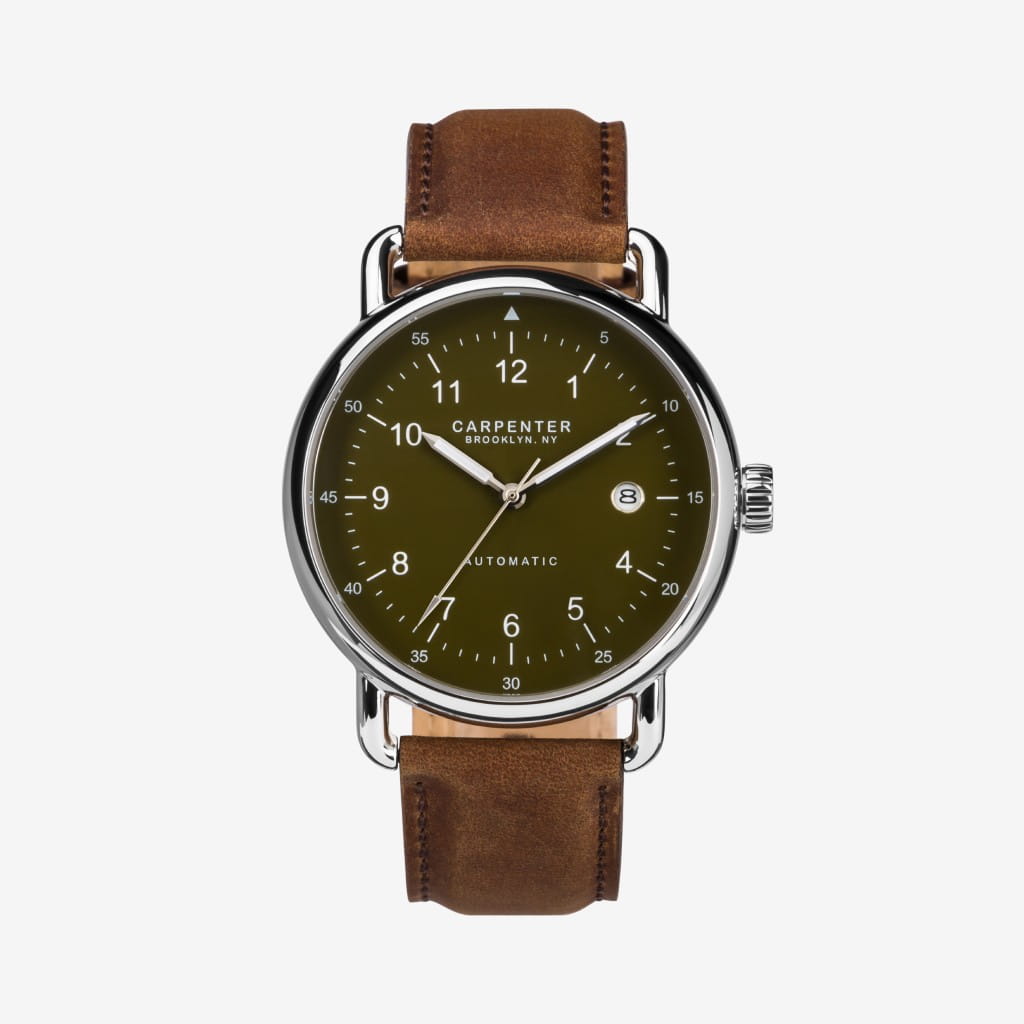
For bags, the main image must show the entire bag. Secondary images can include detailed shots of the interior or features. Always make sure the product is the primary focus, filling at least 85% of the frame.


Beauty, Health, and Baby Products
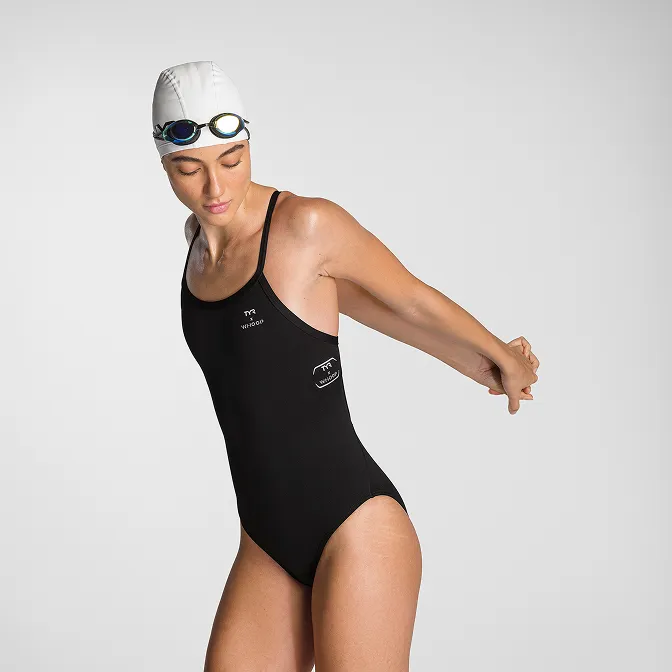
Amazon product image requirements for beauty and baby categories focus on safety and clarity. Avoid human models for items like kids’ leotards, underwear, or swimwear. Suggestive poses or nudity are strictly prohibited.
Packaging can be shown in the main image if it is a key selling feature, especially for health and beauty products. Ensure any packaging is clear and does not mislead the customer about what they will receive.
Electronics and Home Goods
Electronics present unique Amazon product image requirements. Props that could confuse buyers about what’s included are not allowed. The main image should show only the product itself, with no unnecessary accessories.
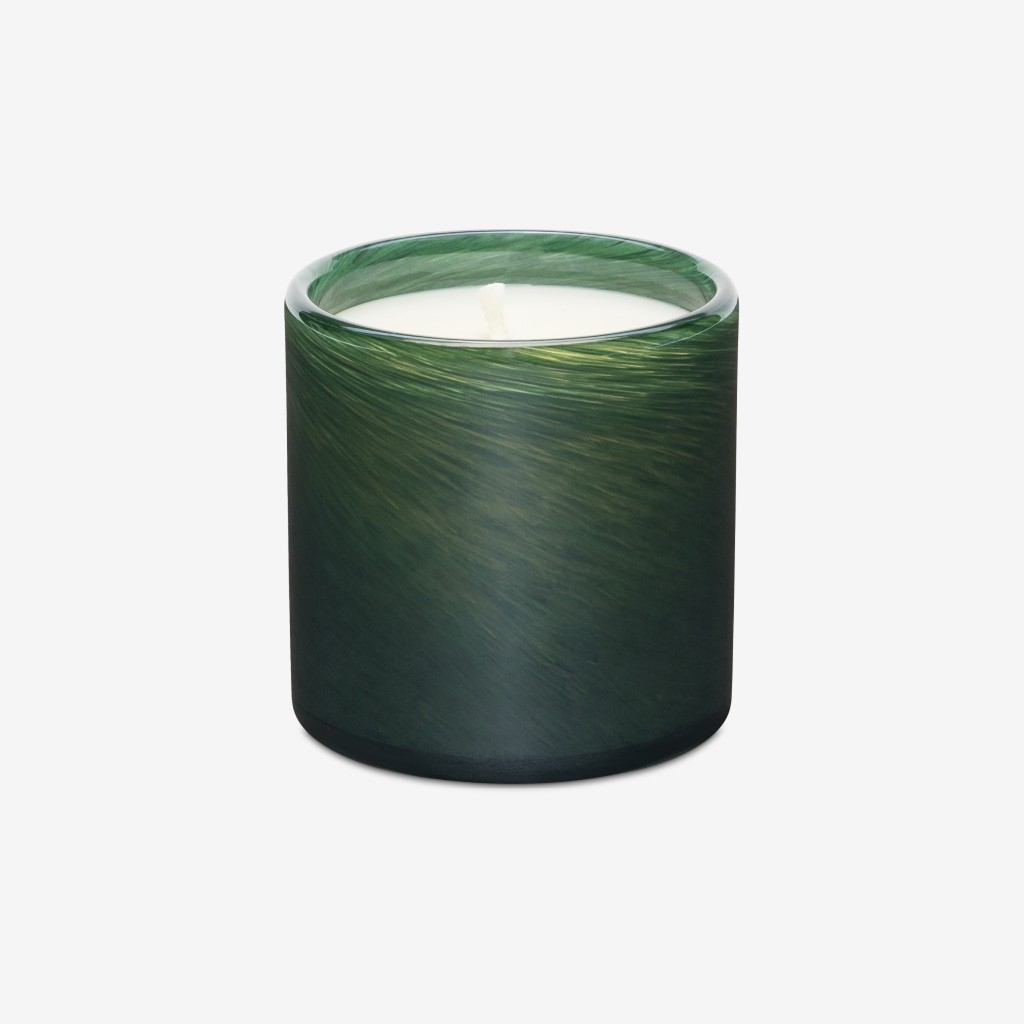
Secondary images can use hand models or other scale indicators to help shoppers understand size. For home goods, always avoid adding props that might mislead customers about the product contents or function.
Special Cases and Recent Updates for 2026
There are some new exceptions to Amazon product image requirements for 2026. AI-generated images are now permitted, but they must be clearly labeled and cannot be used as the main image. For eco-friendly packaging, sellers can show sustainable packaging in secondary images, as long as it accurately represents what customers will receive.
Compliance is all about clarity, honesty, and following the latest rules as they evolve.
Best Practices for Creating High-Converting Amazon Images
Creating images that meet Amazon product image requirements is not just about compliance; it's about maximizing your sales potential. The right approach can continually improve your visibility and increase conversions. Let's break down the essentials for high-converting product photography.
Professional Photography Tips
High-quality images start with the right tools and techniques. Invest in a professional camera, a clean white background, and consistent lighting to showcase your product's true colors and details. Avoid harsh shadows or uneven lighting, as they can distort the product.
If you're looking for in-depth guidance, the Amazon Product Photography Guide offers actionable tips for lighting, camera settings, and more. Remember, meeting Amazon product image requirements at this stage sets the foundation for every listing.
Composition and Framing
Composition can make or break first impressions. Always center your product and fill at least 85% of the image frame, as required by Amazon product image requirements. Use consistent angles across your images to build trust and reinforce your brand.
Avoid cropping out important features, and ensure the product stands out against the white background. Consistency across your catalog helps shoppers recognize your brand instantly.
Leveraging Infographics and Lifestyle Images
Secondary images are your chance to tell a story. Use infographics to highlight features or compare your product to competitors. Lifestyle shots place your product in real-world contexts, making it relatable and desirable.
Sellers who combine infographics with lifestyle content often see higher engagement, meet Amazon product image requirements, and boost conversions. Think of these images as your silent salespeople.
A/B Testing and Continuous Optimization
Never settle for your first set of images. Regularly run A/B tests to see which photos drive more clicks and conversions. Monitor key metrics, such as click-through rate and suppressed listings.
For a deeper dive on optimizing your imagery, the E-commerce image standards guide covers industry standards that align with Amazon product image requirements. Use customer feedback to inform updates and stay ahead of changing guidelines.
Accessibility and Inclusivity
Inclusivity isn't just good practice; it's essential for reaching more customers. Feature diverse models, provide clear alt text, and avoid stereotypes in your images. Ensuring everyone can see themselves using your product aligns with Amazon product image requirements and builds lasting trust.
Small touches like these can make your listings more welcoming and memorable for all shoppers.
Step-by-Step Process: Ensuring Image Compliance on Amazon in 2026
Navigating Amazon product image requirements in 2026 can feel overwhelming, but a clear process makes it manageable. By breaking down the journey into actionable steps, you can protect your listings, boost conversions, and avoid costly compliance mistakes.
Step 1: Review Amazon's Official 2026 Image Guidelines
Start by regularly reviewing the latest Amazon product image requirements in Seller Central. Amazon updates these policies frequently, so staying informed is essential. Subscribe to compliance alerts to avoid missing changes. For the most up-to-date details on technical specs and best practices, consult the Amazon Product Image Guidelines.
Step 2: Audit Your Existing Product Images
Use Amazon's suppression notifications to spot non-compliant images. Take advantage of Amazon’s image scanning tools or third-party audit services to identify gaps. Compare each image against the 2026 Amazon product image requirements to ensure nothing slips through the cracks.
Step 3: Plan and Execute a Professional Photoshoot
Once gaps are identified, plan a professional photoshoot. Hire photographers or studios who understand Amazon product image requirements. Prepare a detailed shot list covering main images, secondary images, and any category-specific needs. This proactive approach helps prevent compliance issues before they start.
Step 4: Edit and Optimize Images
Editing is crucial for clarity and compliance. Retouch images for color accuracy, remove backgrounds where required, and compress files for fast loading. For guidance on optimizing image size, zoom functionality, and compression, check Amazon Product Image Requirements 2026.
Step 5: Upload and Test Images in Seller Central
Follow file naming conventions and upload images in the correct order. Preview each listing on desktop and mobile to ensure proper display and zoom. Double-check that each photo aligns with Amazon product image requirements before publishing.
Step 6: Monitor Performance and Compliance
Regularly track performance metrics, such as suppressed listings and conversion rates. Address any compliance issues immediately to keep your listings active. Gathering customer feedback helps reveal if your images meet expectations and Amazon product image requirements.
Step 7: Stay Updated on Amazon Policy Changes
Join seller forums and subscribe to industry newsletters to stay ahead of policy changes. Schedule periodic reviews of all product images to maintain compliance with evolving Amazon product image requirements and avoid unexpected suppressions.
You’ve made it this far, so you know how high the stakes are for Amazon image compliance in 2026. Making sure your photos are not only compliant but also visually compelling can really set your listing apart and boost your conversions.
If you’re ready to take your Amazon images to the next level with crisp product shots, creative visuals, and expert retouching, why not kickstart your journey today? We’re here to help you every step of the way — whether you’re launching a new product or refreshing your entire catalog.
Let’s make your listings stand out together.
Product A
SQUARE SHOT