

In the crowded world of online shopping, clean product photography is what makes your brand stand out and stops potential customers from scrolling past your products.
Imagine equipping yourself with the skills needed to create images that not only grab attention but also build trust and drive sales. This guide is your roadmap to mastering clean product photography, with future-proof techniques that keep your visuals fresh and competitive.
Inside, you'll discover the latest gear, hands-on shooting methods, powerful cleaning and retouching workflows, AI tools, and expert tips for flawless results. Ready to transform your product images and boost your e-commerce success?
Let’s dive in.
Understanding Clean Product Photography: What It Means in 2026
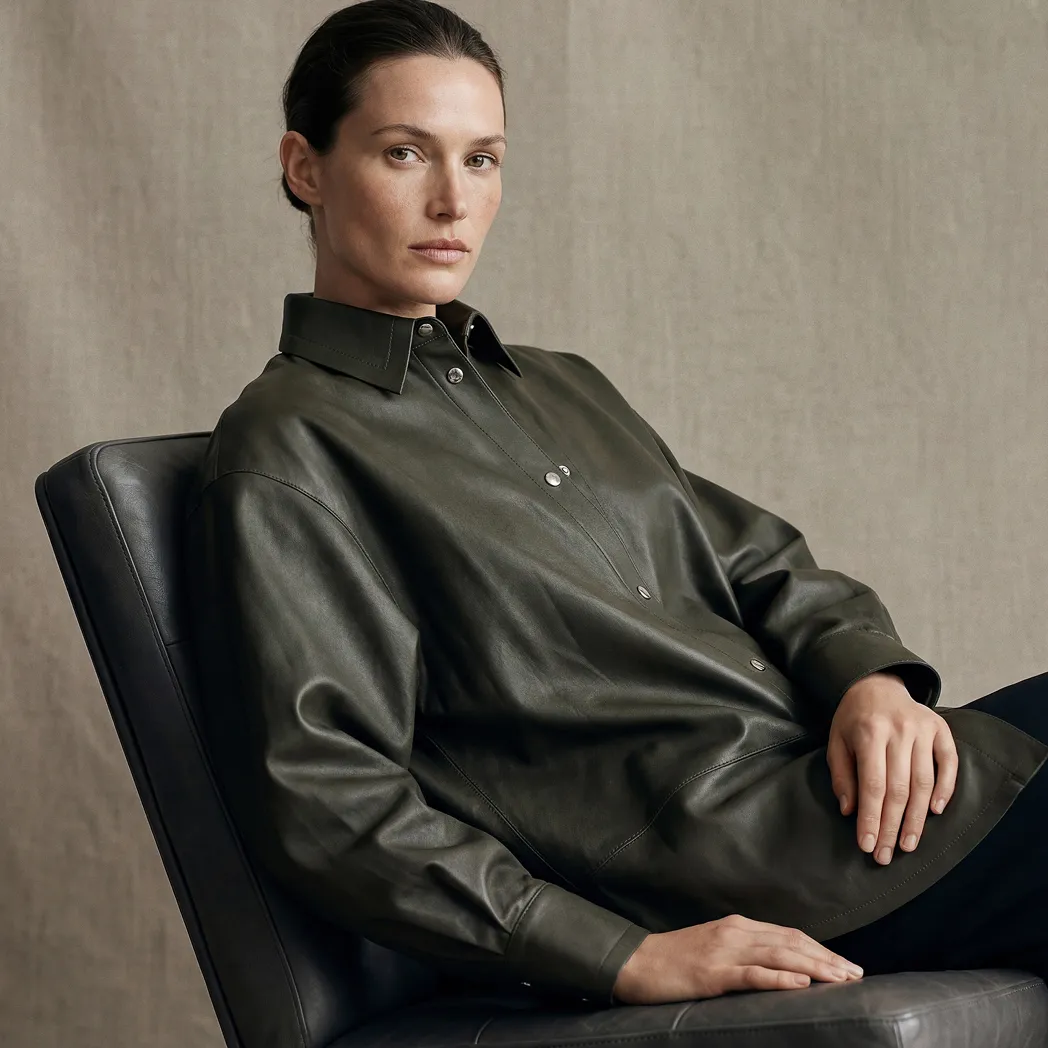
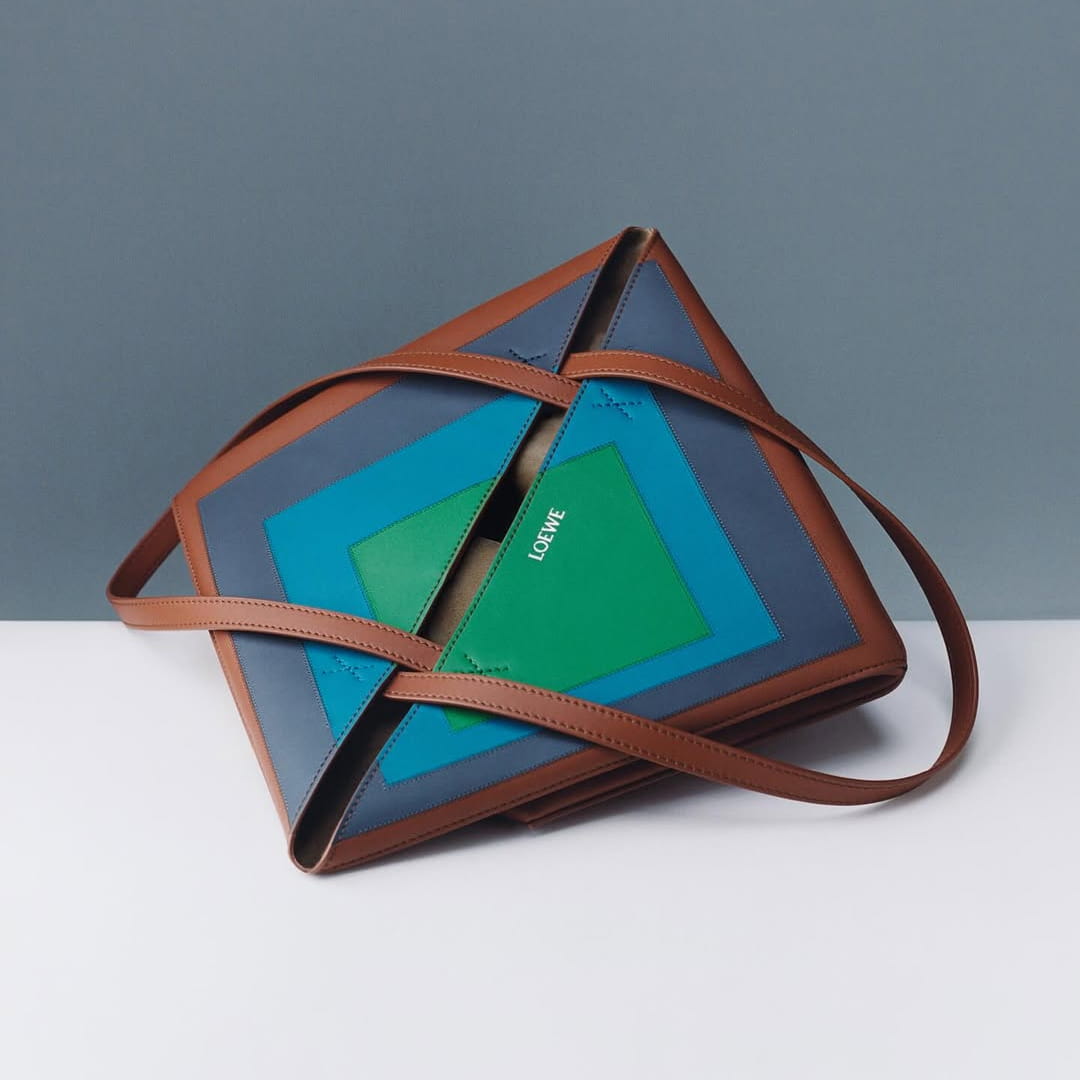
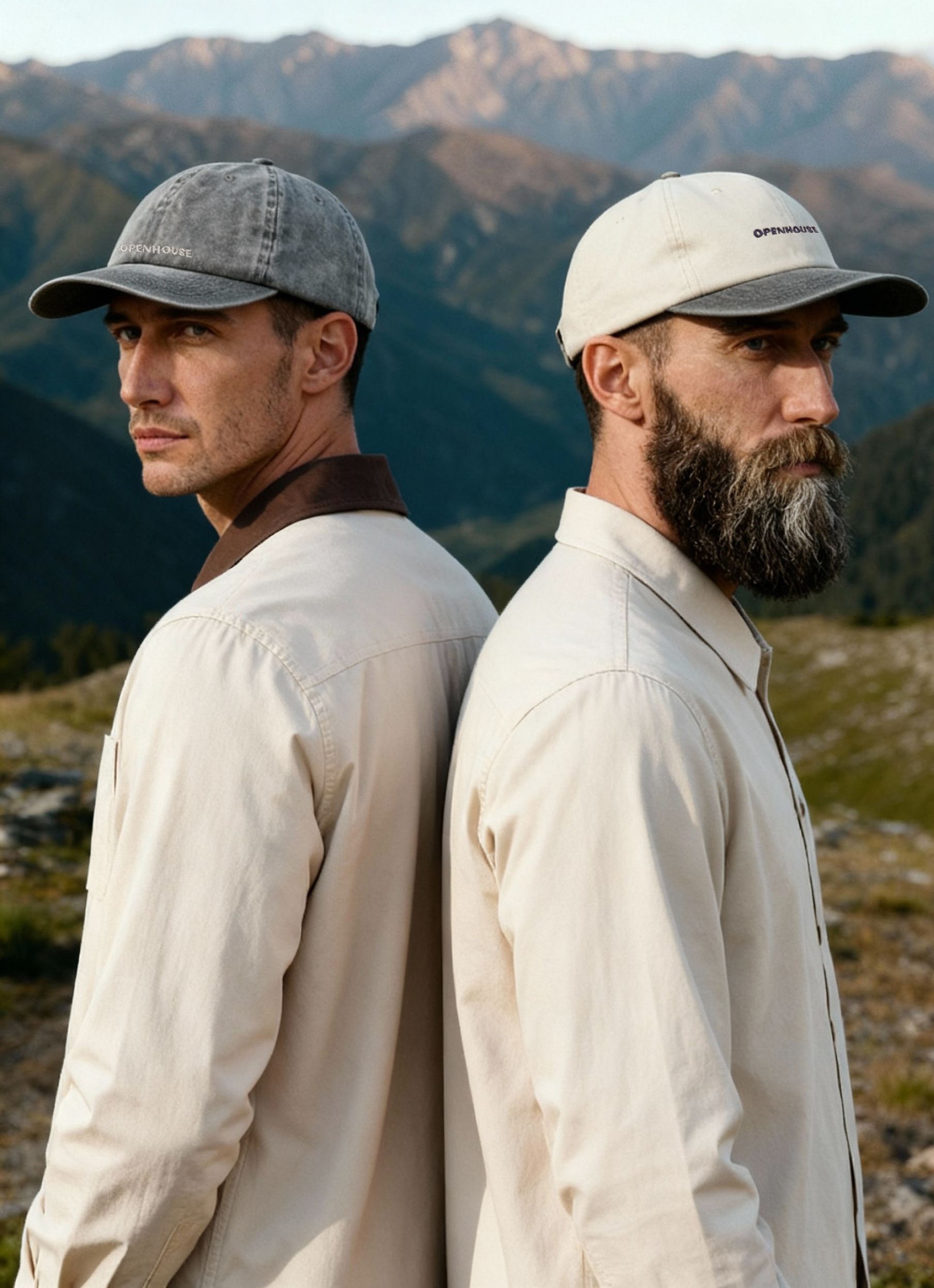
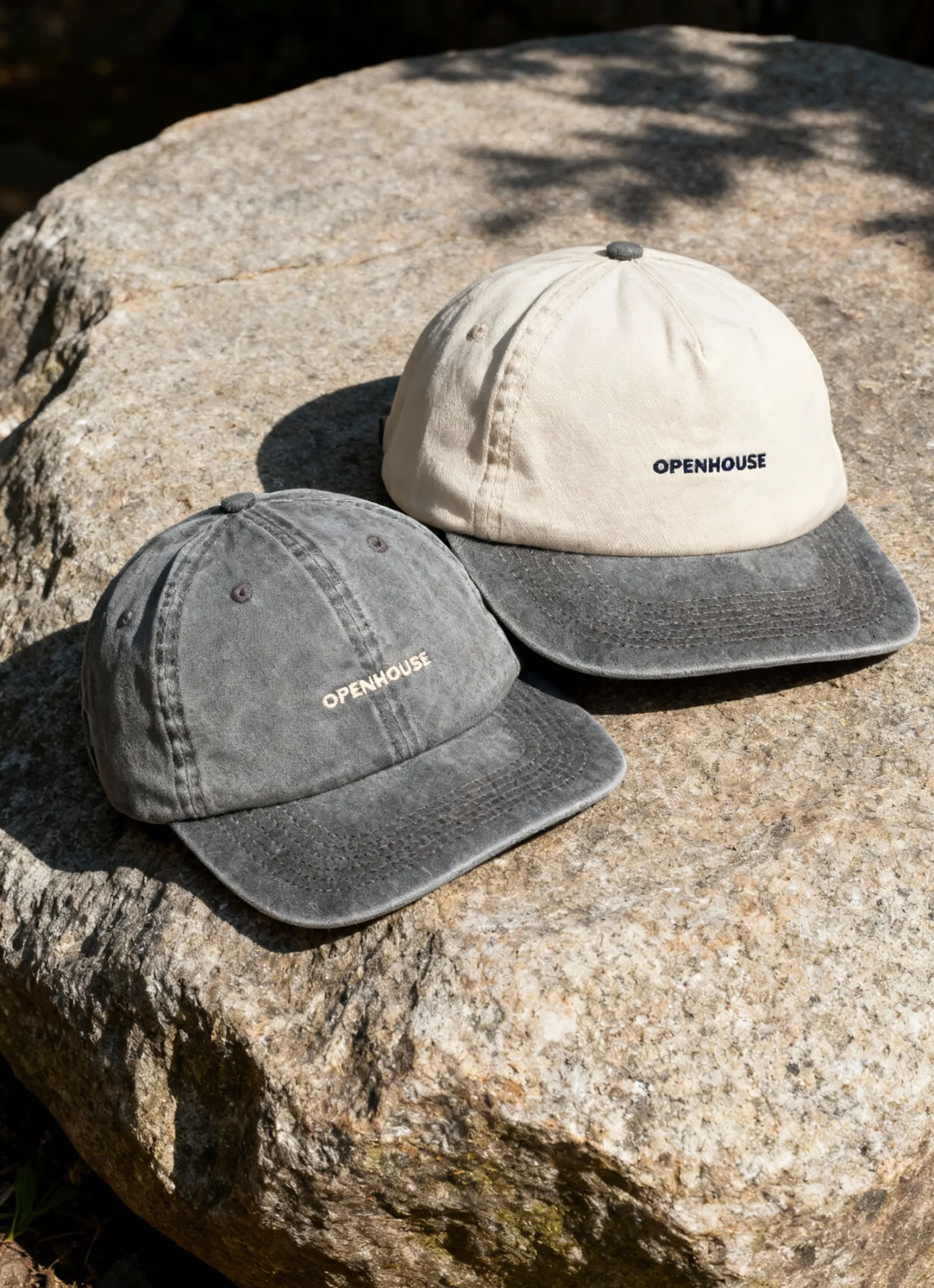
In 2026, clean product photography is the secret sauce behind winning e-commerce brands. It’s more than just snapping a photo with a white background. Clean product photography means creating images that are crisp, clutter-free, and laser-focused on showcasing your product’s true qualities.


What does this look like in practice? Clean product photography revolves around clarity, minimalism, and authenticity. Today, brands are expected to deliver high-resolution, distraction-free images with seamless backgrounds and subtle gradients. The goal: let the product become the hero, inviting trust and making the buying decision simple for customers.
Why does it matter so much? Consumer psychology tells us that shoppers are drawn to images that feel honest and consistent. When every product photo in your catalog looks clean, buyers feel more confident. In fact, recent studies show that clean product photography can boost conversion rates by up to 30%. Standards are rising fast, and even small improvements can make a big difference. For a deeper dive on how visual standards drive sales and trust, check out this e-commerce image standards guide.
Let’s talk trends for 2026. Expect to see more negative space, subtle gradients, and AI-enhanced backgrounds that remove distractions without making things look fake. Leading brands are blending realism with perfection, using advanced editing tools to remove dust and scratches while preserving natural textures. The line between “clean” and “sterile” is important: clean product photography means spotless, but not soulless. Your images should feel real, not like computer renderings.
In 2026, mastering clean product photography is about evolving with new standards, leveraging technology, and always putting authenticity first. It’s your ticket to building trust and standing out in a crowded digital marketplace.
Essential Equipment and Setup for Clean Product Photography
Setting up for clean product photography in 2026 is all about precision, consistency, and efficiency. The right gear and workflow not only make your images pop but also ensure every product looks its absolute best. Let’s break down the essentials you need for professional results.
Camera and Lens Selection
Choosing the right camera is the first step toward clean product photography. Mirrorless and DSLR cameras remain top picks for their sharpness and flexibility. For most e-commerce products, a full-frame sensor delivers outstanding clarity, while APS-C sensors offer a budget-friendly alternative without sacrificing much detail.
Lens choice matters just as much. Prime lenses between 50mm and 100mm are perfect for jewelry and small items, giving you crisp, distortion-free shots. For larger products like apparel or home goods, a 24-70mm zoom lens provides versatility. Make sure your camera offers accurate autofocus and the option for manual focus, so you can nail the sharpness every time.
Lighting Techniques for Spotless Results
Lighting is the backbone of clean product photography. Soft, even lighting minimizes harsh shadows and blemishes, creating a distraction-free look. A single softbox or umbrella can work wonders for small products, while multi-light setups are ideal for bigger items needing flawless coverage.
DIY solutions, like using white foam boards as reflectors, help bounce light and fill in shadows. For those on a budget, LED panels offer consistent light at an affordable price. Try an L-shaped softbox for products like shoes or bags — it wraps light around the subject for a smooth, even finish.
The key is to experiment with light placement and intensity until every surface looks pristine. Always check your results on a tethered screen for instant feedback and quick tweaks.
Backgrounds, Surfaces, and Props
A seamless, neutral backdrop is essential for clean product photography. Popular choices include white acrylic, vinyl, sweep paper, and tempered glass for their smooth, non-reflective surfaces. These materials keep the focus on the product, not the background.
It’s tempting to add props, but minimalism wins — use only what enhances your story without cluttering the frame. Cleanliness is critical, so wipe surfaces between shots and watch for dust or fingerprints. For a deep dive into creating distraction-free backgrounds, check out this White background studio guide.
Quick tips:
- Use gloves when handling products.
- Keep lint rollers and compressed air handy.
- Rotate backgrounds to avoid worn spots.
Studio Organization and Workflow
A well-organized studio is the secret weapon for clean product photography. Start with strict cleanliness protocols: dust control, regular equipment cleaning, and the use of gloves when handling products. Set up stations for prepping, shooting, and storing items to streamline your process.
Tethered shooting is a game-changer, letting you spot issues in real time and maintain consistent quality. Many pros rely on detailed checklists for each session, covering everything from product prep to camera settings.
Sample checklist:
- Wipe down all surfaces.
- Inspect the product under a bright light.
- Double-check camera settings.
- Back up images after every batch.
By building a repeatable workflow, you’ll consistently deliver crisp, clean, conversion-ready images.
Step-by-Step Shooting Process: Achieving Clean Results Every Time
Nailing clean product photography takes more than fancy gear — it’s about a repeatable, detail-oriented process. Let’s break down every step so your images look crisp, professional, and ready to convert browsers into buyers.
Pre-Shoot Product Preparation
Preparation is the foundation of clean product photography. Begin by inspecting each product for dust, fingerprints, or packaging marks. Use lint-free microfiber cloths, compressed air, and lint rollers to remove debris from surfaces.
For delicate items, wear gloves to prevent new smudges. Electronics may need extra attention with anti-static tools, while textiles benefit from careful steaming or brushing. Document the condition of each product before shooting to maintain consistency across your catalog.
A spotless product ensures you spend less time retouching later and helps you achieve that polished, clean product photography look straight out of the camera.
Camera Settings and Composition
Dialing in your camera settings is crucial for clean product photography results. Switch to manual mode for full control over exposure. Set a low ISO (100–200) to minimize noise and select an aperture (f/8–f/16) for sharpness across the product.
Calibrate your white balance using a gray card so colors stay accurate. Frame the shot for symmetry and minimalism, using your camera’s grid lines to keep everything aligned. Compose tightly to fill the frame but leave enough negative space for cropping.
Careful composition and camera control ensure your clean product photography stands out for clarity and precision.
Lighting Setup and Adjustments
Lighting can make or break clean product photography. Position softboxes or umbrellas at 45-degree angles to the product for even, shadow-free illumination. For small items, a single soft light often suffices, while larger products may need multiple lights and reflectors.
Eliminate unwanted reflections by adjusting light angles or using polarizing filters. Diffuse harsh light with translucent panels for a soft, natural look. Tweak intensity and direction to bring out texture and shape, making every detail pop.
Consistent, controlled lighting is the secret to achieving that professional, clean product photography effect every time.
Shooting Techniques for Clean Imagery
With everything set, it’s time to capture clean product photography from multiple angles. Start with the hero shot, then capture details and lifestyle variations. Shooting tethered lets you review images instantly and make real-time corrections.
Bracket exposures for tricky products — this helps with later blending and ensures every highlight and shadow is crisp. Use a sturdy tripod and remote trigger to avoid camera shake. Want to see how different styles can elevate your images? Check out these 15 types of product photography that show how clean, minimal imagery drives results.
Mastering these techniques guarantees your clean product photography is both versatile and visually consistent.
In-Camera Quality Control
Don’t wait until post-production to spot issues. After each shot, review images at 100% zoom to check for dust, focus, and exposure issues. Reshoot immediately if you spot imperfections — the goal is to minimize editing later.
Keep a shot checklist handy to ensure you capture every required angle and variation. Consistent in-camera quality control is the backbone of clean product photography, saving time and ensuring every photo meets your standards.
Organizing and Backing Up Files
Organization is key for high-volume clean product photography shoots. Create a structured folder system by date and product type. Use clear, consistent file naming conventions, like ProductName_Color_Angle_001.jpg.
Back up files as you shoot, using external drives or cloud storage to prevent data loss.
A solid workflow for organizing and backing up images ensures your product photography assets are always secure and easy to access.
Advanced Cleaning and Retouching Methods for Flawless Photos
Achieving flawless results in clean product photography requires a blend of precise manual skills and smart use of technology. Whether you are polishing jewelry shots or perfecting apparel images, mastering advanced retouching is what sets your work apart in 2026.
Essential Retouching Tools and Techniques
Every clean product photography workflow relies on a toolkit of powerful retouching tools. The spot healing brush is perfect for quick fixes, while the clone stamp allows for precise texture replication. The patch tool excels at blending larger areas, and frequency separation helps you balance texture and color without sacrificing detail.
When should you use each tool? Spot healing is best for dust or tiny blemishes. Clone stamp is ideal for complex surfaces. Patch tool handles wrinkles and creases in textiles, while frequency separation is essential for high-end smoothing that preserves realism.
Workflow for Removing Dust, Scratches, and Imperfections
A systematic approach is key to maintaining clean product photography standards. Start by duplicating your image layer. Zoom in at 100% to spot dust, scratches, or fingerprints. Use the spot healing brush for quick specks, and switch to the clone stamp for more stubborn marks.
The “Dust & Scratches” filter in Photoshop can speed up the process, but always check for image softness. Manual cleaning preserves detail, while automated filters are best for batch edits. Remember, blending corrections seamlessly ensures your product looks pristine, not artificially perfect.
Color Correction and Exposure Adjustments
Color accuracy is everything in clean product photography. Begin by calibrating white balance to match true product colors. Use levels and curves adjustments to fine-tune exposure, ensuring shadows and highlights are well balanced.
If you spot a color cast from lights or backgrounds, use selective color tools or hue/saturation sliders. For white backgrounds, careful adjustment keeps the product crisp without losing edge detail. Consistent color correction across images builds trust and keeps your shop looking professional.
Maintaining Realism: Avoiding Over-Editing
It is tempting to chase absolute perfection in clean product photography, but too much retouching can backfire. Watch for halos, odd edges, or loss of texture — signs you have gone too far. Authenticity matters to customers, so keep edits subtle.
A good rule is to zoom out often and compare before/after versions. If your product starts looking like a render, dial back the changes. Realism sells, and buyers want to see honest product details, not a digital illusion.
Batch Processing and Workflow Efficiency
Efficiency is crucial for high-volume clean product photography. Use actions or presets for repetitive retouching tasks, like dust removal or exposure tweaks. Organize edits with clearly named layers and folders for each product line.
Batch processing ensures every image meets your standards, and it keeps your workflow scalable as your e-commerce store grows.
AI and Automation in Retouching (2026 Trends)
AI is revolutionizing clean product photography, allowing for rapid, high-quality retouching. New tools can automatically detect dust, remove backgrounds, and even enhance textures with minimal user input. Automated workflows now cut editing time in half for many studios.
However, AI is not perfect. It may miss subtle imperfections or introduce artifacts, so always review the final images. Combine AI with manual checks for the best results. In 2026, the smartest photographers blend human skill with technology, ensuring every photo is both flawless and authentic.
Integrating AI and New Technologies for Clean Product Photography
Innovations in artificial intelligence are transforming clean product photography in 2026. Whether you are a solo creator or part of a large team, these new tools are making it easier to achieve studio-grade results, save time, and stay ahead of the competition.
AI-Powered Shooting and Editing Tools
The latest AI-powered cameras and software are changing how clean product photography is done. Smart features like real-time dust detection, auto-background cleanup, and intelligent cropping are now standard in many modern setups.
These tools help you focus on creativity while the AI handles repetitive cleaning and enhancement tasks. With AI-powered object selection and auto-retouching, your product images look consistently polished, meeting the high standards of clean product photography.
Workflow Automation: From Capture to Final Image
AI-driven workflow automation is streamlining the entire product photography process. You can now automate culling, editing, and exporting, drastically reducing turnaround times. Cloud-based editing platforms enable seamless collaboration, making it easier for teams to manage high volumes without sacrificing quality.
Efficiency is key. Automated naming and organization systems keep your files structured and accessible, supporting a smoother production cycle.
Navigating Limitations and Ethical Considerations
Despite their power, AI tools in clean product photography have limitations. They may misinterpret edges or create artificial effects that look unnatural. It is important to keep a human eye on edits, ensuring authenticity and accuracy.
Ethical use matters. Overusing AI can lead to deceptive imagery, which erodes customer trust. Always verify your final product images, and avoid edits that misrepresent the item. Learn to spot common AI errors and know when manual touch-ups are necessary to maintain the integrity of your clean product photography.
Staying Ahead: Future Trends and Predictions
The future of clean product photography will see even more integration with emerging tech. Expect 3D product imaging, AR-ready photos, and generative AI tools to become mainstream. These advancements will help brands create interactive and immersive product experiences.
To stay competitive, continuously update your workflow with new technologies. Monitor industry trends and experiment with upcoming platforms and devices. Clean product photography will continue to evolve, and those who adapt quickly will set the visual standard for e-commerce in 2026 and beyond.
Professional Insights and Expert Tips for Consistent Clean Results
Achieving consistent clean product photography takes more than just technical know-how. It requires attention to detail, proven workflows, and learning from industry leaders. Here’s how to avoid common pitfalls and set up a process that keeps your images crisp and conversion-ready every time.
Common Mistakes and How to Avoid Them
Many photographers slip up by overlooking tiny details that make or break clean product photography. Missing dust or smudges during shooting is a frequent issue. Relying too much on post-production instead of getting things right in-camera can lead to inconsistent results.
Other errors include using uneven lighting or failing to match color across product lines. These mistakes can create a patchy, unprofessional look.
- Always inspect products under bright light before shooting.
- Use checklists to ensure nothing gets missed.
- Calibrate your camera and monitor to keep colors true.
Learning from these slip-ups helps maintain consistently clean product photography.
Building a Repeatable Studio Workflow
A solid workflow is the backbone of clean product photography. Start with a pre-shoot checklist: clean products, prep backgrounds, and set up lighting. During the shoot, monitor every step — tethered shooting helps catch issues instantly.
Assign clear roles in your team. Photographers focus on composition, assistants handle product prep, and retouchers review images for flaws. After shooting, follow a post-shoot checklist for file backup and initial edits.
- Pre-shoot: Clean, prep, organize.
- During shoot: Adjust, review, document.
- Post-shoot: Edit, quality check, archive.
This repeatable workflow ensures every batch meets your clean product photography standards.
Real-World Examples: Brands Setting the Standard
Top e-commerce brands invest heavily in clean product photography because it drives trust and sales. They use consistent lighting, neutral backgrounds, and minimal props to let products shine. Brands are leading the way by integrating AI tools for faster, cleaner results, as seen in their expansion and AI capabilities.
What sets these brands apart? Attention to detail, strict quality control, and a willingness to adopt new technology. Study their galleries for inspiration and benchmark your own work against industry leaders.
Learning from these examples keeps your clean product photography ahead of the curve.
Squareshot: Professional Product Photography Solutions
If you want turnkey clean product photography, Squareshot delivers specialized e-commerce imaging with fast turnaround and advanced retouching. Our services cover catalog, creative, and model shoots tailored to your brand.
Squareshot handles it all: pre-shoot planning, product prep, and post-production. Our workflow is built for efficiency and consistency, ensuring every image is spotless and conversion-ready.
With over 2000 trusted brands, transparent pricing, and dedicated project management, Squareshot sets a high bar for clean product photography.
Clean Product Photography Checklist and Ongoing Best Practices
Achieving consistently clean product photography requires a reliable workflow at every stage. Use this practical checklist and ongoing strategies to keep your images flawless, efficient, and ready for the evolving world of e-commerce.
Pre-Shoot Preparation Checklist
Start every clean product photography session with a solid prep routine. Inspect each product for dust, smudges, or packaging residue. Use microfiber cloths, compressed air, and lint rollers to remove visible imperfections.
Set up your camera, lighting, and backgrounds in advance. Confirm your seamless backdrop is spotless and wrinkle-free. Organize your file system and check that backup drives are ready.
A disciplined pre-shoot checklist is the first step in capturing clean product photography every time.
During the Shoot: Maintaining Cleanliness
Throughout the shoot, vigilance is key for clean product photography. Pause often to check for new dust or fingerprints, especially on glossy items. Adjust lighting to keep shadows and reflections minimal.
Keep props and surfaces tidy after each shot. Use gloves if needed to prevent smudges. Make notes about camera settings and lighting changes to ensure consistency.
- Real-time dust checks
- Monitor exposure and color
- Clean props and surfaces after each shot
Taking these small steps during your session will prevent hours of extra editing and ensure your clean product photography meets the highest standards.
Post-Production: Final Image Quality Control
After shooting, review all images at full resolution. Zoom in to spot dust, blemishes, or focus issues. Compare images across the product line for color and exposure consistency.
Use structured file names and folders to organize your work. Set export settings for both web and print to ensure sharpness and accurate colors. Archive final images securely.
- Review edits at 100% zoom
- Consistency check for brand look
- Export settings matched to platform
Meticulous post-production is essential for delivering clean product photography that builds trust and drives sales.
Continuous Improvement for 2026 and Beyond
Staying ahead in clean product photography means embracing new tools and trends. Regularly update your workflow based on customer feedback and analytics. Explore AI-powered solutions like Adobe Firefly and Gemini Integration to streamline content creation and stay competitive.
Build a gallery of your best work for reference and inspiration. Iterate on your process to boost efficiency and image quality. Consistent improvement ensures your clean product photography remains future-proof, captivating, and conversion-ready.
You’ve made it this far, so you already know how much clean product photography matters in 2026 — and how mastering it can seriously set your brand apart. If you’re ready to put all these expert tips into action, why not take the next step?
Whether you want stunning catalog images, creative shoots, or just a reliable partner to handle all the details, you don’t have to do it alone. Let’s bring your vision to life and make your products shine online.
Ready to get started?
Product A
SQUARE SHOT