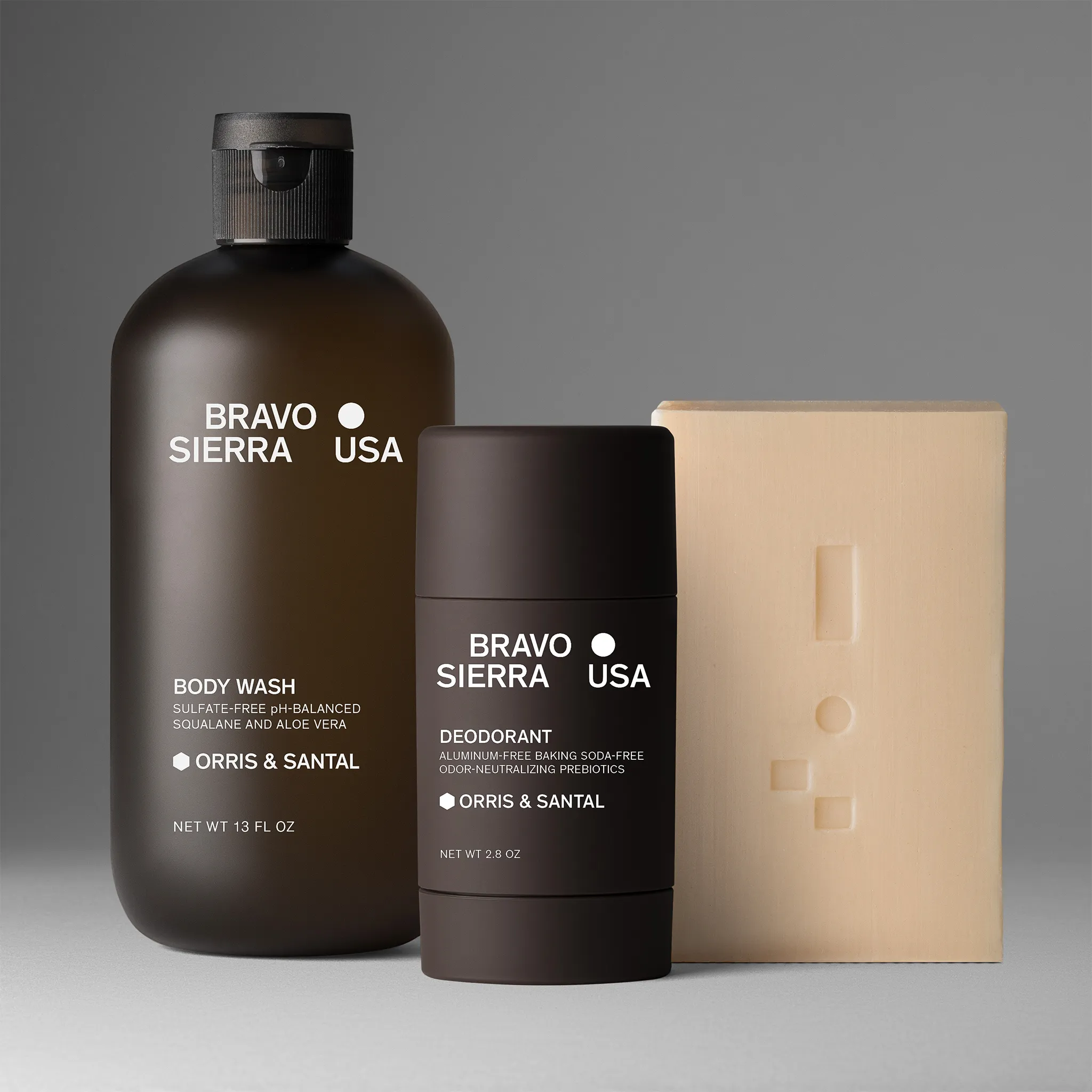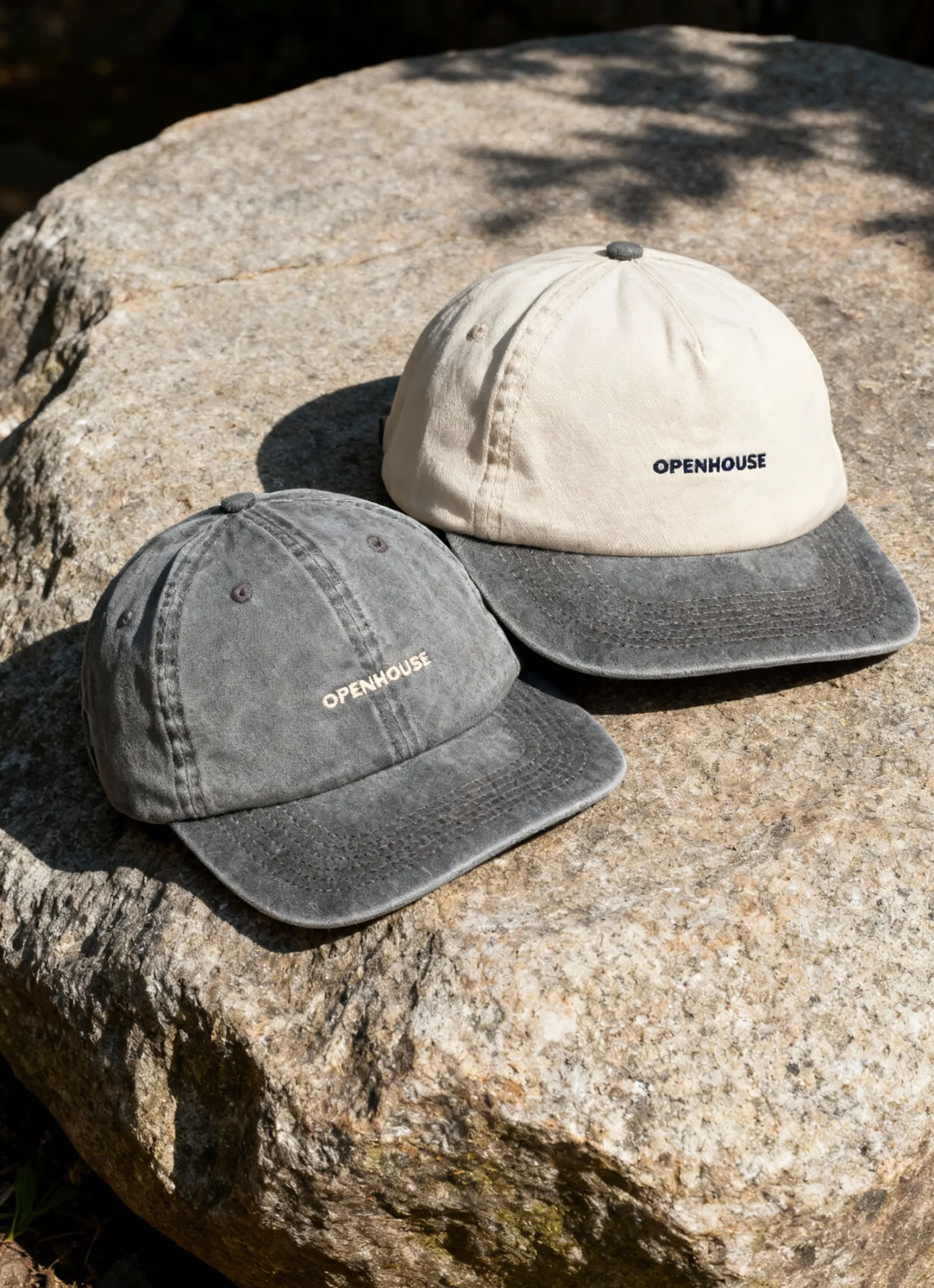


Product photography is one of the most influential factors in Amazon listing performance. If you want to know how to do product images for Amazon in 2026, you’re in the right place.
With Amazon’s image requirements becoming stricter, high-quality, compliant photos are essential for earning clicks, building trust, and reducing returns. This expert guide will walk you through every step, from planning your shoot to editing and ensuring compliance. Whether you’re a beginner or a seasoned seller, follow along to upgrade your listings and get ahead of the competition in 2026.
Understanding Amazon’s Product Photography Requirements in 2026
Creating standout Amazon listings starts with knowing the exact image rules. Whether you’re a beginner or a seasoned seller, understanding how to do product photography for Amazon means staying ahead of new updates and avoiding costly mistakes.
Overview of Amazon’s Latest Guidelines
Amazon’s 2026 guidelines have raised the bar for product images. Now, every main image must feature a pure white background, be high resolution (at least 1000x1000 pixels), and be in JPEG format. Aspect ratio requirements are stricter, focusing on square images for mobile optimization.
The platform now uses AI-driven checks to instantly flag non-compliant photos. Failing to follow these standards can result in your listing images being removed or having their visibility suppressed. Staying compliant is essential for anyone learning how to do product photos for Amazon. For a detailed breakdown, visit Amazon's 2026 Product Image Requirements.
Types of Images Amazon Requires
Amazon asks for more than just a single shot. The main image must be a clear front-facing photo against a white background. Additional images can show side or back views, close-ups, lifestyle scenes, or infographics. Trends in 2026 include 360-degree images and creative infographics, both proven to boost conversions.


Choosing the right mix is key when planning product photography for Amazon.
Common Mistakes and How to Avoid Them
Sellers often trip up on a few recurring issues: watermarks, distracting props in main images, and unauthorized text overlays. One analysis found that nearly 20% (1 in 5) of 40 audited listings technically violated the main image rules, such as failing to use pure white backgrounds or improperly filling the frame.
To avoid these pitfalls, always double-check your images before uploading. Stay updated by regularly reviewing Seller Central announcements and joining Amazon seller forums. Consistent review is a vital part of mastering product photography for Amazon.
Planning Your Amazon Product Photoshoot
Getting ready for your Amazon product photoshoot is the foundation of success. Whether you are a beginner or a seasoned pro, understanding how to do product photography for Amazon starts with a solid plan. Smart preparation ensures your images stand out, meet Amazon’s strict requirements, and convert browsers into buyers.
Defining Your Brand and Product Goals
Before you snap a single photo, clarify your brand identity and product objectives. Ask yourself: Who is your ideal customer? What visual style matches your brand — minimalist, playful, or luxurious?
For example, a beauty brand might focus on soft lighting and elegant backgrounds, while tech products often use clean, bold setups. When learning how to do product images for Amazon, aligning your visuals with your brand helps attract the right shoppers and builds long-term trust.
Creating a Detailed Shot List
A well-planned shot list is your secret weapon. List every angle and style you need: main image, side, back, close-up, scale reference, lifestyle, and infographic shots. Amazon recommends 6–8 images per listing for optimal conversions.
When you know how to do product photography for Amazon, a thorough shot list keeps your shoot efficient and ensures you capture every detail.
Sourcing Props and Backgrounds
Choose props that demonstrate the product’s use without distracting from it. For the main image, Amazon requires a pure white background, while secondary images can be more creative.
Props, such as hands holding the product or in-room setups, help buyers visualize real-world use. Need help with backgrounds? Check out this white background studio guide for expert tips. Remember, mastering product photos for Amazon means following these critical background rules.
Scheduling and Logistics
Timing matters. Natural light in the morning or late afternoon works well, but studio lighting provides consistent lighting year-round. Gather all product samples, props, and gear in advance.
Create a checklist covering cleaning, assembly, and battery checks. When you follow these steps on how to do product photography for Amazon, you reduce stress and avoid last-minute surprises. A smooth schedule leads to better photos.
Budgeting for Your Photoshoot
Set a realistic budget by weighing DIY versus professional costs. DIY setups can be cost-effective, but professional photographers offer advanced equipment and editing.
In 2026, the average cost for pro Amazon product photography ranges from $250 to $1,000 per listing. Investing in quality pays off with higher conversions and fewer returns.
When considering how to do product photography for Amazon, always factor in the long-term ROI (return on investment) of great visuals.
Essential Equipment and Software for Amazon Product Photography
Setting up the right equipment is the backbone of mastering product photography for Amazon. Whether you're a beginner or a seasoned seller, the right gear and software can elevate your listings and help you meet Amazon's demanding 2026 image standards. Let's break down the essentials so you can get started with confidence.
Camera and Lens Selection
Choosing the right camera is crucial when learning how to do product photography for Amazon. In 2026, both DSLRs and mirrorless cameras remain top picks for sharp, detailed images. Smartphones are also viable, especially flagship models with manual controls.
For small items, a macro lens is ideal. For larger products, a standard or wide-angle lens works best. Always use a camera that delivers at least 12MP for crisp Amazon-ready shots.
Lighting Solutions
Lighting can make or break product photography for Amazon. Continuous LED panels, softboxes, and ring lights are favorites for their ability to minimize shadows and reveal true colors. Natural daylight is great, but can be inconsistent. For consistent results, many sellers prefer artificial lighting in a controlled setup.
A three-light arrangement (key, fill, back) ensures even, professional-looking images. Proper lighting also reduces editing time and helps meet Amazon's clarity requirements.
Backgrounds and Surfaces
Amazon's 2026 rules require a pure white background for your main image, so seamless white paper or acrylic is a must. For secondary images, experiment with textured surfaces like wood or fabric to add context, but always keep the product as the focal point.
Invest in background stands or sweep setups to avoid unwanted creases or shadows. Following these best practices ensures your images pass Amazon's compliance checks and look great to shoppers.
Tripods, Stands, and Accessories
A sturdy tripod is essential for anyone serious about product photography for Amazon. It keeps shots steady and ensures uniformity across your product listings. For 360-degree photos, consider a motorized turntable to capture every angle smoothly.
Remote triggers help minimize camera shake, and adjustable stands allow you to position lighting and reflectors precisely. These small investments can significantly boost your workflow and image quality.
Editing Software and Tools
Once you have your shots, editing software is your next best friend. Adobe Photoshop and Lightroom are industry standards, while AI-powered tools in 2026 offer fast background removal and batch retouching. Staying updated on E-commerce image standards to improve sales can help you meet Amazon's stringent requirements.
Batch editing saves time and ensures consistent color and exposure. Always export images in JPEG format, sRGB color profile, and double-check dimensions before uploading.
Backup and File Management
Managing your files is a vital part of doing product photography for Amazon. Use descriptive file names for each product and organize them in folders by SKU or listing. Cloud storage solutions offer automatic backup and easy sharing with your team.
Create a backup routine so you never lose your hard work. Good file management keeps your workflow smooth and ensures quick access when updating listings or troubleshooting compliance issues.
Step-by-Step Process: Shooting Amazon-Ready Product Photos
Ready to boost your Amazon sales with show-stopping images? This section breaks down exactly how to do product photography for Amazon, turning confusion into a clear, actionable workflow. Whether you're a DIY seller or prepping to hire a pro, these steps will help you create images that convert browsers into buyers.
Step 1: Preparing Your Product
Success starts before you even pick up the camera. The first rule of product photography for Amazon is to meticulously prep your product. Clean every surface, remove stickers, dust, and fingerprints. Assemble the item as the customer would receive it, ensuring there are no defects or packaging remnants.
A handy prep checklist:
- Wipe surfaces with a microfiber cloth.
- Remove all stickers and packaging.
- Check for scratches or blemishes.
- Assemble accessories if included.
A well-prepared product looks more appealing and builds buyer trust. Getting this step right sets the tone for the entire shoot.
Step 2: Setting Up Your Studio or Shooting Space
Next, create an environment that meets Amazon's strict guidelines. Doing product photography for Amazon often means working with limited space, so efficiency is key. Arrange your lighting for even, shadow-free results. Use softboxes or continuous LED panels to eliminate harsh shadows and highlight your product's true colors.
Position a pure white background behind your product. Seamless paper, acrylic panels, or even a portable lightbox can help. If you're working in a small room, set up close to a window for soft natural light, but avoid direct sunlight, which causes glare.
Don't forget:
- Double-check background color is pure white (RGB 255,255,255).
- Keep props and equipment out of the frame.
- Use tape or stands to hold backgrounds steady.
A tidy, well-lit space ensures your photos look professional and compliant.
Step 3: Camera Settings and Composition
Now it's time to dial in your camera. Product photography for Amazon requires settings that deliver crisp, clear shots every time. Choose a low ISO (100-400) to minimize noise. Set your aperture to f/8-f/11 for sharp focus across the product. Adjust the shutter speed to avoid blur, using a tripod for stability.
Frame your product to the required Amazon aspect ratio, with a minimum of 1000x1000 pixels (1600x1600 recommended for optimal zoom). Center the item, leave space around the edges, and use the rule of thirds to create a balanced composition.
Quick tips:
- Focus on the product's primary feature.
- Avoid cutting off edges.
- Level your camera for straight, professional shots.
Mastering these basics will help your images stand out in crowded search results.
Step 4: Capturing Each Required Image
Every Amazon listing needs a mix of images. The core of photography for Amazon is capturing all the angles and product details shoppers expect. Begin with the main image: front view, pure white background, no props or text. Then, shoot side, back, and close-up shots to highlight features.
Add scale-reference photos (e.g., a hand holding the product) to help buyers visualize size. Lifestyle images show your product in use, while infographics can explain benefits or features (but only on secondary images).
Sample shot list:
- Main product image (front, white background)
- Side and back views
- Close-up of key details
- Scale reference (in hand, next to a common object)
- Lifestyle setting
- Infographic with icons/text
For more actionable ideas on presenting your products, check out these essential product image display tips to ensure your shots drive engagement and conversions.
Step 5: Reviewing and Selecting the Best Shots
After shooting, review every image with a critical eye. When doing product photography for Amazon, only your sharpest and most accurate photos should make the cut. Zoom in to check sharpness, inspect for correct exposure, and verify true-to-life colors.
Involve your team or trusted peers for feedback. Organize shortlisted images into folders for each product angle or feature. This step prevents uploading blurry or off-brand images that could hurt your conversion rate.
Review checklist:
- Is the product in perfect focus?
- Are the colors accurate?
- Are the backgrounds pure white?
- Do images meet Amazon’s technical requirements?
Only the best photos should move on to editing.
Step 6: Editing and Retouching for Amazon Standards
Editing is where your images go from good to great. The secret behind product photography for Amazon often lies in thoughtful post-production. Crop each image to Amazon's required aspect ratio and resolution. Adjust color, contrast, and exposure for a vibrant, true-to-life look.
Use spot healing tools to remove dust or scratches. For main images, remove any background imperfections for a flawless white background. Save files as JPEGs, using the sRGB color profile to ensure accurate display on Amazon.
Editing workflow:
- Crop for aspect ratio (1:1, min. 1000x1000 px)
- Adjust exposure and contrast
- Remove blemishes or dust
- Double-check file format and color profile
For a detailed process, consider this essential guide to product photography workflow to streamline your editing and get consistent, Amazon-ready results.
Step 7: Final Checks and Uploading to Amazon
Before uploading, verify that every image complies with Amazon’s latest rules. Doing product photography for Amazon means checking file sizes, naming conventions, and metadata. Use descriptive file names, like brand-product-front.jpg, for easy reference.
Preview your images in Seller Central to ensure they appear crisp and accurate. If you spot any issues, fix them before publishing. This last step helps prevent suppressed listing images or accidental non-compliance.
Final upload checklist:
- Images meet Amazon’s 2026 requirements
- Correct file names and metadata
- Previewed in Seller Central for quality
By following this step-by-step process, you’ll create professional, high-converting product photos that help your Amazon listings shine.
Advanced Tips to Stand Out on Amazon in 2026
Looking to rise above the competition? These advanced strategies will show you how to do product photography for Amazon like a pro. Let’s dive into the latest tips that can help your listings capture attention, boost engagement, and drive more conversions.
Leveraging Lifestyle and Infographic Images
Lifestyle and infographic images are game-changers for product photography on Amazon. Lifestyle shots show your product in use, helping shoppers imagine it in their daily lives. Infographic images, on the other hand, allow you to overlay key features, icons, or benefits using clear visuals.
According to the recent Impact of High-Quality Product Photography on E-Commerce Sales, listings with professional lifestyle and infographic images report up to 30 percent higher engagement. These visuals are not just appealing; they also answer common buyer questions quickly. To maximize impact, ensure your lifestyle images are authentic, and your infographics highlight real, unique selling points.
Using 360-Degree and Video Content
If you want to know how to do product photography for Amazon that truly stands out, consider adding 360-degree and video content. Amazon now supports interactive 360-degree views and short product videos, letting customers examine your product from every angle.
To create these, you’ll need a turntable, a camera with video capability, and possibly specialized software. 360-degree images can dramatically increase conversion rates by reducing uncertainty, especially for complex or high-ticket items. Videos can demonstrate features, assembly, or real-world use. Both content types improve trust and keep shoppers engaged longer.
Incorporating AI and Automation Tools
In 2026, AI-powered tools are transforming how product photography is done on Amazon. Automated background removal, instant retouching, and compliance checkers can save hours of manual editing. AI ensures your images meet Amazon’s strict requirements and look consistently polished across your catalog.
Many editing suites now include batch processing and smart cropping, speeding up your workflow. AI can even suggest optimal image layouts based on conversion data. By embracing these tools, you’ll have more time to focus on creative strategy instead of tedious edits.
Optimizing for Mobile Shoppers
Wondering how to do product photography for Amazon that converts mobile users? Over 70 percent of Amazon traffic comes from smartphones. This means your images must look sharp and communicate key details even on small screens.
Crop tightly so the product fills the frame. Use high resolution to prevent pixelation. Make sure any infographics use large, readable text and clear icons. Test your images on different devices before uploading. Prioritize clarity, simplicity, and fast loading to keep mobile shoppers engaged.
A/B Testing and Data-Driven Improvements
Smart sellers know that mastering product photography for Amazon is an ongoing process. Regular A/B testing lets you compare different images to see which drives higher click-through and conversion rates.
Amazon Experiments and third-party analytics tools make split testing simple. According to E-commerce Image Optimization and Conversion Rates, optimized images can significantly boost your bottom line. Swap in new lifestyle shots, infographics, or 360-degree views, and watch the data for improvement. Let performance metrics guide your next photography upgrade.
Staying Ahead of Amazon’s Evolving Standards
Amazon’s rules are always changing, so knowing how to do product photography for Amazon means staying alert. Monitor Seller Central updates and join seller or photography communities to get early insights — bookmark industry blogs for trend alerts.
Proactively reviewing your images for compliance can help you avoid suppressed listings or other setbacks. Make it a habit to refresh your catalog images at least once a year, using the latest best practices. This way, your listings stay competitive and always meet Amazon’s standards.
Now that you know what goes into creating eye-catching Amazon product photos and how much quality matters for your brand and sales, you might be wondering where to start or how to bring your vision to life.
Whether you want crisp catalog shots, creative lifestyle images, or both, having the right team behind you can make all the difference. If you’re ready to take your Amazon listing to the next level and want expert support every step of the way, you can start your project with Squareshot today.
Let’s make your products stand out together.
Product A
SQUARE SHOT