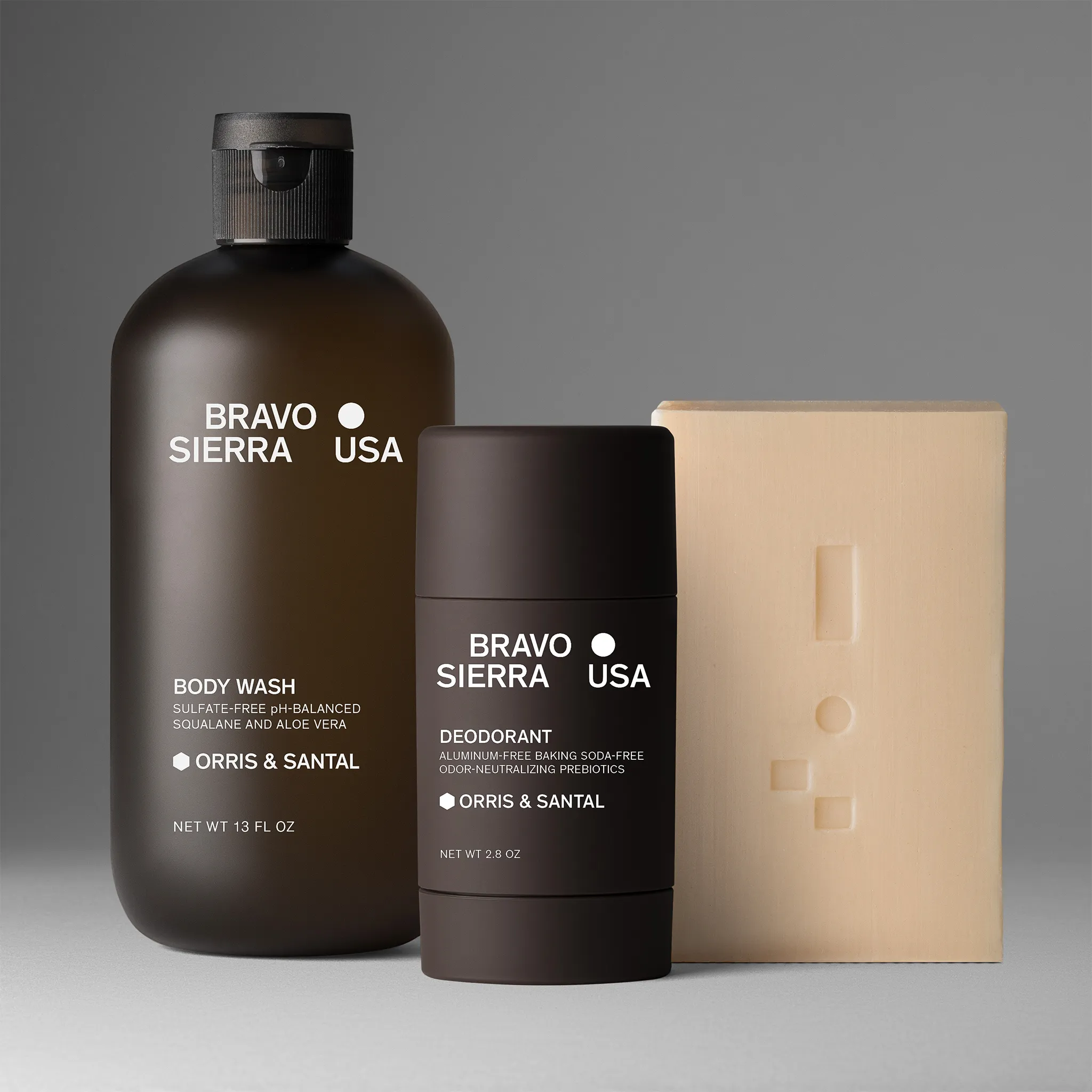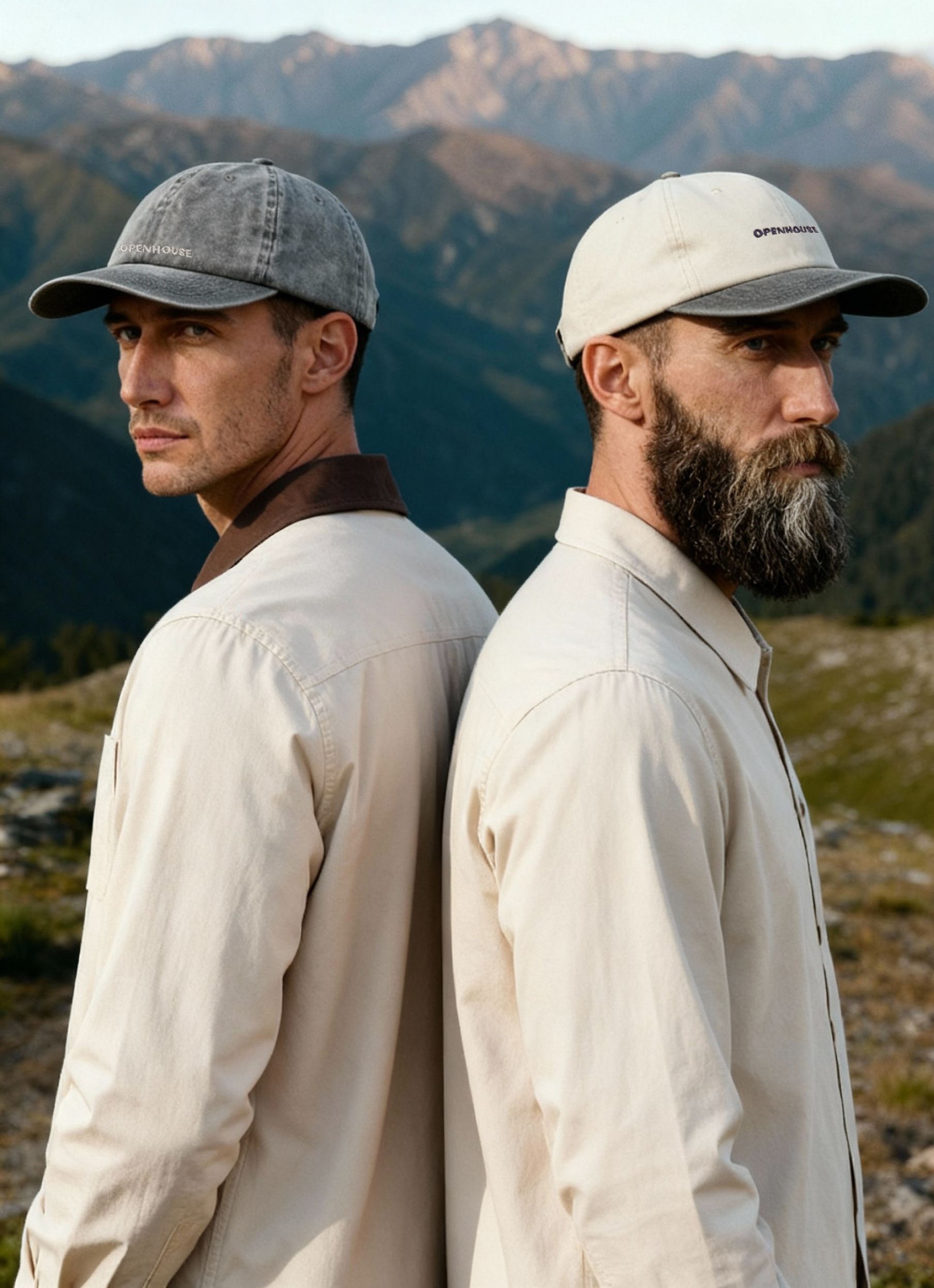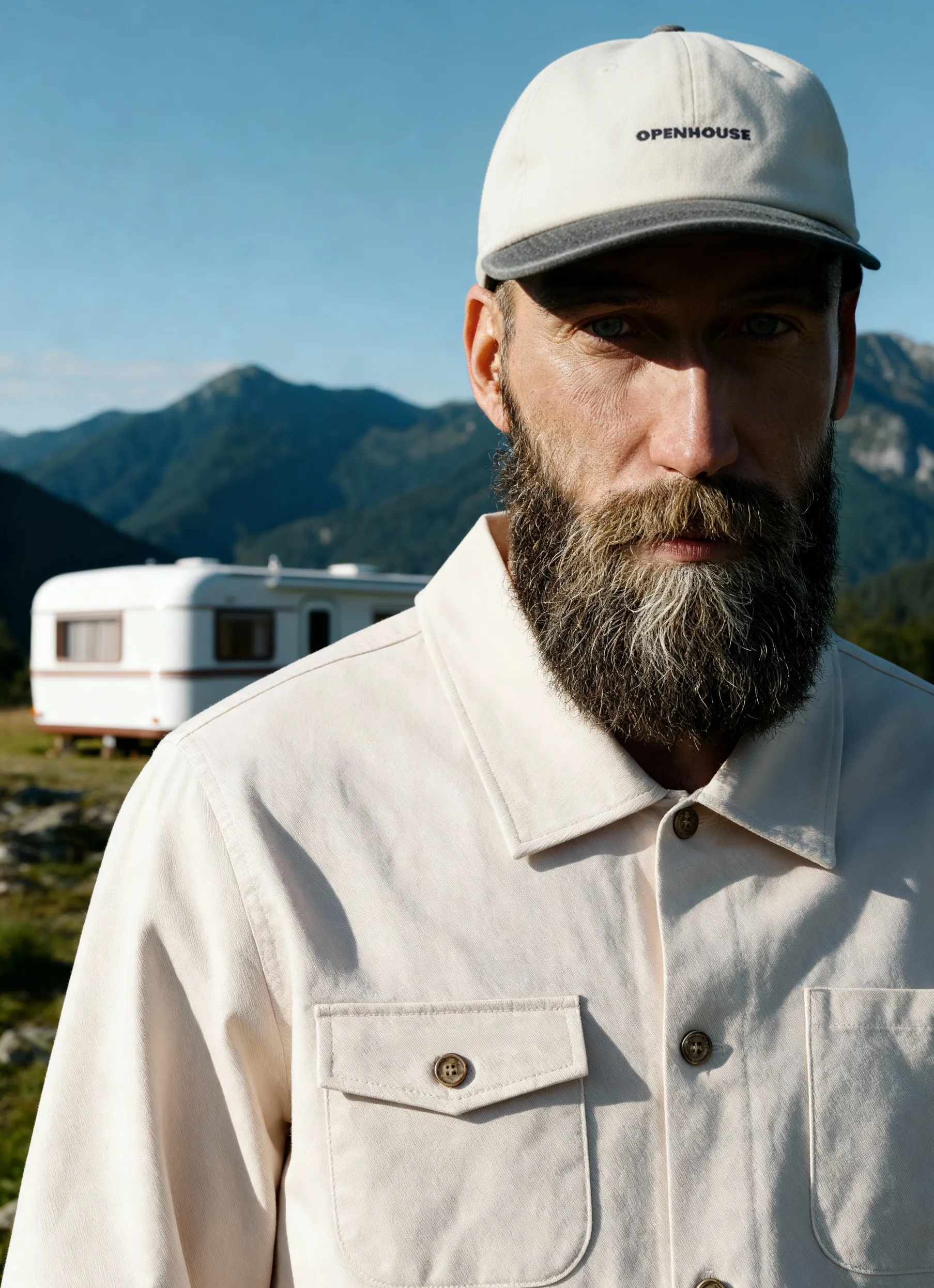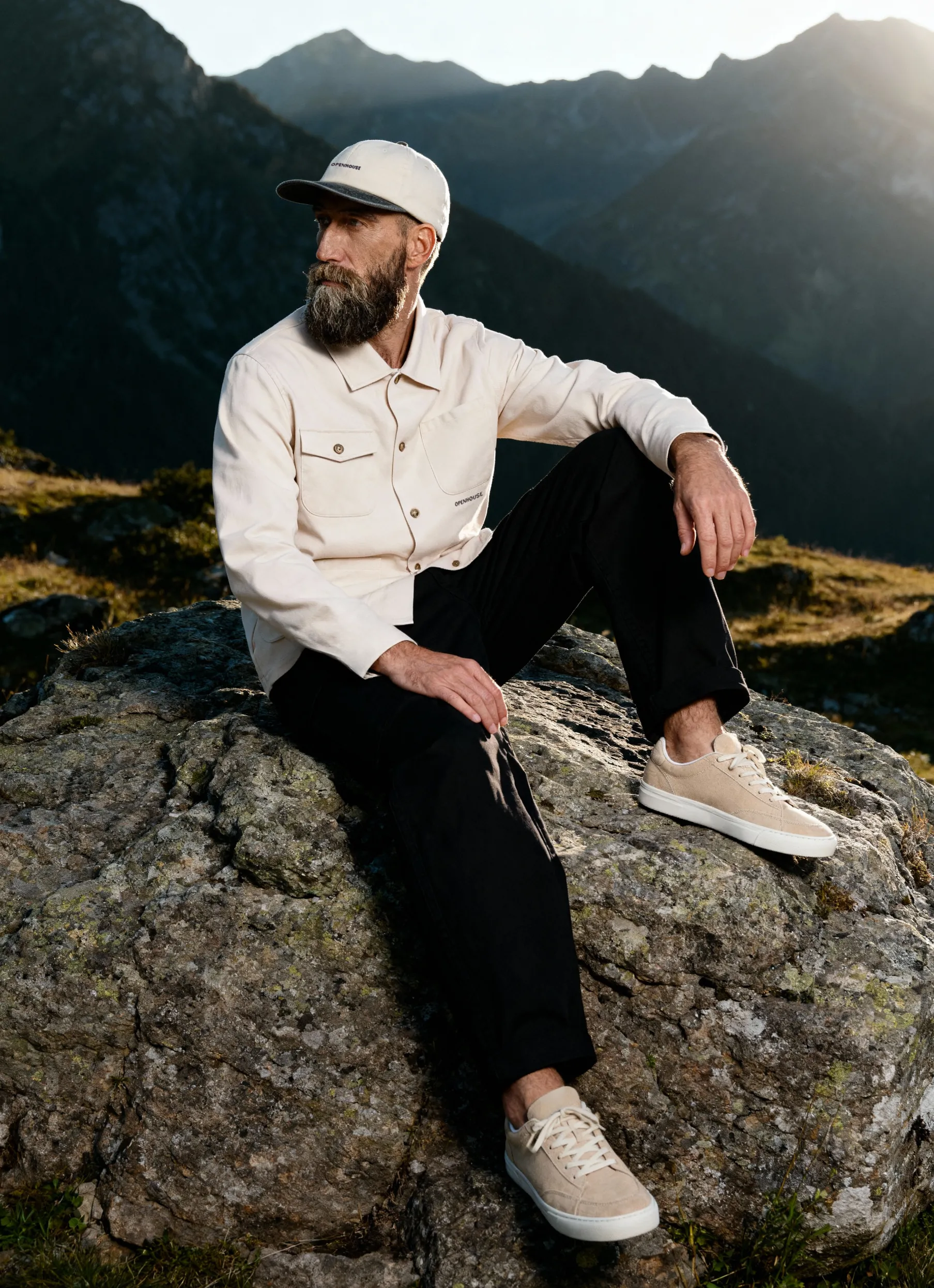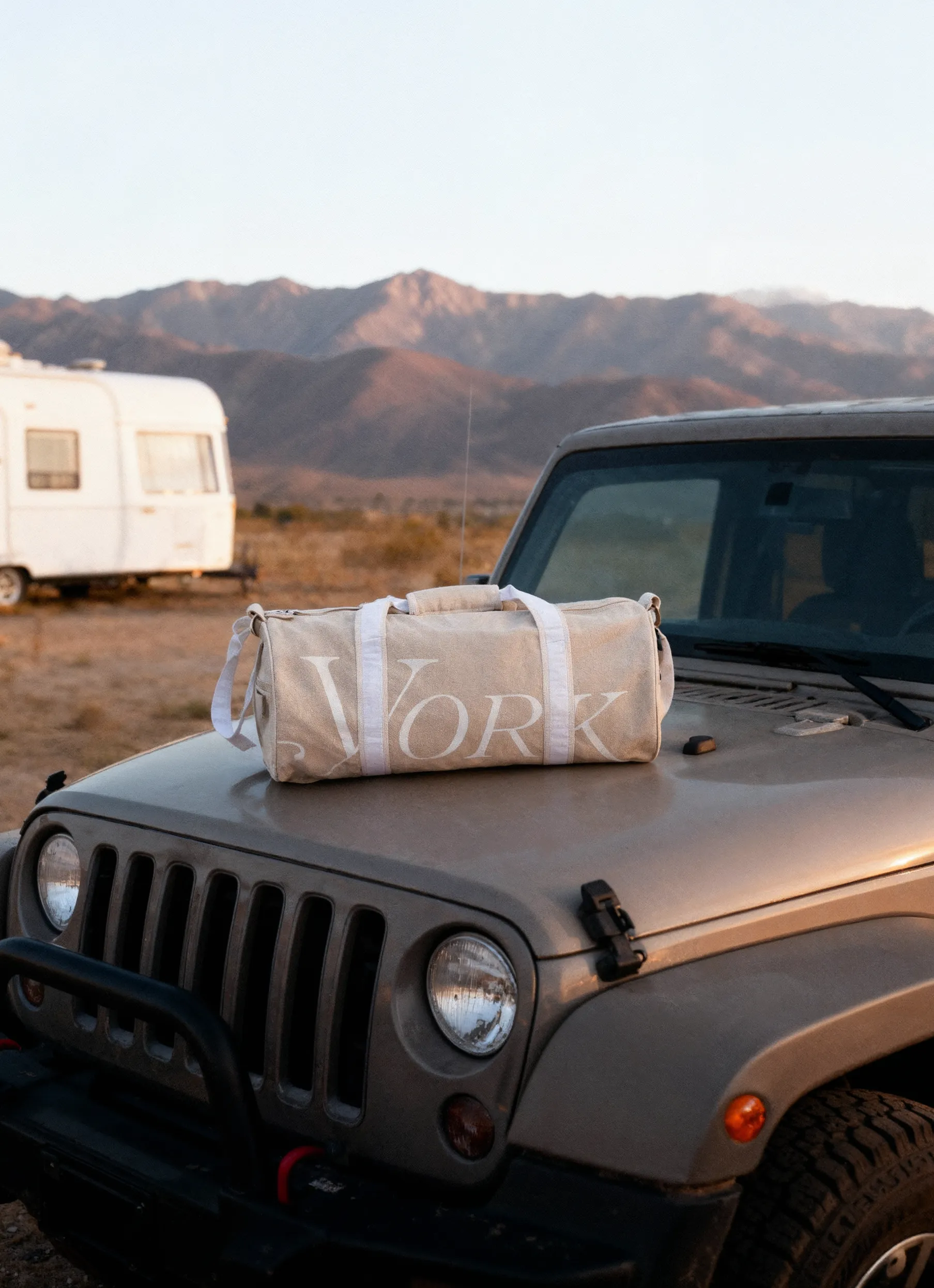


Most e-commerce stores don’t lose customers because the product is bad. They lose customers because the visuals don’t answer basic questions fast enough.
If you’ve launched an online business, set up checkout, and started getting traffic, but your conversion rates are still below target, the issue is often not pricing or product-market fit. It’s the gap between what online shoppers need to see and what your current visual content actually shows.
Product photography isn’t decoration. It is a system that supports performance across the funnel: ads, product pages, email, and retargeting. Done right, it improves click-through rate, reduces cart abandonment, and lowers returns because customers understand what they’re buying before they commit.
In this guide, we break down which product images are required for each category — with a practical checklist you can use to build galleries that are UX-friendly, conversion-driven, and scalable for your ecommerce business.
We’ll cover product images for:
- Bags
- Beauty & cosmetics
- Clothing
- Shoes
- Household goods
- Jewelry
- Hats
- Belts
- Glasses & sunglasses
- Drinks & packaged food
- Books & magazines
- Watches
Why Product Images Matter (In Metrics, Not Opinions)
Product images influence performance by reducing uncertainty.
Your customer is trying to answer the same questions quickly:
- What exactly is it?
- What does it look like in real life?
- What’s the size?
- What’s it made of?
- Will it match what I expect when it arrives?
If your gallery doesn’t communicate these product details, customers hesitate. Hesitation shows up as bounce rate, cart abandonment, and lower conversion rates.
Photography also shapes your brand image. When images are inconsistent across SKUs — different lighting, mismatched cropping, shifting backgrounds — the store feels less reliable. Even if your product is excellent, the presentation signals operational chaos.
That’s why high-performing brands treat visuals as a set of brand rules: clear standards for angles, lighting, backgrounds, and retouching. This creates brand consistency, which supports trust and long-term brand recognition.
The Three Image Types Every Store Uses (Whether You Plan It or Not)
You’ll see dozens of labels for product photography styles. In e-commerce, most image libraries fall into three functional groups:
1) Studio Product Images (Usually on White)
These are your baseline images: consistent angles, clean backgrounds, accurate color, minimal distraction. They support:
- PDP galleries
- marketplaces
- retargeting ads
- catalogs and collections
If you’re missing a clean studio baseline, your store will feel visually unstable — and your product pages will underperform.
2) Lifestyle Photos (Context)
Lifestyle photos show the product in a real environment or paired with relevant items. They help customers imagine ownership and understand use cases. They’re especially effective for:
- prospecting ads
- landing pages
- social media content
3) In-Use / Action Images (Product in Action)
These show the product being worn, applied, used, opened, poured, assembled, or interacted with. They reduce uncertainty fast and typically perform well in a marketing campaign, especially when users need reassurance before buying.
You don’t need all three for every SKU on day one. But you do need to know what job each image is doing — and build your gallery around that.
The Universal Minimum Set
If you want a practical baseline, start here. This is the minimum set that covers core PDP needs for most stores:
- Front/hero view
- Back view (or alternate angle if “back” isn’t relevant)
- 3/4 angle (adds depth and shape clarity)
- Detail close-up (materials, mechanisms, stitching, finishes, label text)
- Scale cue (on-body, in-hand, or next to a known object)
- Packaging shot (especially for gifts, cosmetics, premium items)
This set exists to communicate the right product details without forcing customers to “guess.”
Scaling Your Visual Content Without Losing Consistency
Most growing brands hit the same wall: you need more images for more channels, faster — but you also need consistency across SKUs.
This is where smart production systems matter.
Two common accelerators:
- Background removal to create clean studio images consistently across a catalog
- Background generator to create controlled variations for ads or seasonal campaigns using existing product photos
Used correctly, these tools help brands scale visual content without launching a new photo shoot every time. The key is to apply them within strict brand rules so the output still looks like your brand — not a random collage of inconsistent visuals.
Category Requirements: What Images You Need (With Recommended Counts)
Below are PDP-focused shot lists. These can be shot in a studio setup (often on white) and expanded with lifestyle/action where needed.
Bags: Product Images for Online Stores
Bags vary in shape, but buyer questions are predictable: silhouette, capacity, interior, strap, closures, and branding.
Recommended minimum: 7 images
Shot list
- Front (strap hidden or partially visible)
- Front (strap fully visible)
- 3/4 front
- Back
- Interior (open bag, clearly lit)
- Close-up details (zipper, stitching, hardware)
- Logo/brand mark close-up
Optional high-impact additions
- Lifestyle photo on-body (crossbody/tote)
- Capacity cue (what fits inside)
Beauty & Cosmetics: Images That Replace “Try Before You Buy”
Beauty is a high-uncertainty category. Your visuals need to simulate texture, finish, and trust.
Recommended minimum: 7 images
Shot list
- Front with cap/lid on
- Front without cap/lid (cap next to product)
- 3/4 angle (cap off)
- Fully packaged (box + product)
- Texture/swatch (smudge, smear, powder texture)
- Detail close-up (label, finish, reflective surfaces handled cleanly)
- Group shot (shade range or collection)
Why it matters
Beauty returns increase when the product looks different from what was expected. Accurate color and clear product details protect conversion rates and reduce refunds.
Clothing: What Apparel Shoppers Expect
Apparel customers need to understand fit, drape, texture, and construction. The right format depends on the garment's structure.
Women’s clothing
Often best as a ghost mannequin or model.
Recommended minimum: 4–6 images
- Front
- 3/4 front
- Back
- Detail close-ups (fabric, seams, closures)
- Optional: inside construction (premium garments)
Men’s clothing
Often works as flat lay or ghost mannequin.
Recommended minimum: 4–6 images
- Front
- 3/4 front
- Back
- Detail close-ups
Kids/teen clothing
Often photographed flat lay or on a hanger.
Recommended minimum: 5 images
- Front
- Back
- Detail close-ups
- Optional: size cue
Lifestyle photos can be especially effective here for ads, because context improves comprehension fast.
Shoes: E-commerce Standards That Reduce Returns
Shoes require multi-angle coverage and strong detail representation.
Recommended minimum: 6–8 images
- Left 3/4 front
- Right 3/4 front
- Side profile
- Back
- Top view (pair)
- Outsole
- Detail close-ups (stitching, material, branding)
Shoe buyers look for construction proof. If you hide it, you pay for it later in returns.
Household Goods: Keep It Clear, Prove Scale
This category spans everything from organizers to tools. The core requirements stay the same: clarity, scale, and functionality.
Recommended minimum: 5–7 images
- Front
- 3/4 front
- Back (or underside if relevant)
- Detail close-ups (buttons, texture, attachments)
- Scale cue (in-hand or in-room reference)
- Optional: group shot (color variants or set contents)
Jewelry: Details Are the Product
Jewelry is a trust category. Your visuals must communicate craftsmanship.
Pendants & necklaces (minimum 4 images)
- Full product top view
- “V” shape showing pendant + chain drape
- Detail close-ups (main element, stone setting)
- Clasp close-up
Earrings (minimum 3–4 images)
- Front
- Pair composition (one front, one 3/4)
- Back (closure)
- Optional: scale cue
Rings (minimum 2–4 images)
- Front (standing or lay-flat)
- 3/4 angle
- Optional: engraving/hallmark
- Optional: prong/stone detail
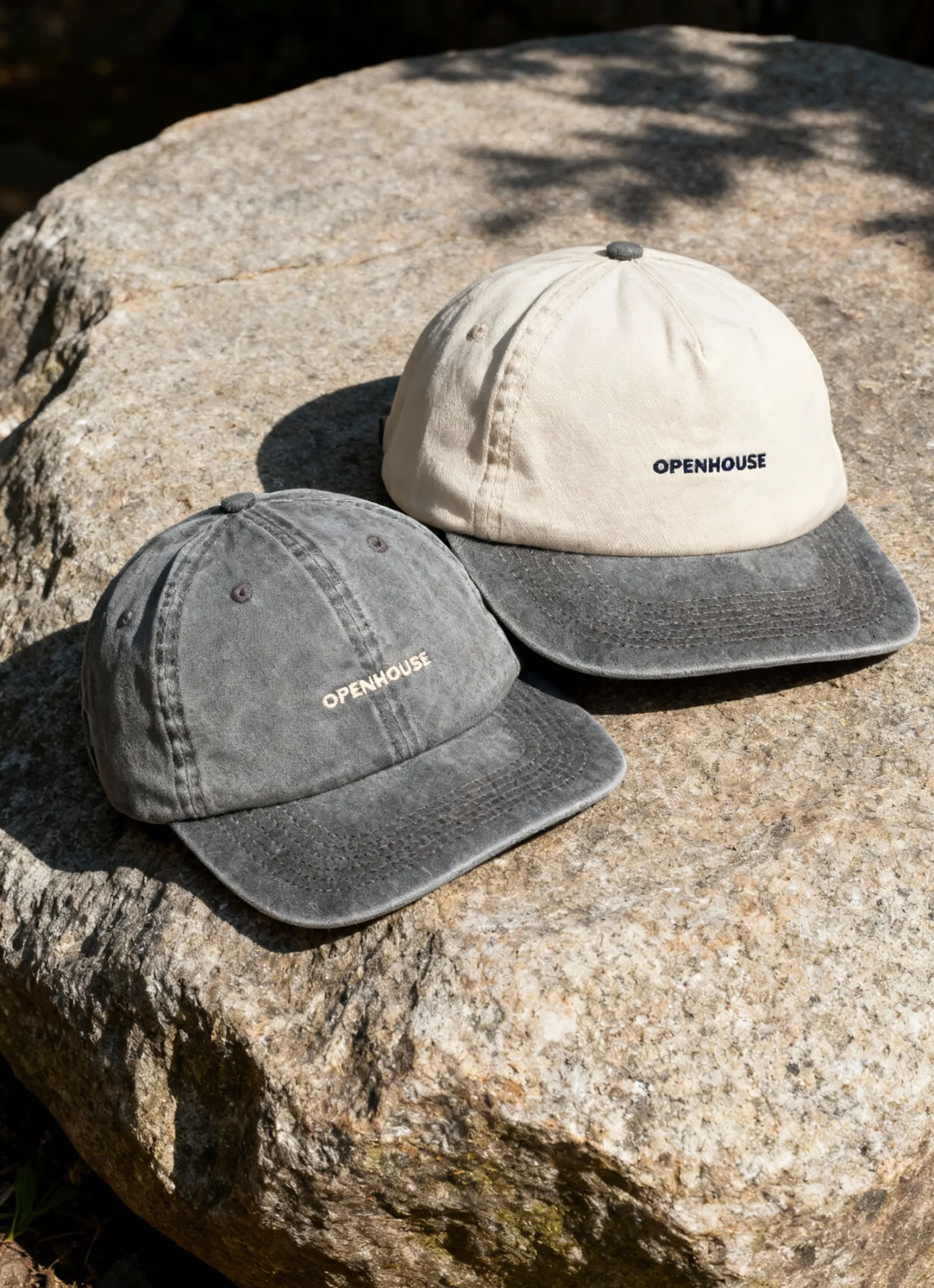
Hats: Utility vs Statement Changes the Shot List
Recommended minimum: 4–6 images
- Front
- Back
- Detail: fabric texture
- Detail: logo/embroidery
- Optional: on-body scale (strongly recommended for fashion hats)
Lifestyle photos are not optional for statement hats if you want them to perform in ads.
Belts: Show the Buckle, Material, and Finish
Recommended minimum: 5 images
- Rolled belt
- Buckle close-up
- End tip + hole section
- 3/4 angle showing buckle thickness
- Logo/branding detail
Glasses & Sunglasses: Reflections Will Make or Break the Set
Recommended minimum: 6 images
- Front
- 3/4 front (slightly above)
- Side profile
- Back 3/4
- Hinge/arm detail
- Logo detail
Prep matters. If the images show fingerprints or uncontrolled reflections, the store reads as low-trust.
Drinks & Packaged Food: Label, Ingredients, and What’s Inside
Recommended minimum: 6 images
- Front
- 3/4 front
- Back (nutrition/ingredients)
- Back 3/4
- Detail close-up (cap, seal, texture)
- Product next to packaging (if applicable)
Add lifestyle photos (pour shot/serving scenario) for marketing campaigns.
Books & Magazines: Visuals Aren’t the Differentiator — Professionalism Is
Recommended minimum: 5 images
- Front cover
- Spine
- Back cover
- 3/4 angle
- Optional: interior spread (if design matters)
Watches: Precision, Finish, and Mechanism Details
Recommended minimum: 6–7 images
- Front (strap fastened)
- 3/4 front
- Back
- Top view (strap unfastened)
- Dial close-up
- Crown/clasp close-up
- Optional: caseback or movement detail
Watches sell on finish quality. Your image set must prove it.
How to Choose What to Shoot First (PDP vs Ads vs Social)
If you’re prioritizing, use this rule:
If the goal is product page conversion:
Start with studio images + details + scale.
If the goal is a marketing campaign:
Add lifestyle photos and in-use images.
If the goal is ongoing content:
Build repeatable variations that follow brand rules (consistent cropping, lighting, and background approach) to protect brand consistency.
DIY vs Professional Product Photography
DIY can work early — as long as the images are consistent, accurate, and clear.
But as your e-commerce business grows, two issues show up fast:
- inconsistency across SKUs
- a gap between your brand image and your photo quality
This is where professional production makes the difference. Strong visuals improve conversion rates, reduce returns, and give you reusable content for ads, PDPs, and campaigns — without rebuilding everything each time.
At Squareshot, we build image sets around performance requirements: clarity, consistency, category norms, and scalable production. Fast turnaround and transparent pricing are part of the system — not a bonus.


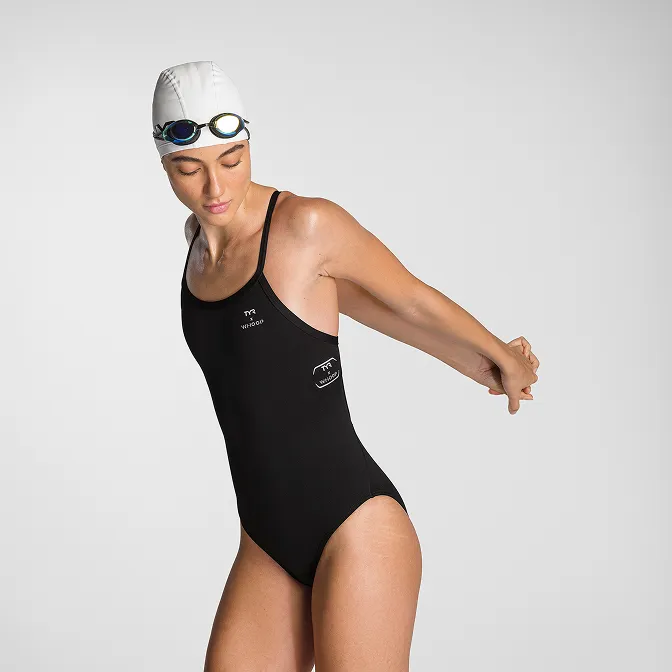
Product A
SQUARE SHOT