
Product photo retouching plays a supporting role in great imagery — not a starring one. When done well, it refines details and ensures consistency, much like a finishing touch that elevates the final result. But it’s often misunderstood as a fix-all solution for weak photography, styling, or lighting. In this article, we’ll clarify what retouching can — and can’t — do, so you can set the right expectations and get more value from your visuals.
Here are a few fundamental statements to set up the framework:
- High-end retouching services are expensive and time-consuming. They’re pricier than photography services and even 3D graphics sometimes.
Tip: Do your best during the prep stage (ironing, dusting) and the photoshoot (lighting, positioning, makeup) to minimize the need for additional edits.
- Retouching is not meant to recreate an image you only imagine in your mind. It’s there to improve the representation of your product in a photo. The quality of the input directly affects the quality of the output. The better the source image, the greater the likelihood that post-production efforts will result in desired improvements.
Tip: Don't assume that Photoshop will fix it all – there are limitations, discuss them with your photography service provider to know the boundaries.
- Any product image needs some basic photo retouching. Dust specks and scratches, invisible to the eye, transform into glaring faults in a high-resolution isolated image. Nothing is perfect.
Tip: Always check with your product image studio or a freelance photographer about their pricing and terms for basic and premium photo editing services.
With the fundamentals established, let’s get into the details that make a real difference.
What is photography retouching
Photography retouching, often called photo editing, is the process of refining digital images to improve how they look and perform visually. It isn’t one single action, but a combination of adjustments that make an image cleaner, clearer, and more consistent.
At its core, retouching helps photographs appear more polished while staying true to the real product. This can involve resizing images for different platforms, correcting color settings so they look accurate on screen, or subtly adjusting shapes for better composition.
It also includes removing small imperfections — such as dust, scratches, or distracting elements — that could take attention away from the product itself.
To do this work, professionals commonly use tools such as Adobe Photoshop, which has become an industry standard for precise, controlled post-production and image editing.
Why is photo retouching important
A crispy, vibrant image with color correction attracts a buyer on social media, keeps a user browsing your online store by zooming in on details, and ultimately persuades a potential customer to convert through pixel-perfect quality. One way to see the impact of retouching is by breaking it down into four key areas, beginning with visual appeal.
Visual Appeal
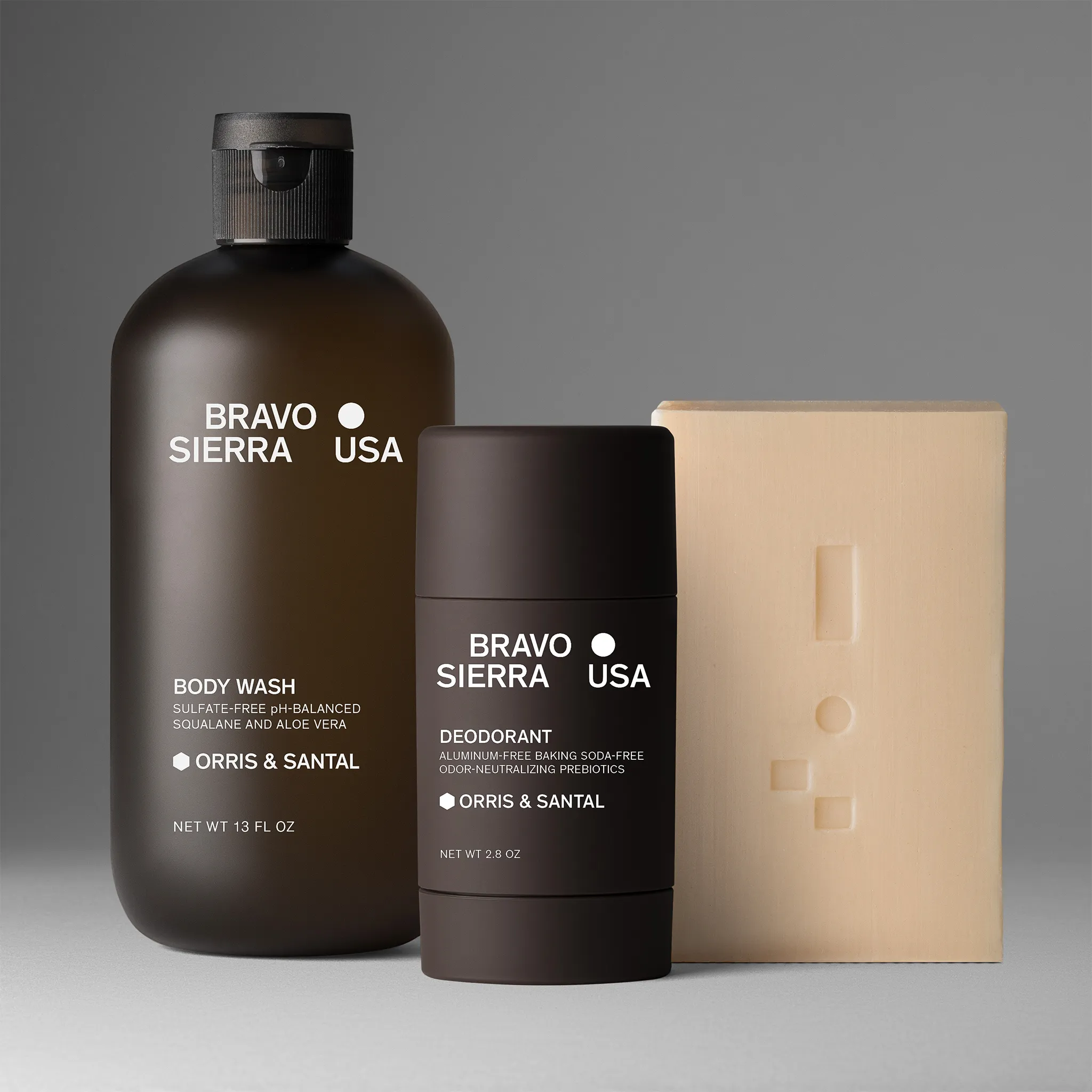
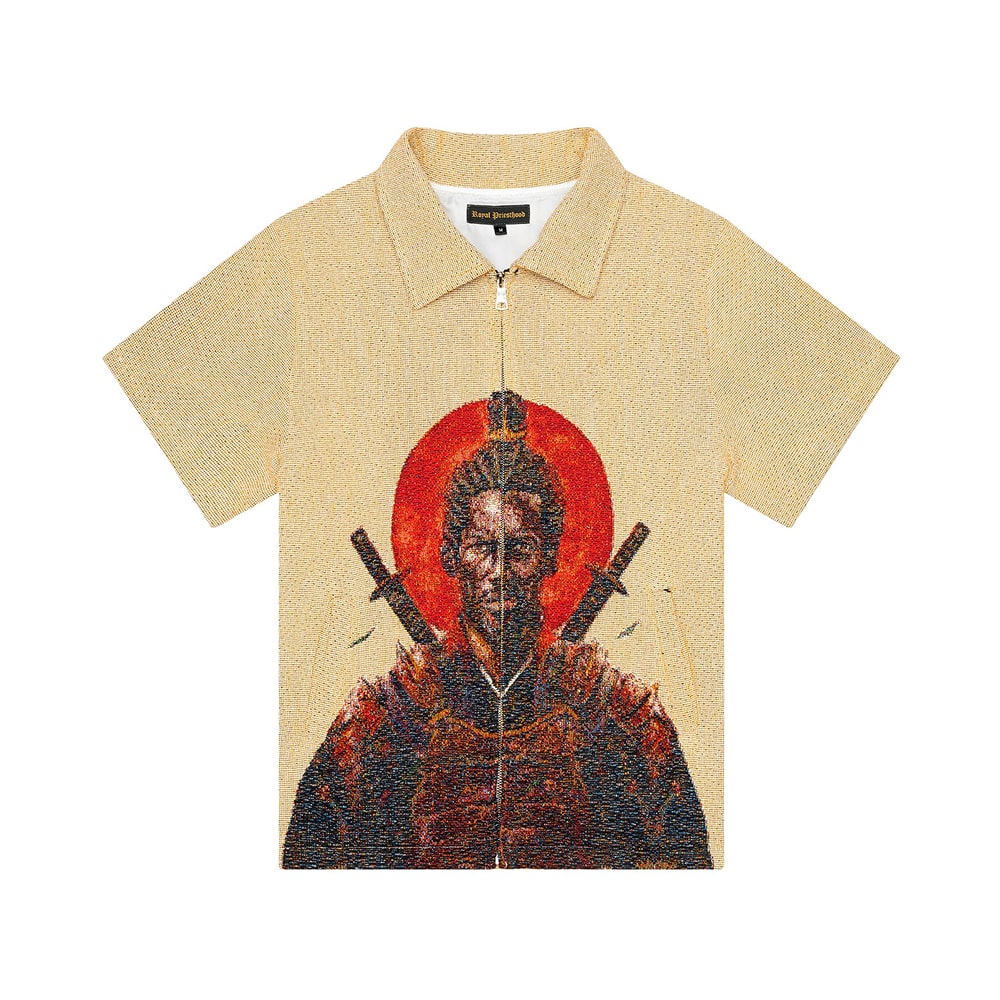
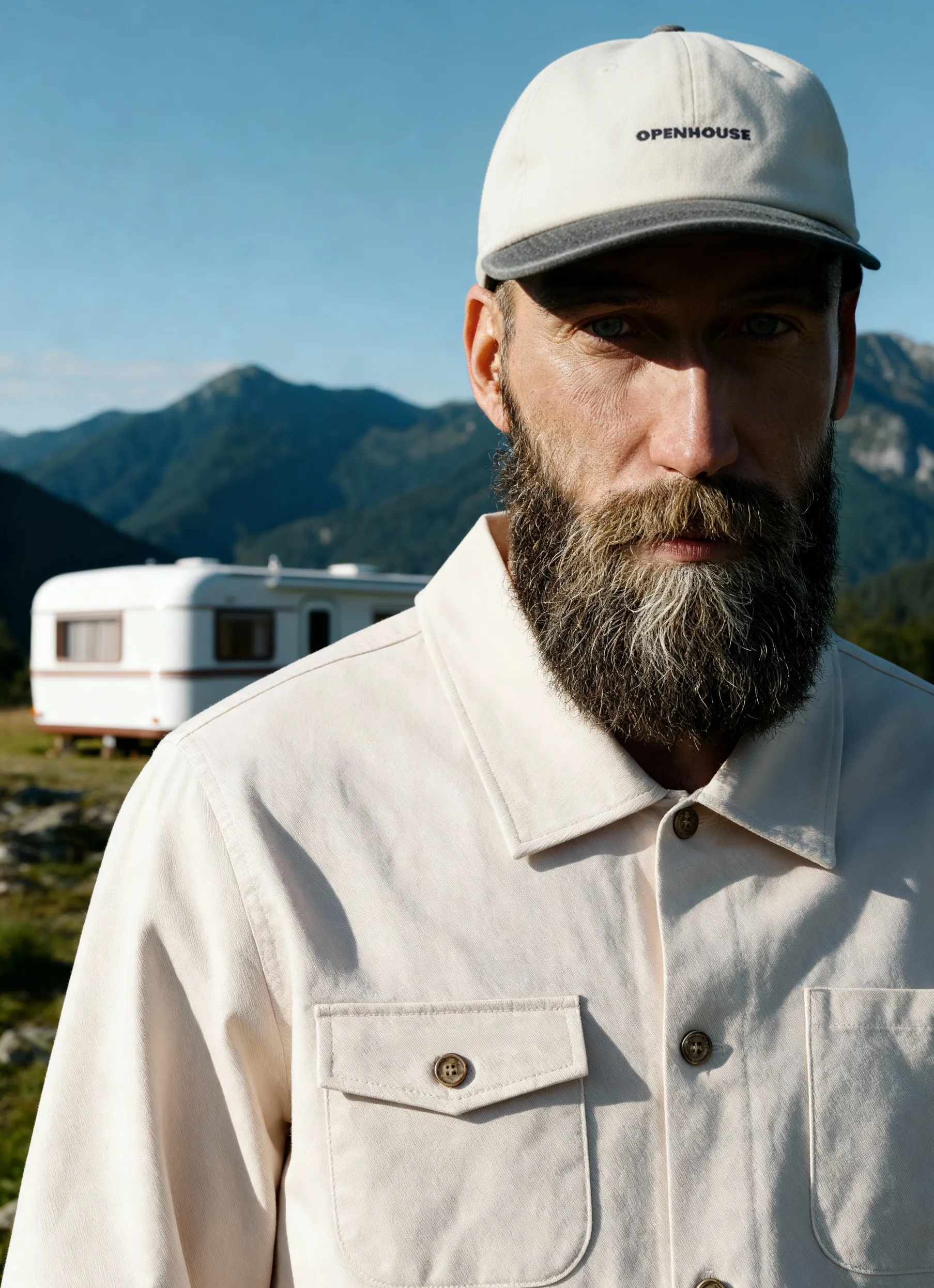
See how unappealing a product can be without post-production? Meanwhile, retouching completely transforms the image.
Brand Recognition
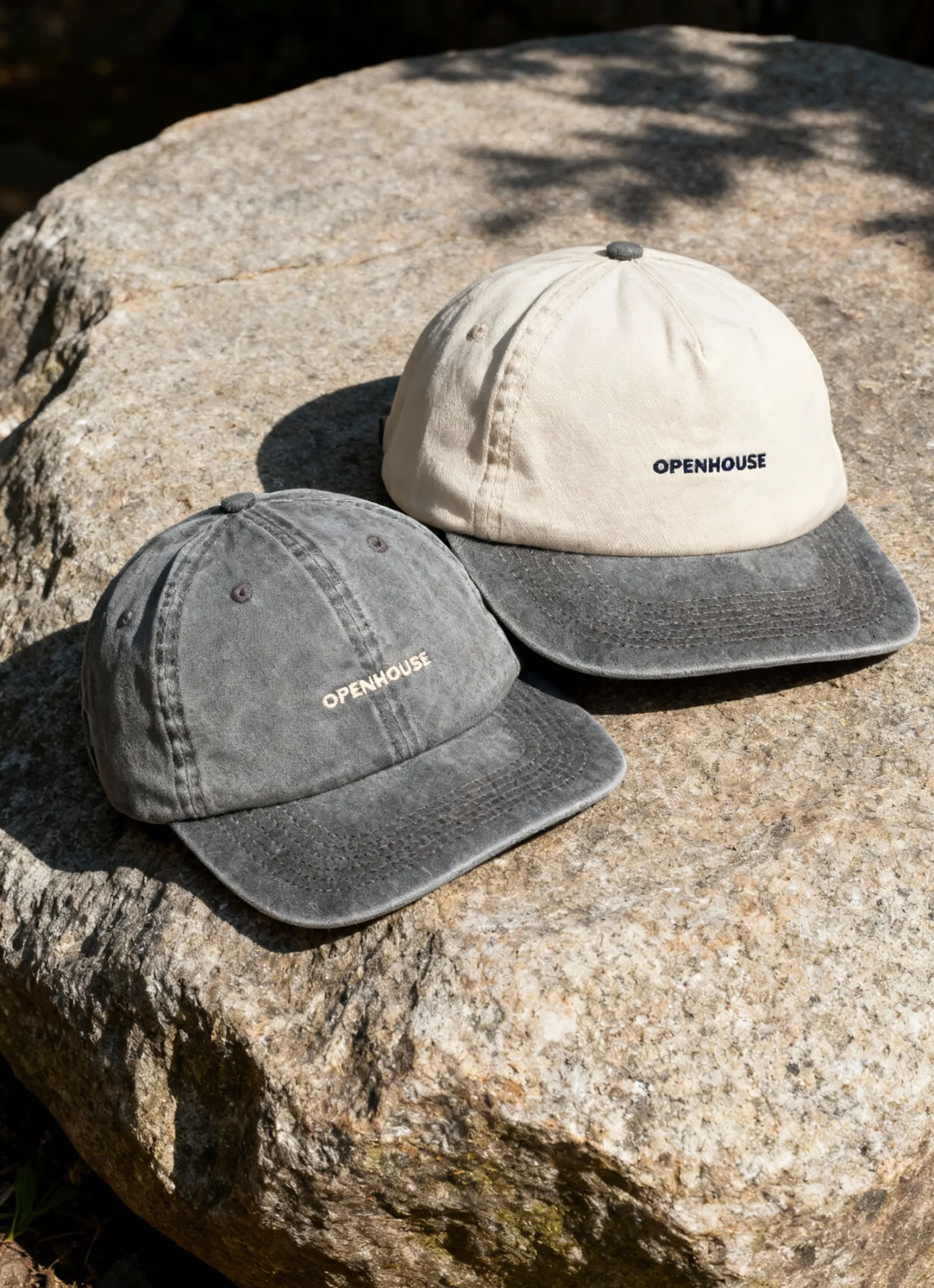
Establishing a brand identity through retouching patterns can benefit your marketing. Colored backgrounds, custom margins, and a unique approach to shadows — all of these elements can contribute to your brand awareness.

Bridging the Gap Between Online and Offline
The zoom feature available on many marketplaces helps bridge the gap between online and in-person shopping by letting customers inspect details up close.
Marketplace Standards and Technical Requirements
Sizing, background restrictions, file formats, and resolutions can all be fixed during post-production. Many marketplaces have numerous technical requirements that merchants must meet to use those channels.
What Does Product Photography Retouching Include
To start with, there are basic and advanced editing services. Let’s see what services are included in each of these categories.
Basic Photo Editing Services
This applies to all product images and is often included in standard per-image pricing. It includes:
- Color corrections stage. Adjusting exposure, intensity, detailing, and shadows. Often used for images handed over as RAW files. The mission of photo retouchers here is to make an image vibrant, make it pop.
- Product cleanup. Removing defects and imperfections from an object, such as dust specks, scratches, and the like.
- Resizing and saving in a specific file format. These technical requirements depend on the channel for distributing images, whether a marketplace, social media, or a big board format.
Advanced Photo Editing
What is high-end retouching? Below, we list some of the manipulations performed as an extra step, at an additional charge.
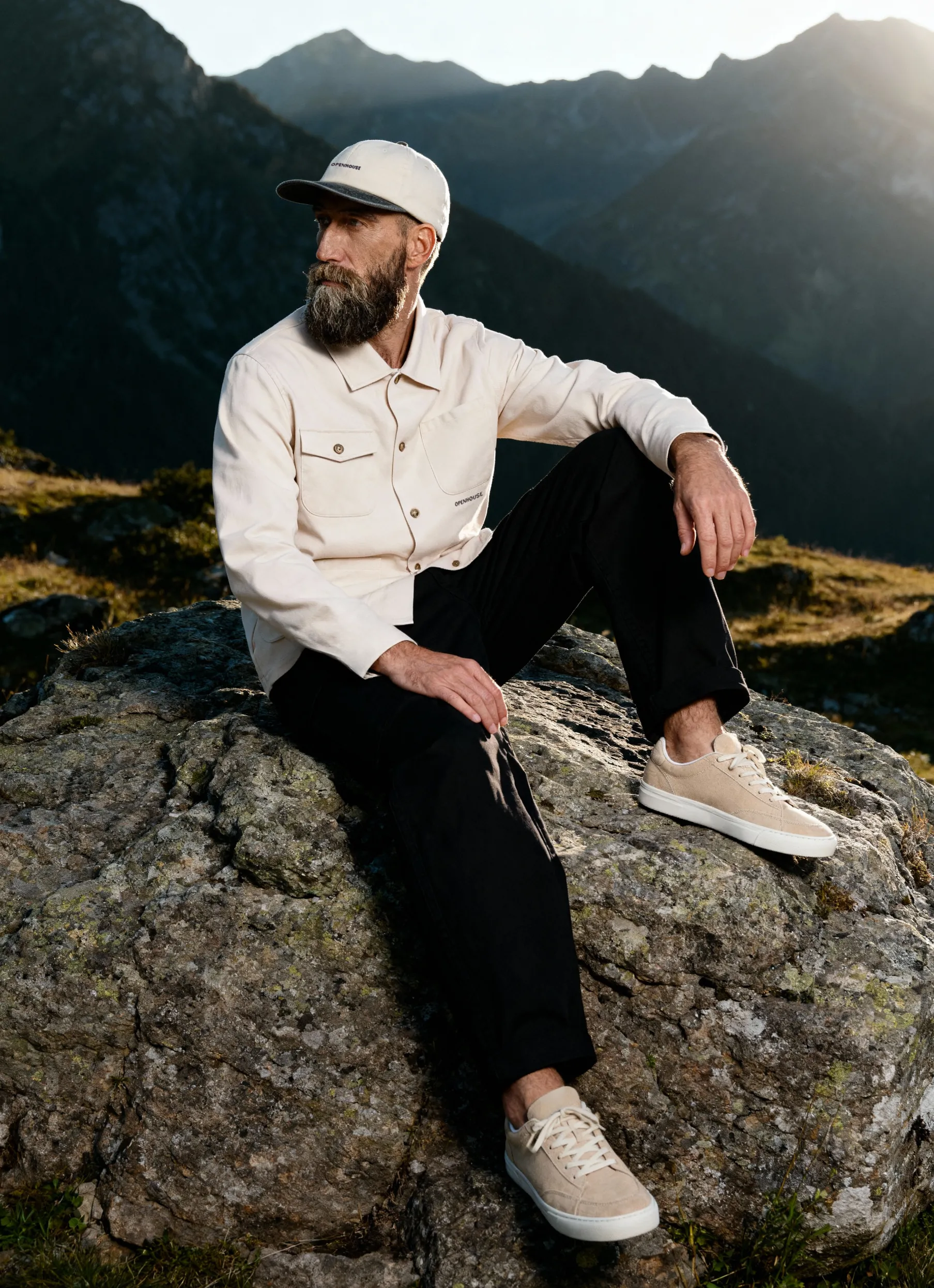
It is typically used for beauty shoots, portraits, model images, hero shots, and outdoor advertising images. These are more complex, time-consuming product photo editing services that transform images rather than just improve them.
- The ghost mannequin effect describes a series of manipulations in which a piece of clothing appears to be worn by an invisible person.
- Wrinkle removal is another complex editing technique whereby a wrinkle may be fully ironed out or partially smoothed.
- Shape & silhouette correction is applied to handbags and garments, usually, where a shape needs a bit of straightening. A basic manipulation can be applied for easy cases in small sizes, but complex masking and path techniques are required for pixel-perfect results at bigger resolutions.
- “On model” shots retouching is a multi-step process that includes a perfect fit of a product on a model.
- Dodge and burn [D&B] is a technique used for portraits and lifestyle shots, whereby a product photo editor uses a combination of Photoshop techniques to provide depth by applying dark and light accents to an image.
- Background removal with masking or clipping path techniques is performed to remove a complex background or to have an isolated image for a social media collage.
While resizing, formatting, and color correction are included in the standard per-image pricing, premium retouching is often charged extra.
How Much Retouching Do I Need
Simply put, retouching needs are shaped by what you want your images to achieve and how much you’re willing to invest. From there, several practical factors determine the scope of post-production work.
1. The quality of the original image. The closer the shot is to your desired result, the less retouching it will require.
2. Where the image will live. Small marketplace thumbnails or end-of-carousel images don’t need to be pixel-perfect. But website images with zoom features do — they must be clean, sharp, and visually compelling.
3. Size and resolution. A billboard and an Instagram ad don’t need the same level of retouching. Large-format visuals reveal every detail, so they demand more precise editing.
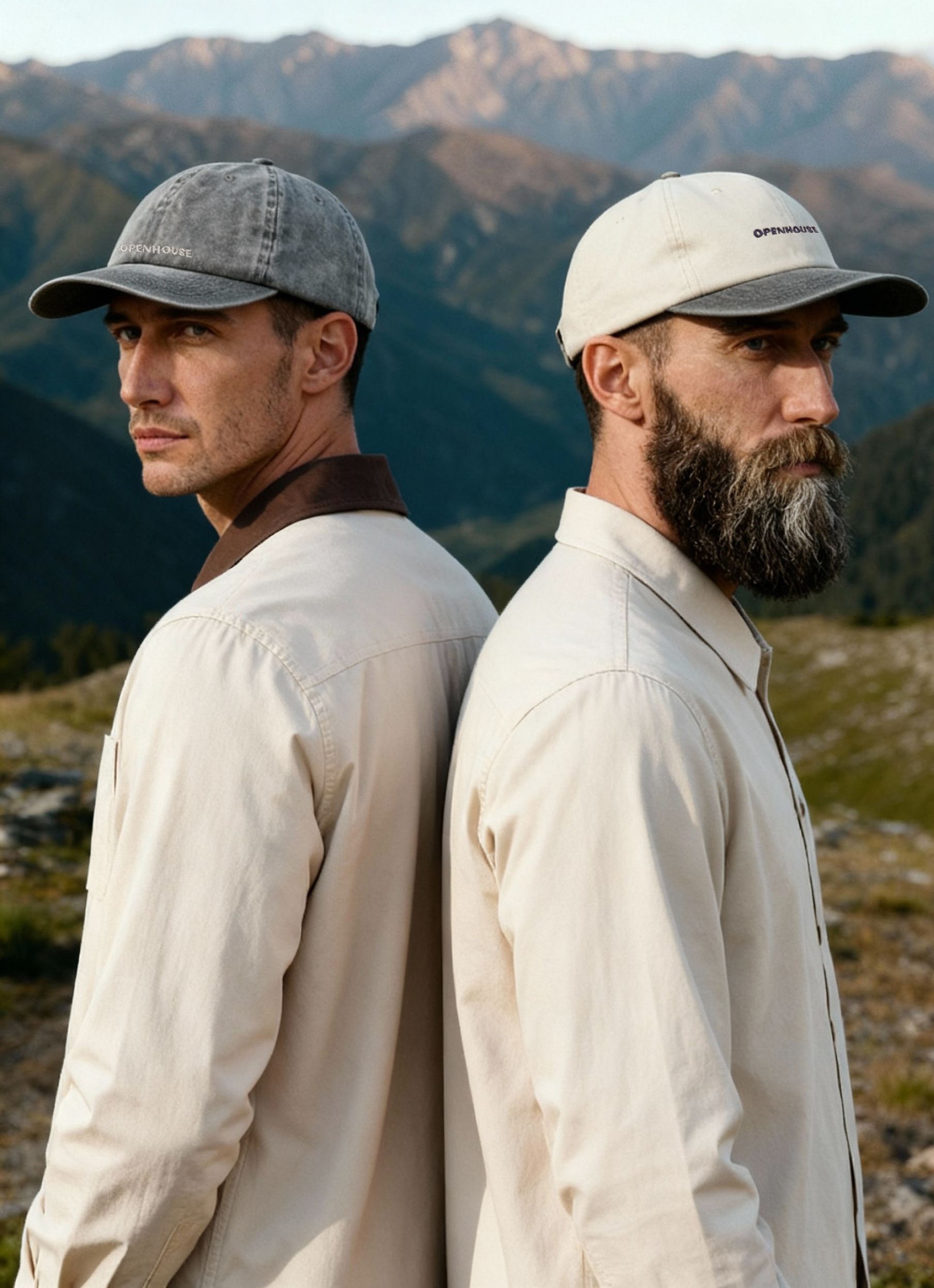
4. Type of photography. Model, lifestyle, hero, beauty, and fashion shots generally require more retouching than straightforward product images for marketplaces.
Bottom line: the better the original image, the less work retouching will need to do.
What You Should Know Before Ordering Retouching
Before placing a retouching order, it helps to align on a few fundamentals so you get the best result — and avoid unnecessary back-and-forth.
1. Understand your product’s limitations. Every product has physical realities — color, texture, reflectivity, and material behavior that cannot be fully changed in post-production. Retouching can refine what’s there, but it can’t turn one object into something it isn’t.
2. Provide a clear visual reference. Spend time finding examples that match the look you want. The best briefs include both “this is what I like” and “this is what I don’t want.” A strong reference significantly reduces guesswork in editing.
3. Describe your desired result with precision. Words like “beautiful” or “premium” are subjective. Instead, use concrete descriptions: brighter highlights, softer shadows, cleaner background, more natural skin texture, sharper details, etc. The more specific you are, the closer the result will match your expectations.
4. Start with the strongest source image possible. If you’re ordering full photography plus editing from one provider, they will typically ensure the shoot produces files that require minimal retouching.
But if you shoot elsewhere and only order retouching, the gap between your source image and your reference can become costly. In that case, the quality of the original photo is largely your responsibility — and it directly affects both results and turnaround time.
Product Retouching for E-Commerce: What Really Matters
We wish every brand would read this before booking photography or retouching — whether for a DIY shoot, a freelancer, or a professional studio. But if this guide helps even one e-commerce founder approach their visuals with clearer expectations, we consider that a win.
If you’re using post-production to help your product stand out on crowded marketplaces, strengthen your brand identity, or clean up details like dust on reflective surfaces, you’re now better equipped to make smart decisions about it.
If you want to upgrade your images with precise color correction or need a new collection photographed and edited as a complete package, our team can help. We’ll align your visuals with both your business goals and your brand strategy.


Product A
SQUARE SHOT